











Industry CRM for Real Estate Agents
Best Real Estate CRM for Realtors, Agents and Brokers
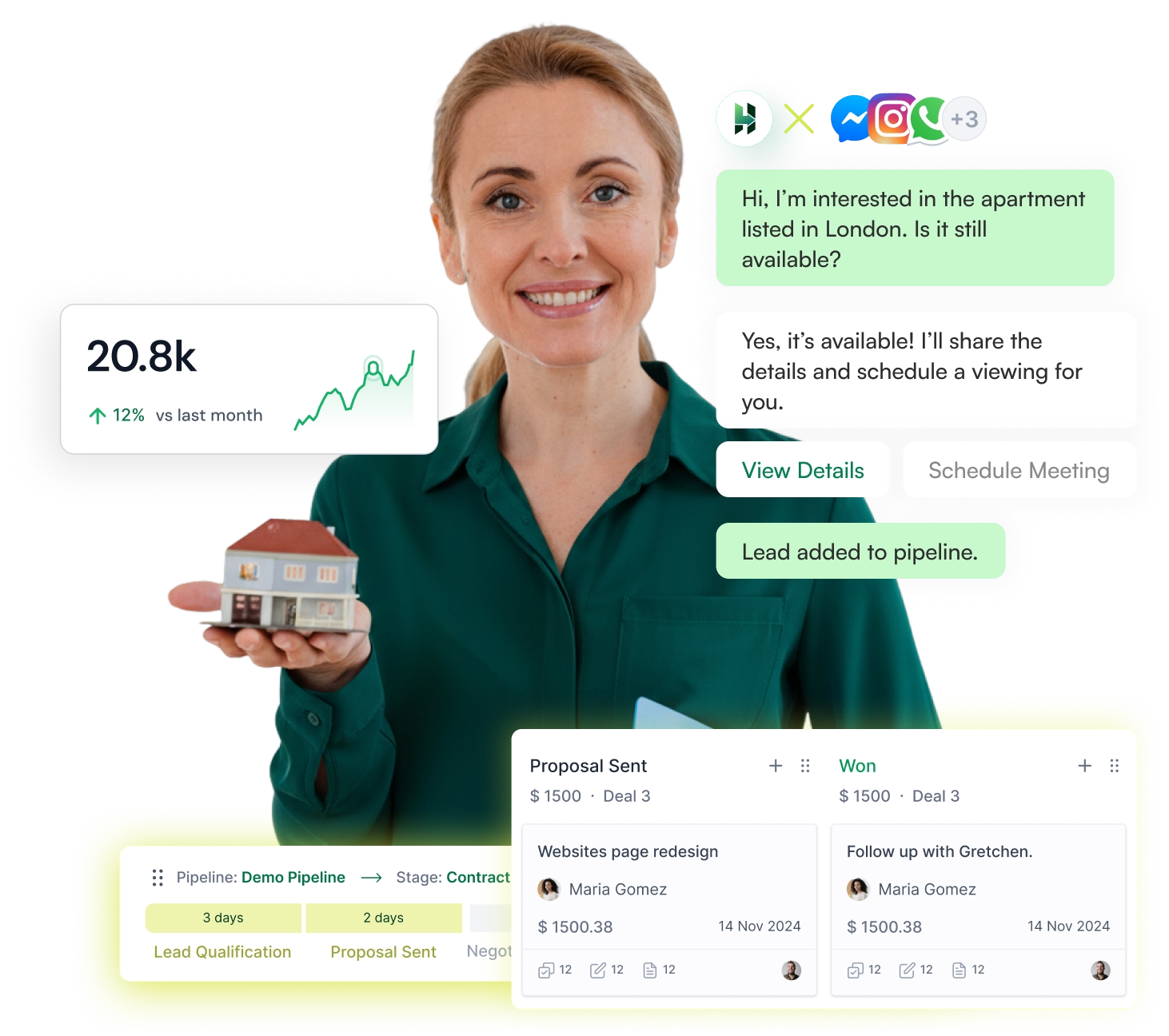
Manage property inquiries, track deals, and stay on top of follow-ups with a simple real estate CRM built for growing teams. LeadHeed CRM helps you capture leads, organize client details, and move every opportunity through a clear sales pipeline.
For Residential, Commercial and Rental Workflows
- Capture real estate leads from multiple channels.
- Organize buyers and sellers, and schedule an open house.
- Use tags and filters to prioritize your potential real estate clients.
- Move your listed properties through a clear sales pipeline.
- Manage emails and social messaging within your CRM.

Trusted and Recommended by
100+ industry leaders


Create your own modules for your real estate leads
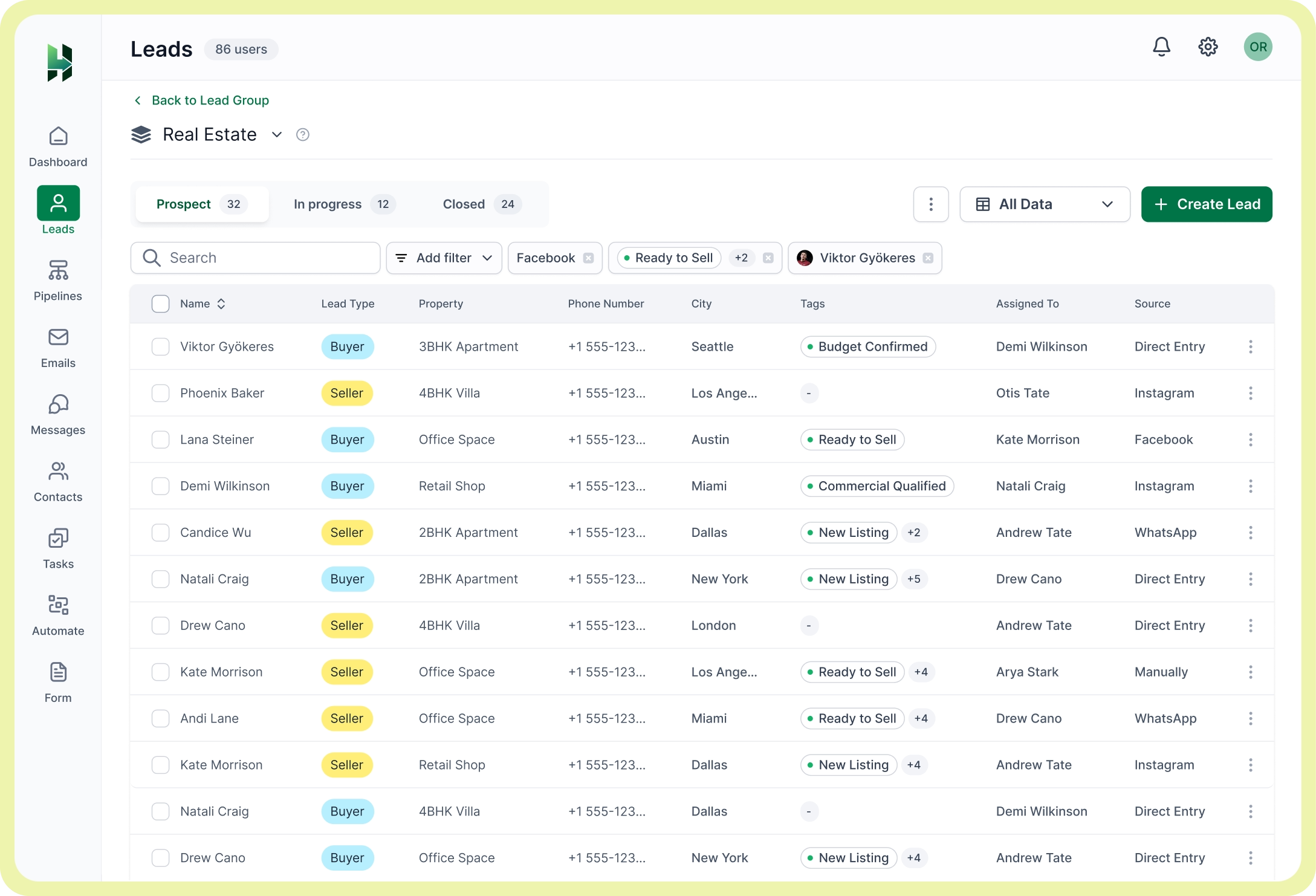
LeadHeed CRM lets you create your own modules for your real estate leads and keep the details that matter most in one clear list. Add the fields and organize leads with tags and filters for property management (for both buyers and sellers) in the best way possible.

Capture and Organize Real Estate Leads with the Right Tools
LeadHeed gives you tools to capture and manage real estate leads from multiple channels and helps you keep your data clean in one simple CRM system.
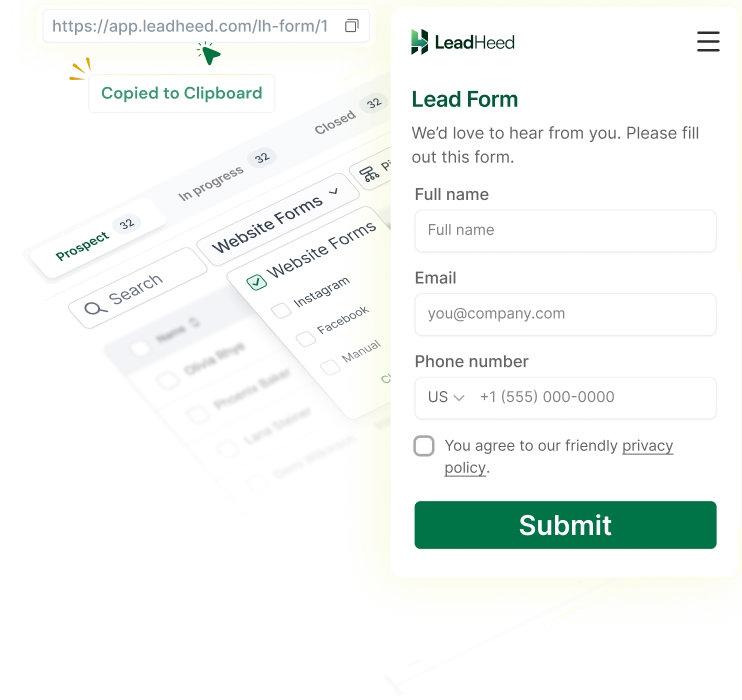
Website Forms
Create custom lead capture forms for property inquiries and collect buyer or seller details in a structured way.

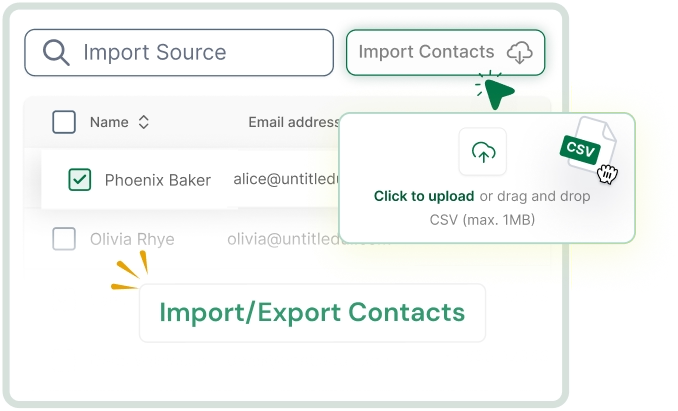
Import Contacts
Upload existing real estate leads from spreadsheets and bring them into one organized lead list.

Social Leads
Capture inquiries coming from social conversations and move them to your lead list for follow-ups.

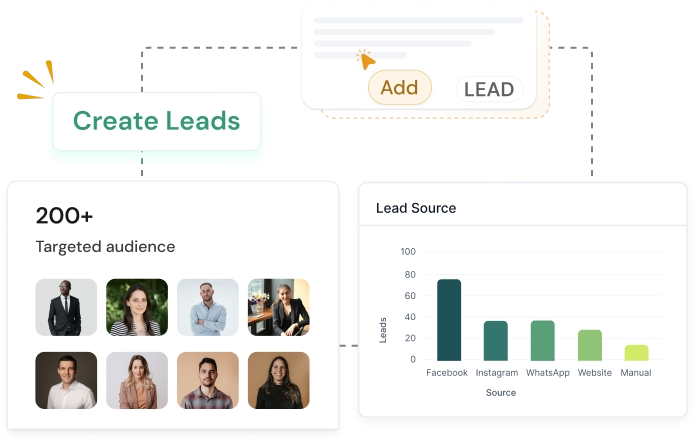
Create Leads
Create new buyer or seller leads manually when someone walks-in or contacts you directly.

Duplicate Prevention
LeadHeed validates leads and eliminates repeated records to keep your lead database clean.

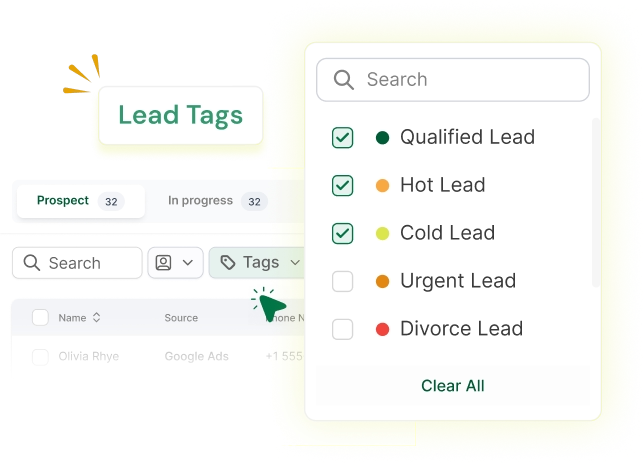
Lead Tags
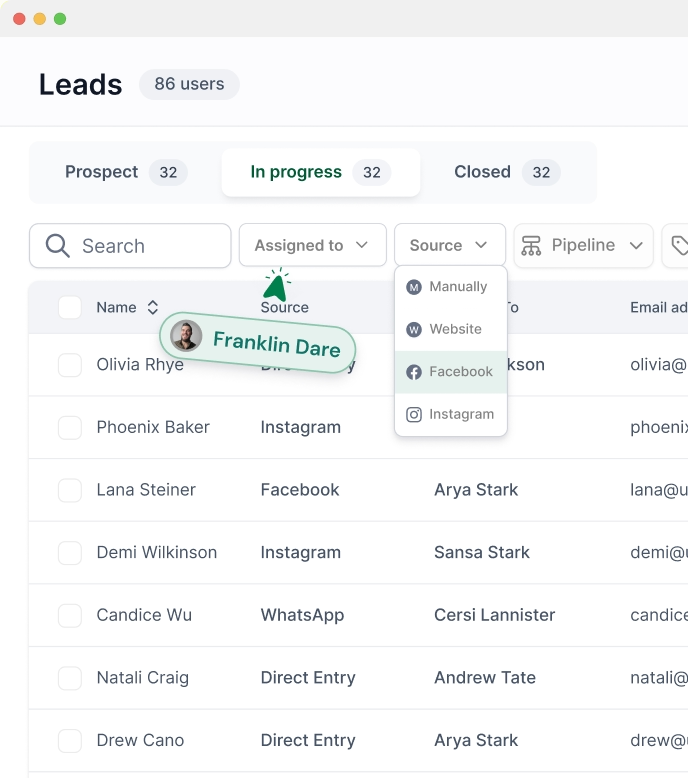
Label leads with tags like Hot, Urgent, Budget Confirmed, or Commercial for faster sorting.

Lead Segmentation
Filter leads based on date, source, tags, assigned owner, city, and more to focus on the right prospects.

Move Leads to Deals
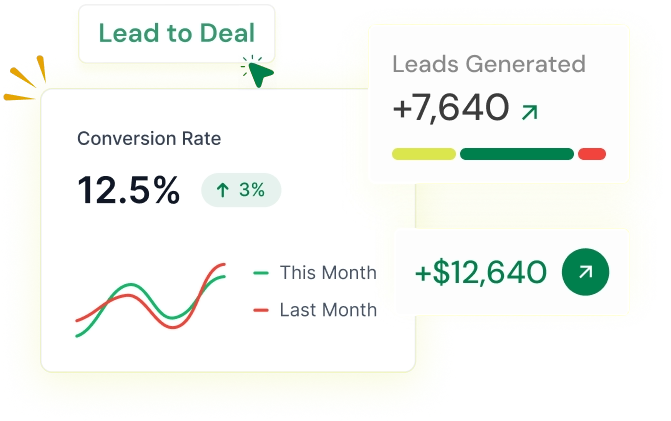
Turn qualified buyer or seller leads into deals and move them through a clear pipeline to close the deals.

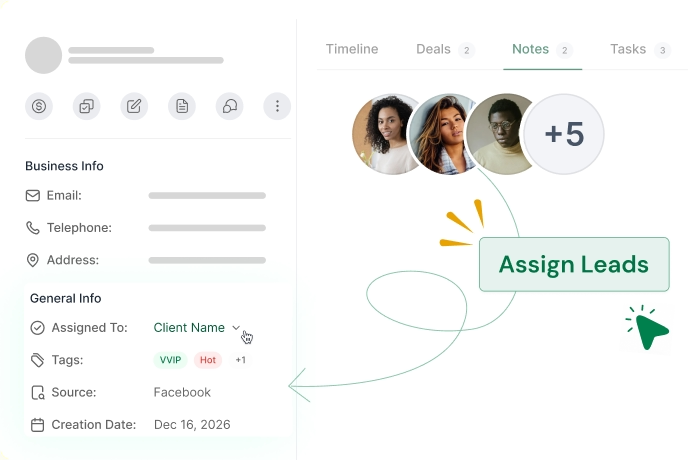
Assign Deal Owners
Assign each deal to the right agent or team member, so ownership stays clear and follow-ups stay on track.

Lead Source
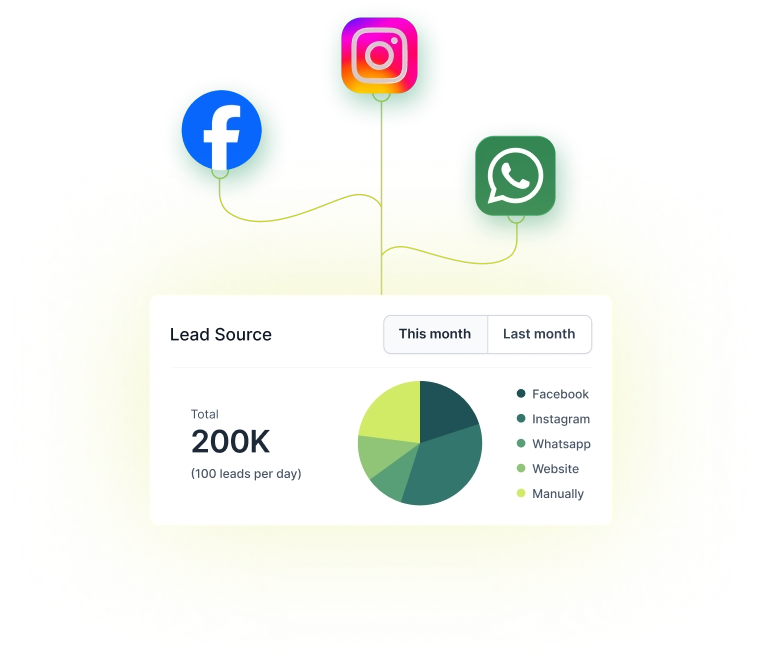
See where your real estate lead comes from: Facebook, Instagram, WhatsApp, a call, or a walk-in inquiry.

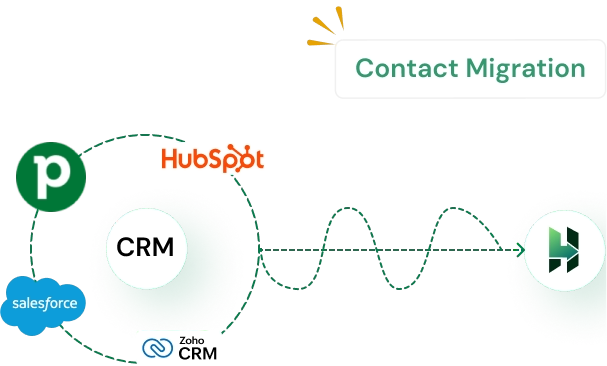
Contact Migration
Move contacts from your old system into LeadHeed to keep your real estate leads organized in one CRM.

Discover how the right CRM supports your real estate business growth
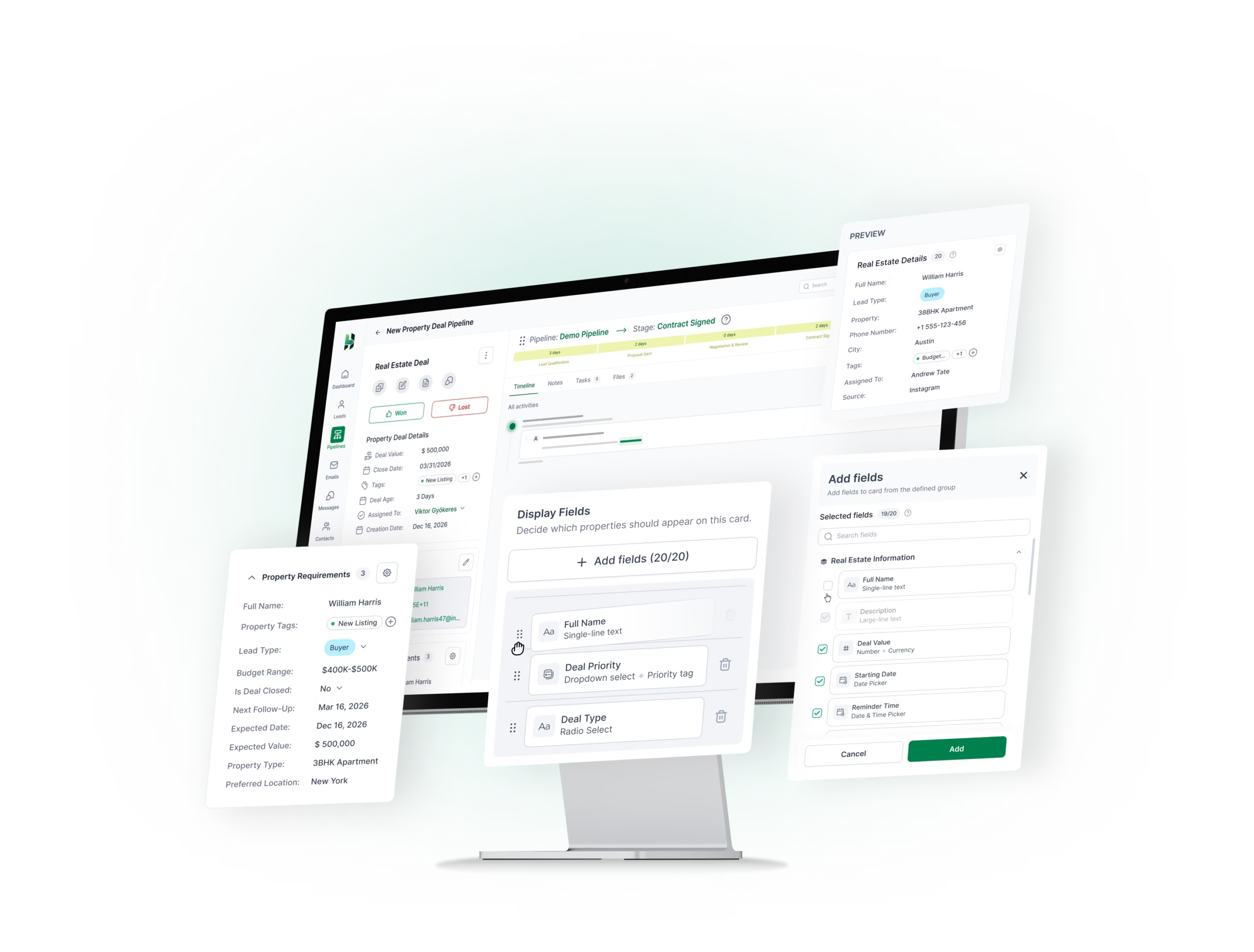
Add Custom Fields for Real Estate Lead Details
Create custom fields so you can store more details about your real estate prospects (such as property type, unit price, preferred location, budget, move-in timeline, financing status, and more.

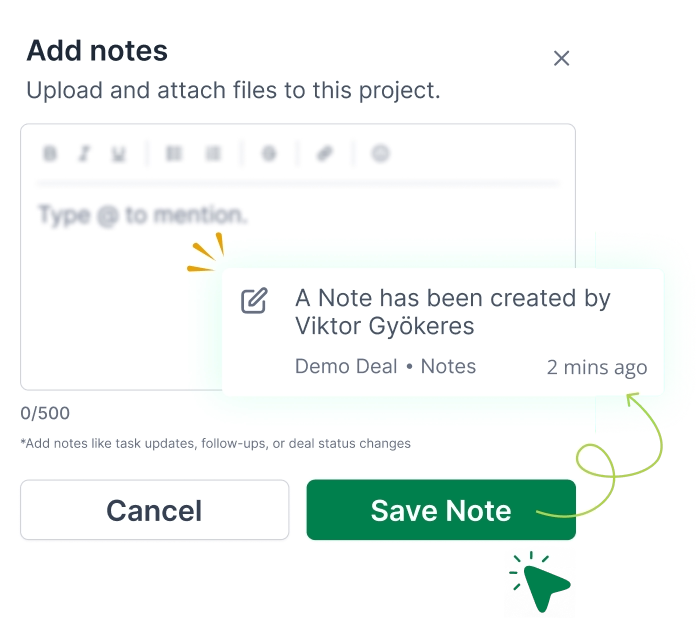
Contact Notes
Track discussions and your prospects’ requirements. Add notes, property interest, city, budget, and other details for the right context.

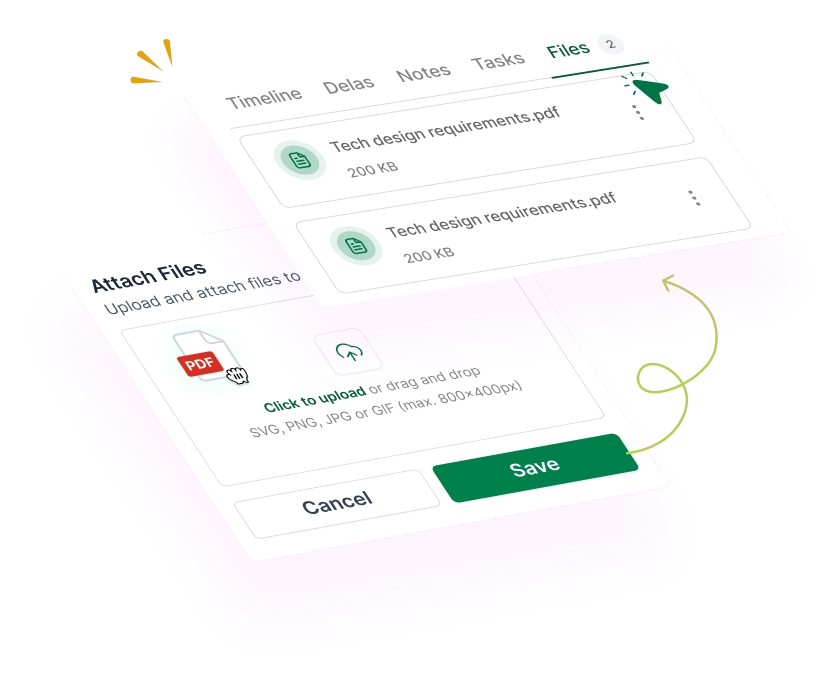
Attach Files
Keep important documents and files connected to the prospects. Upload agreements, property details, ID proofs, quotations, and more.

Clear Real Estate Sales Pipelines for Client Relationship Management
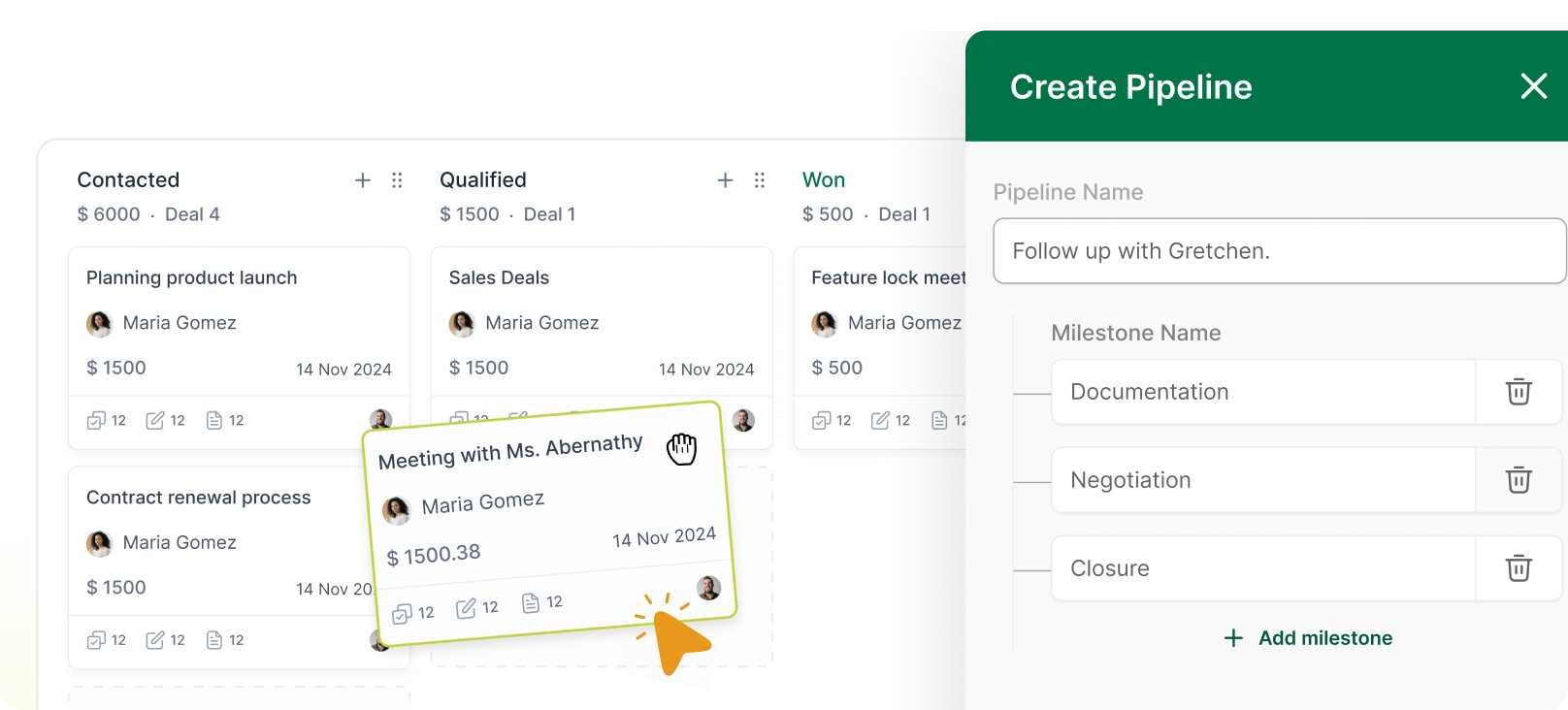
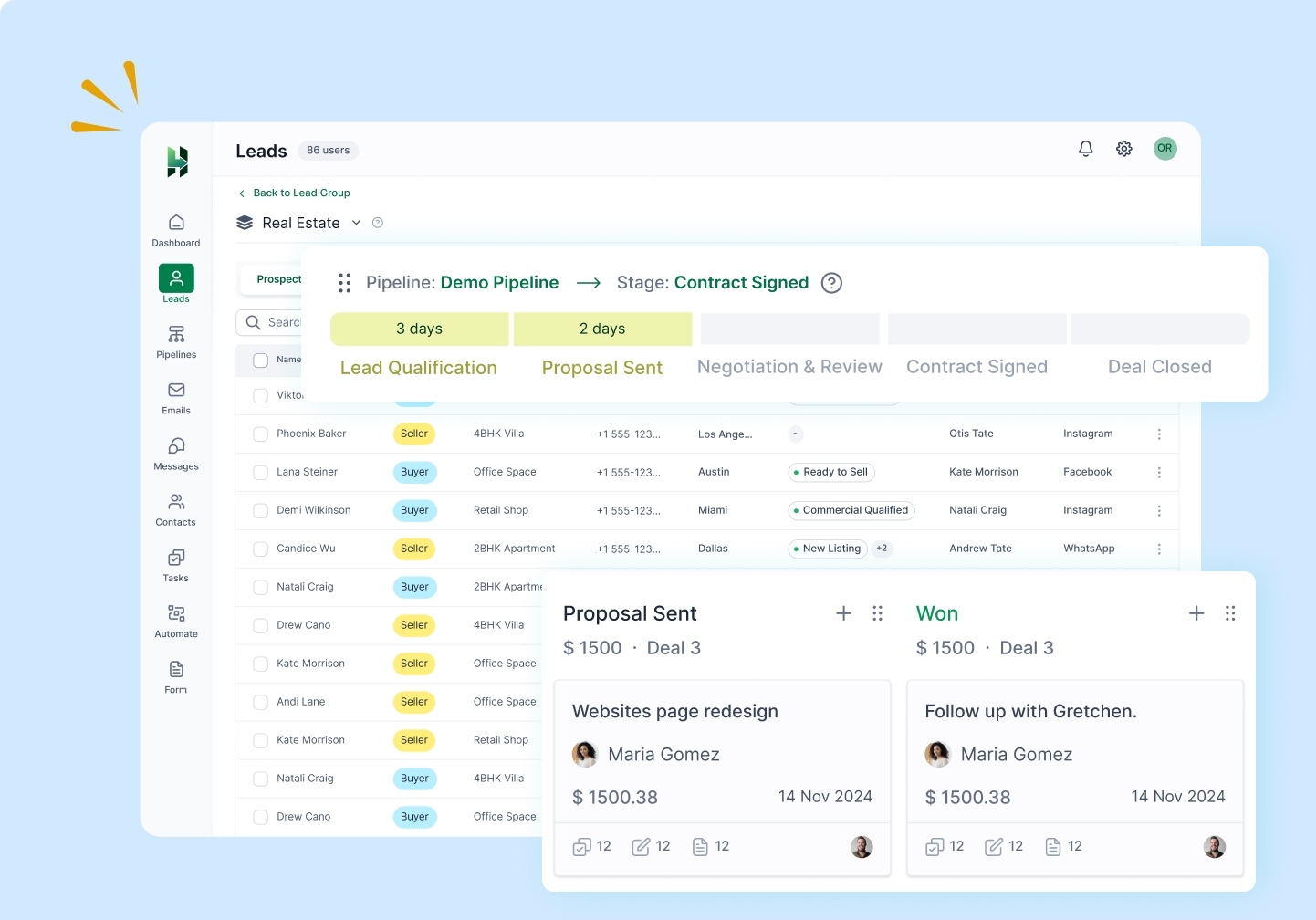
LeadHeed gives you a clear sales pipeline for your team to manage client relationships and track every opportunity in one organized board view.
Create a real estate pipeline that matches your sales process.
Multiple Sales Pipelines
You can create separate pipelines for residential, commercial and rentals workflows, or for your buyer and seller leads.

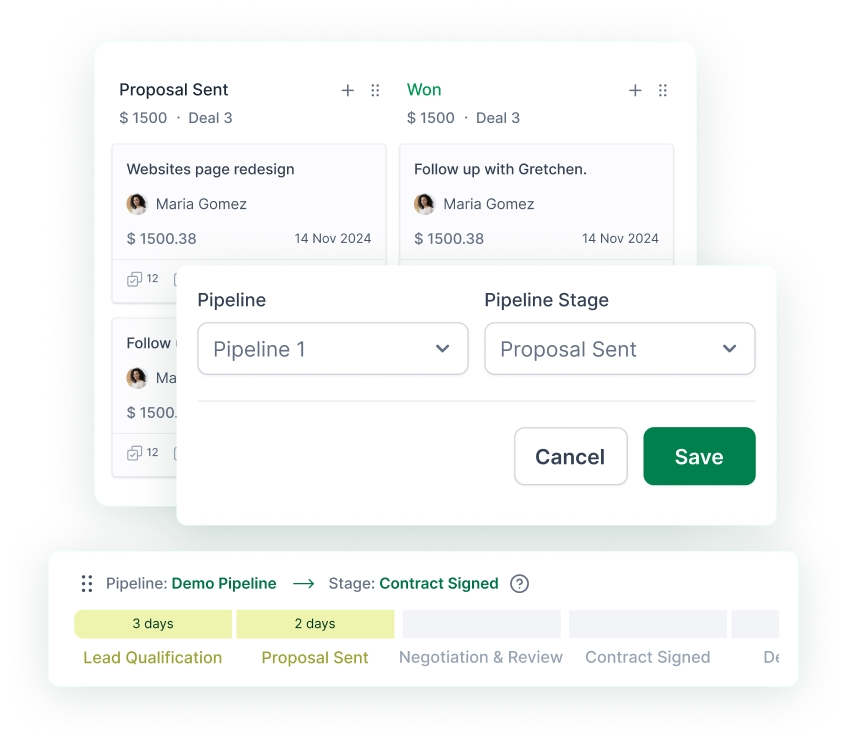
Custom Pipeline Stages
Create stages that match your real estate sales process, from inquiry to closure. It lets you track deals in a way that fits your workflow.

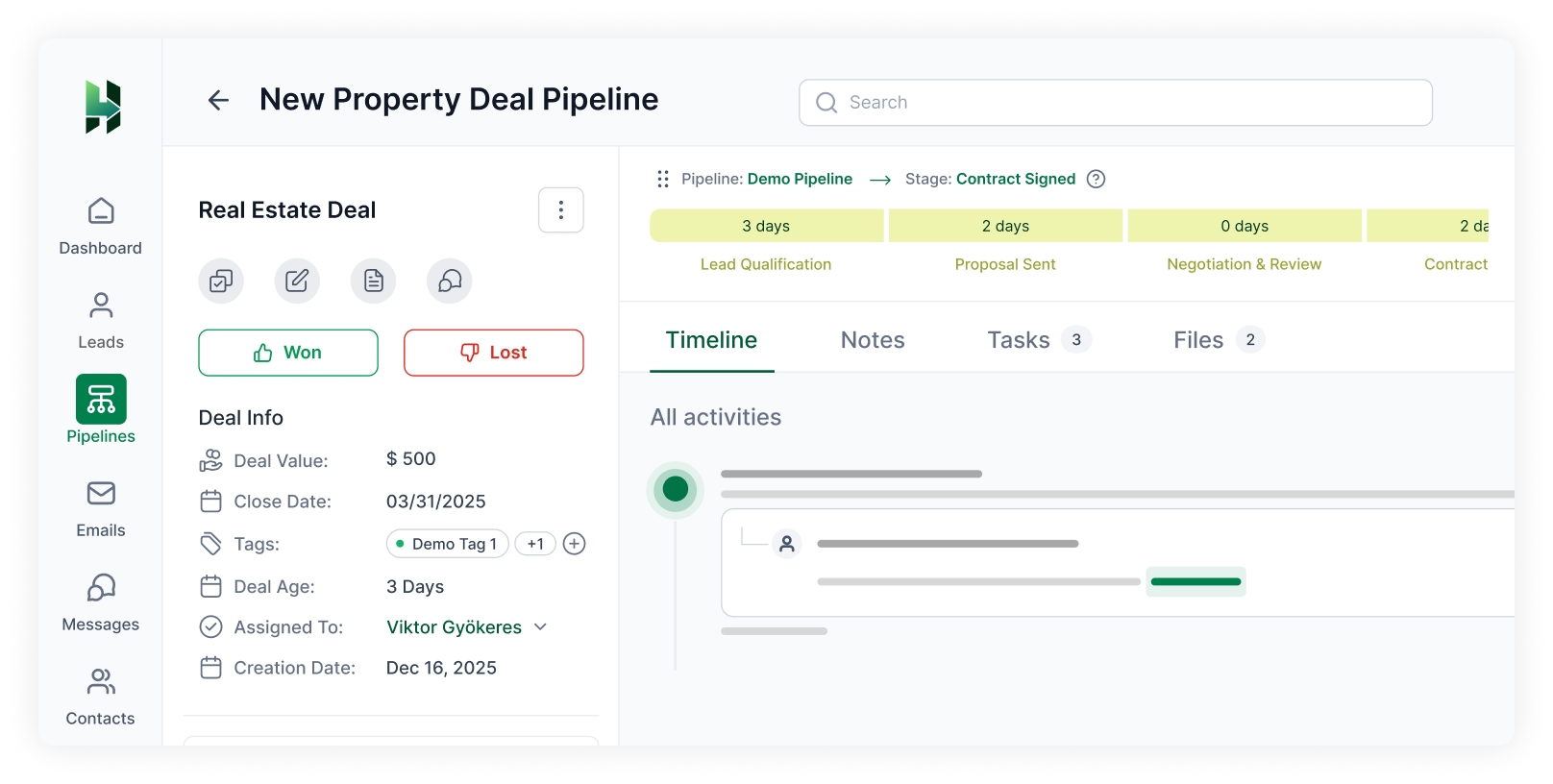
Deal Value + estimated close date
Add an expected deal value to understand the worth, and set an estimated closing date to close the deal on time.

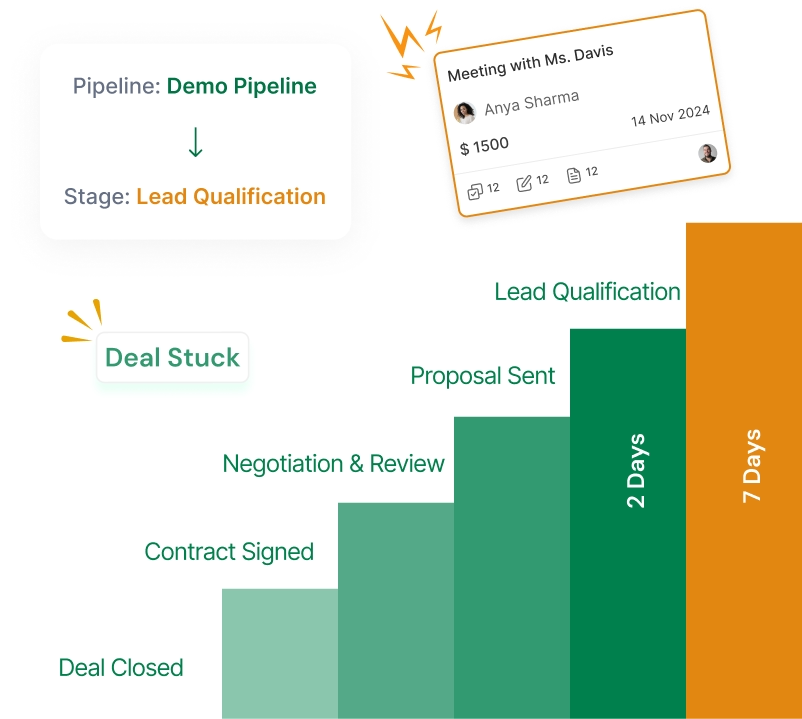
Deal Rotting
Identify deals that have stayed too long in one stage, so your team can take action before opportunities go cold.

Manage Your Real Estate Sales Tasks on time with LeadHeed
Stay on top of calls, site visits, document collection, and more with a simple task management system built into your real estate CRM.
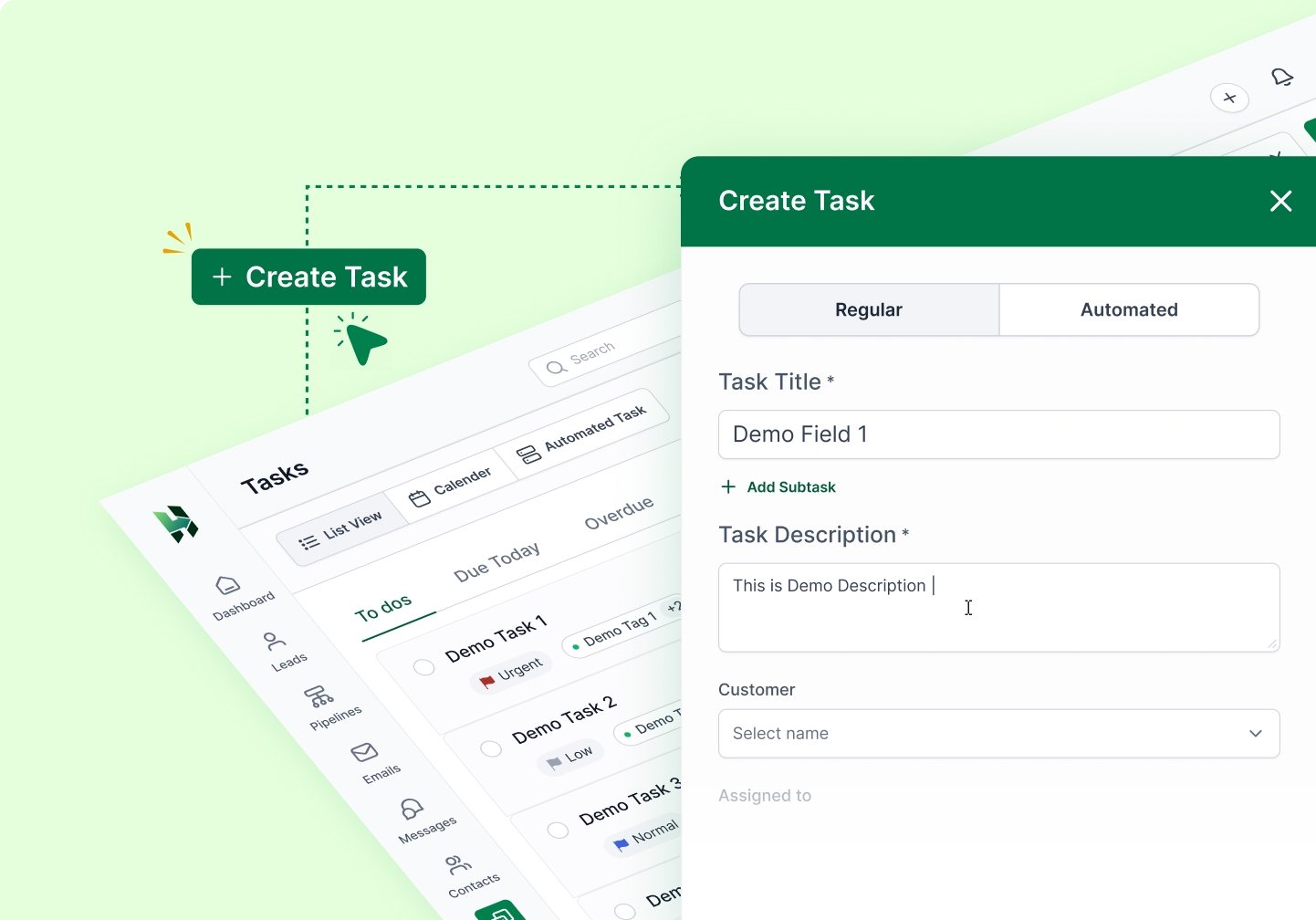
Create Task
Create follow-up tasks for calls, property visits, document collection, meetings, or reminders.
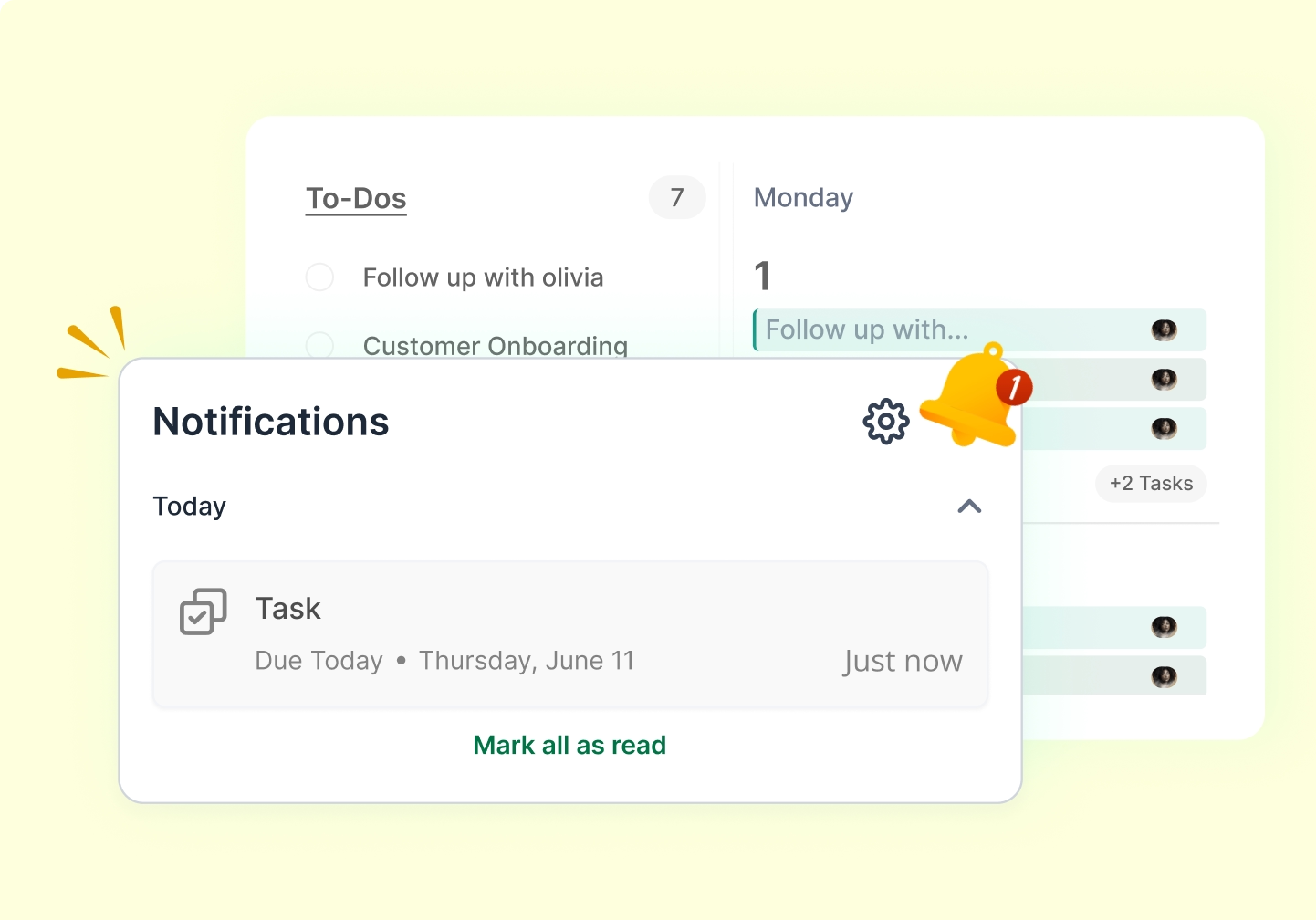
Task Reminder
Set reminders for important follow-ups to respond on time and avoid missed opportunities.
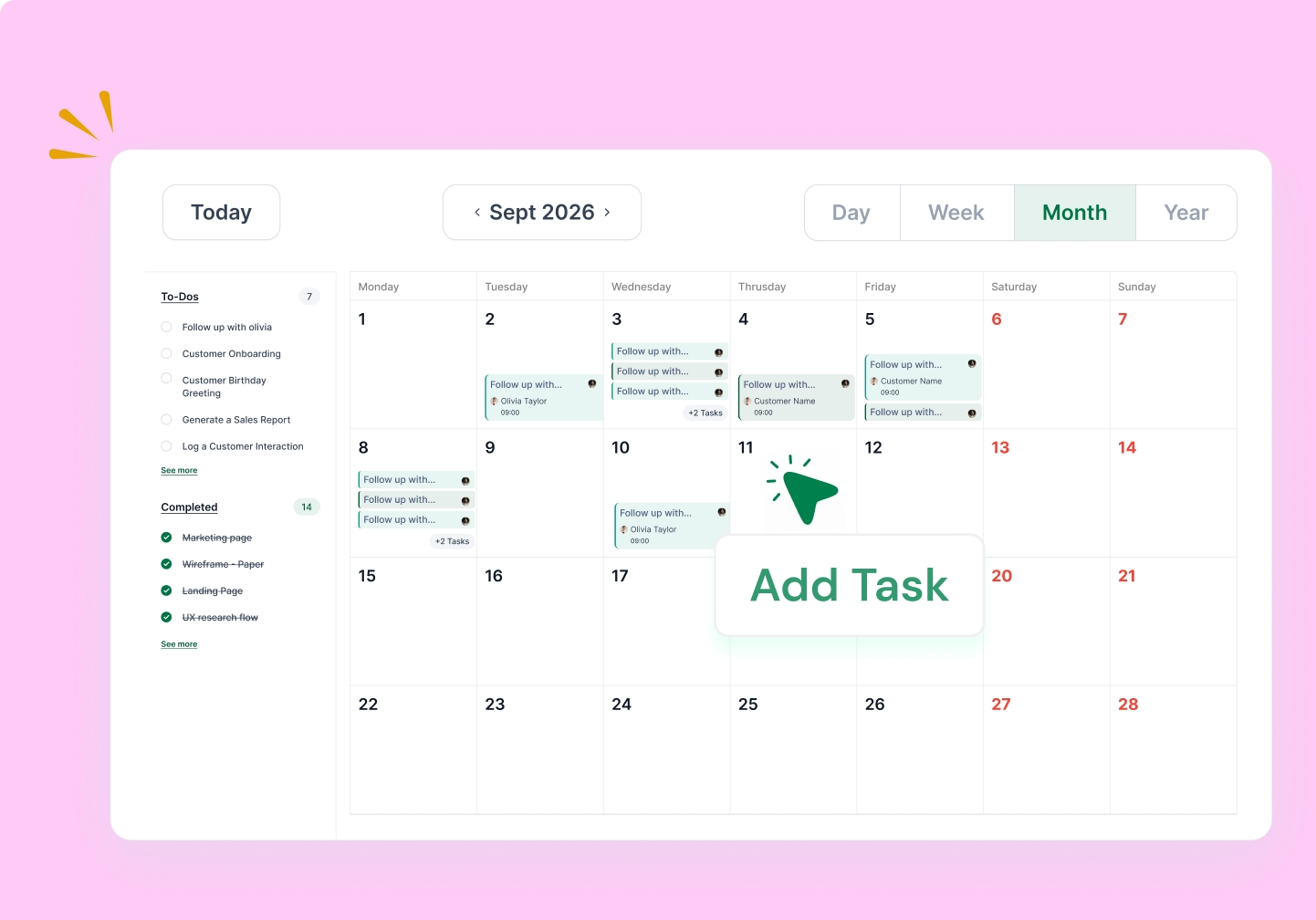
Calendar View
See upcoming tasks in a calendar view to plan property visits, calls, meetings, and more.
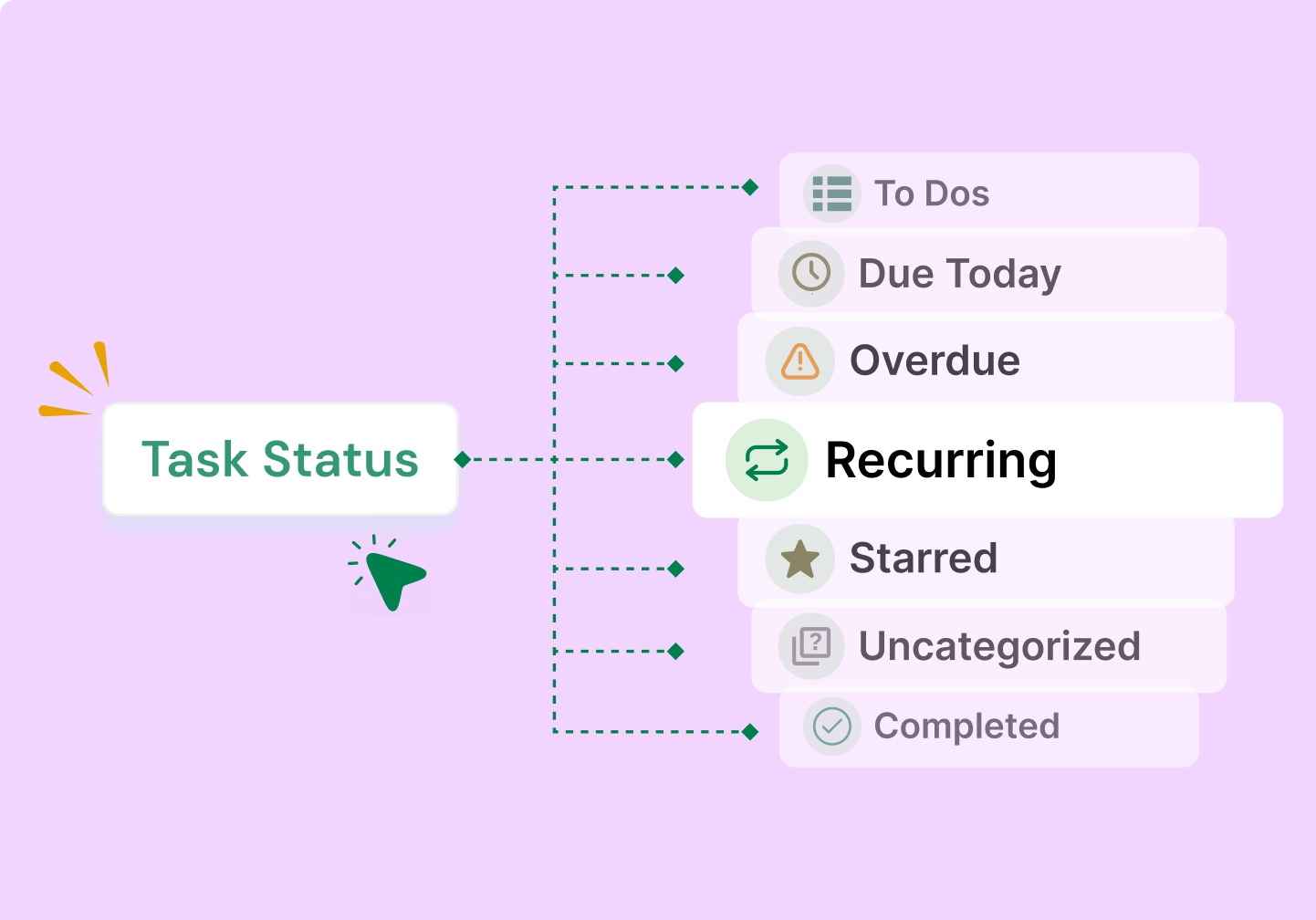
Task Status
Track task progress with clear statuses. Know what is pending, in progress, or completed.
All Activities
View all the activities in one place. Our real estate CRM lets you know what has happened so far
Workflow Automation to Keep Real Estate Deals Moving
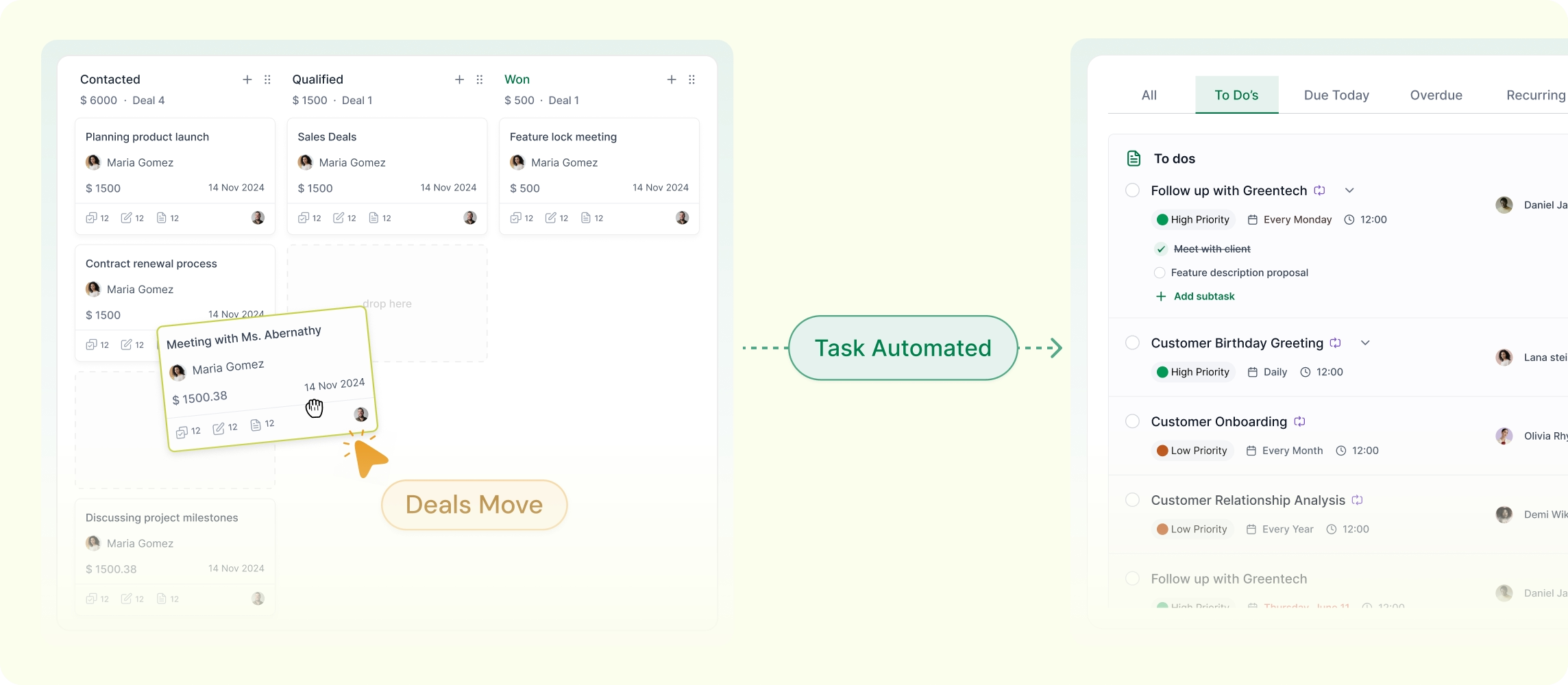
LeadHeed CRM lets real estate agents automate important actions. Set simple automation rules based on deal stage or time delay to keep every opportunity moving forward.

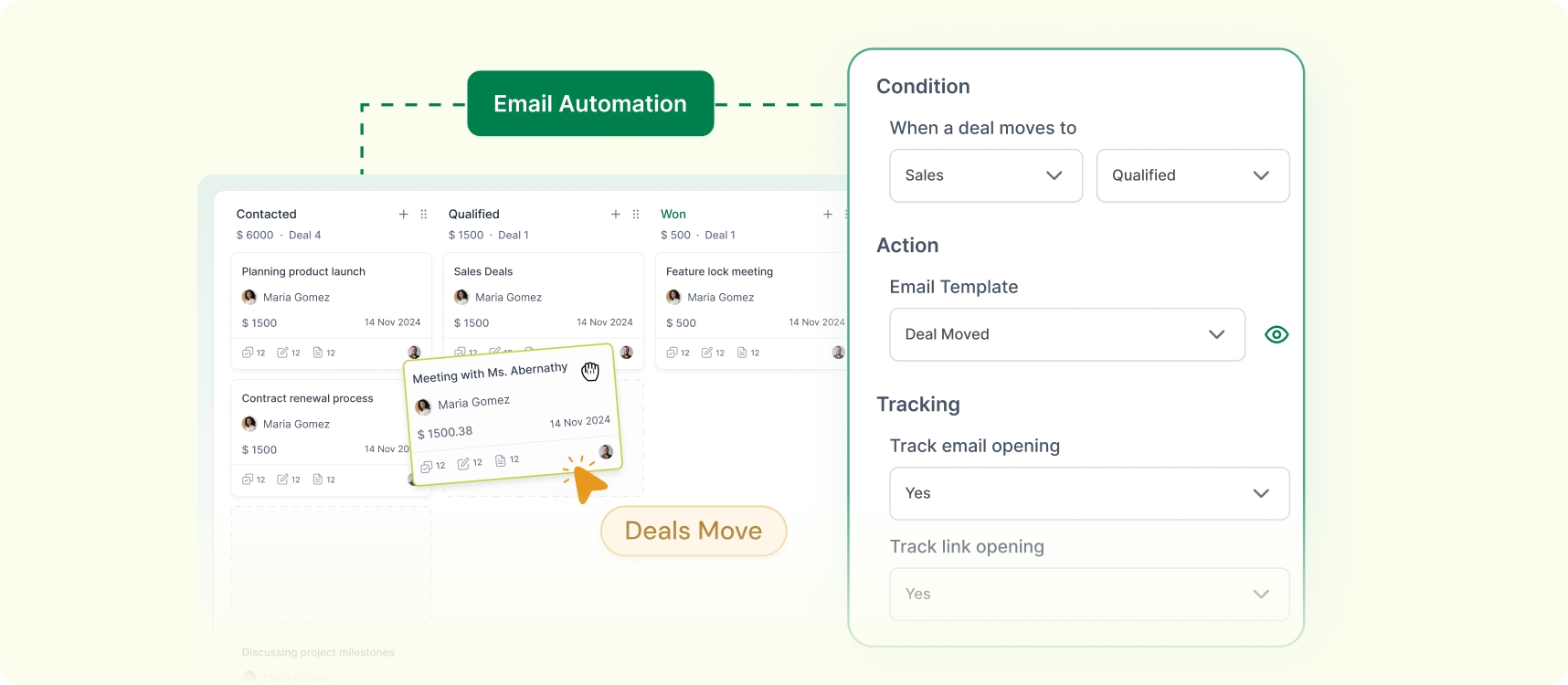
Send an email when a deal changes stage
Automatically send the right email when a real estate deal moves to a new stage, such as after inquiry, property sharing, and site visit.
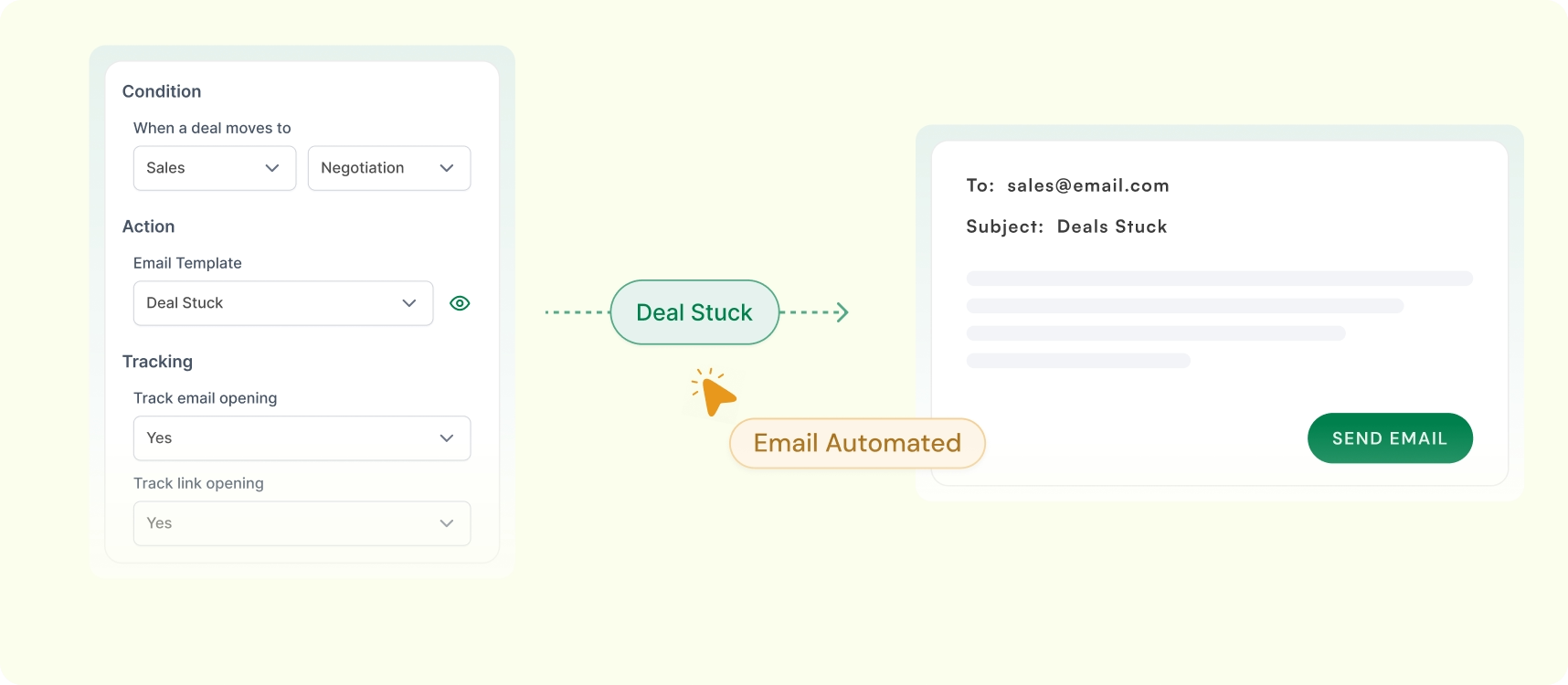
Send Email When a Deal Stays Stuck
If a deal stays in the same stage for too long, LeadHeed can automatically send a follow-up email to re-engage the prospects.
Assign a Task When a Deal Reaches a Stage
Automatically assign a task to the right agent when a deal reaches a specific stage, such as scheduling a site visit or collecting documents.
Track Your Real Estate Sales Performance with an Advanced Dashboard
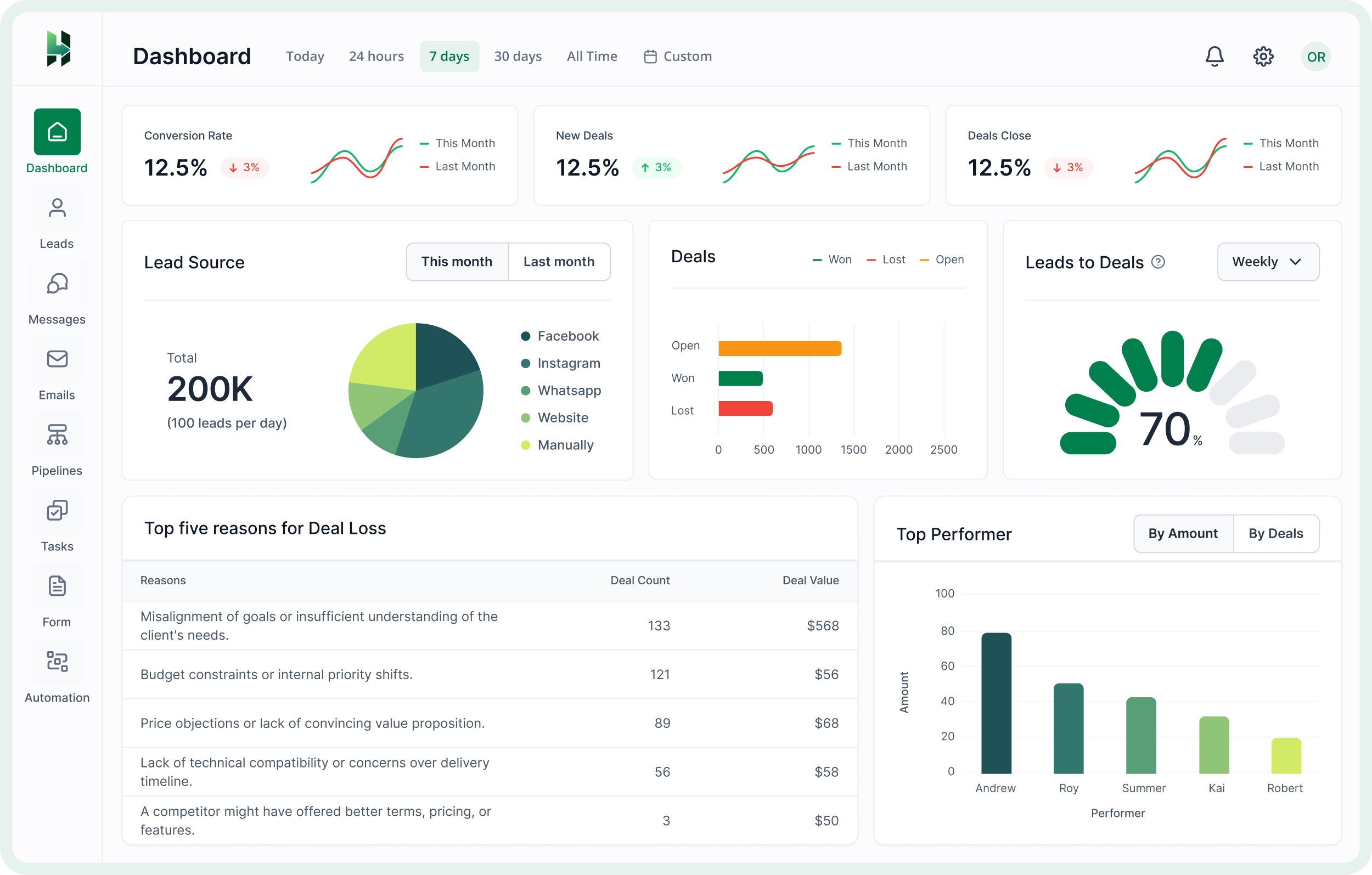
LeadHeed gives you a simple analytics dashboard where you can track leads, deals, conversions, and team performance in one place.
Lead Source Performance
See where your real estate leads are coming from, such as website forms, Facebook, WhatsApp, or calls. It helps you understand which channels bring the best opportunities.
Pipeline & Deal Performance
Track how many deals are open, won, or lost, and see how opportunities are moving through your pipeline. It gives you a clearer view of what is progressing and what needs attention.
Team Performance Insights
Measure agent performance with insights into closed deals, follow-up activity, and top performers. Understand who is driving results and where your team needs more support.

Frequently Asked Questions (FAQs)
Answers to common questions about the professional service products for individuals and remote teams.
How does LeadHeed help real estate teams manage leads?
LeadHeed helps real estate teams capture leads from different channels, organize them with tags and filters, add custom details, assign owners, and convert qualified leads into deals.
Can I create a custom real estate sales pipeline in LeadHeed?
LeadHeed lets you create custom pipeline stages that match your real estate workflow, so you can track deals from inquiry to closure in a clear board view.
Is LeadHeed easy to use for small real estate teams?
LeadHeed is designed to be simple and easy to use, making it a practical CRM for small real estate teams that want a clear and organized sales process.
What is a CRM in real estate?
A real estate CRM is software that helps agents and brokers manage property inquiries, organize buyer and seller leads, track deals, and stay on top of follow-ups in one place.
What CRM software do real estate agents use?
Follow Up Boss, Wise Agent, Top Producer, and Real Geeks are some of the examples of CRM that real estate agents use.
What is the best CRM for real estate agents?
LeadHeed is one of the best CRM for real estate agents because it combines lead management, custom fields, pipeline tracking, task management, automation, and reporting in one simple CRM.