
















Industry CRM for Lawyers, Attorneys and Law Firms
Best Legal CRM for Lawyers, Attorneys and Law Offices
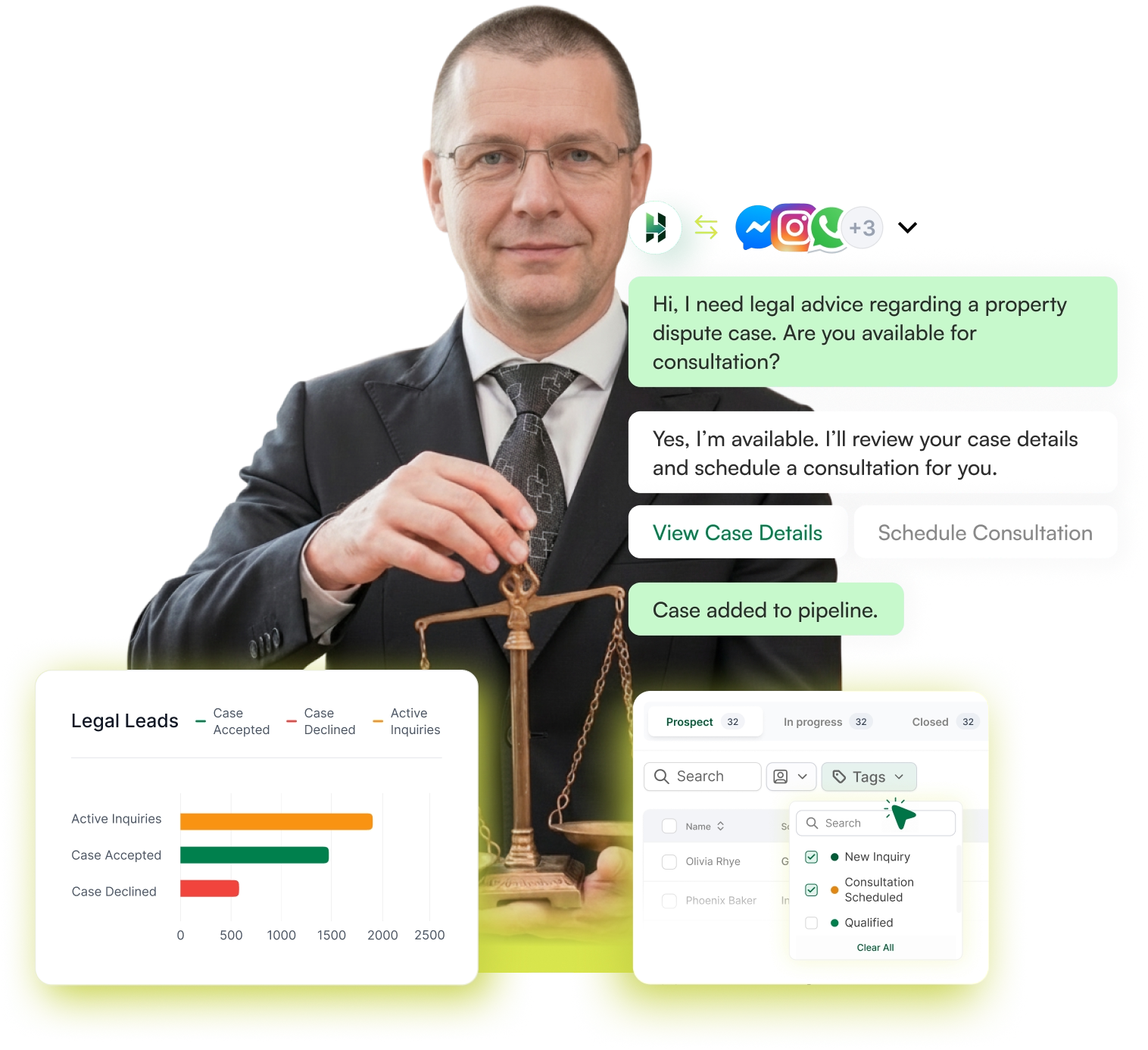
Stop managing legal leads through scattered notes, inboxes, and reminders. Use LeadHeed to capture legal leads, manage inquiries, and organize client intakes in a simple legal CRM built for lawyers, attorneys and law firms.
14-day Free Trial. No credit card required
Client intake • Consultation tracking • Case segmentation
- Bring legal leads from every channel (website, forms and social).
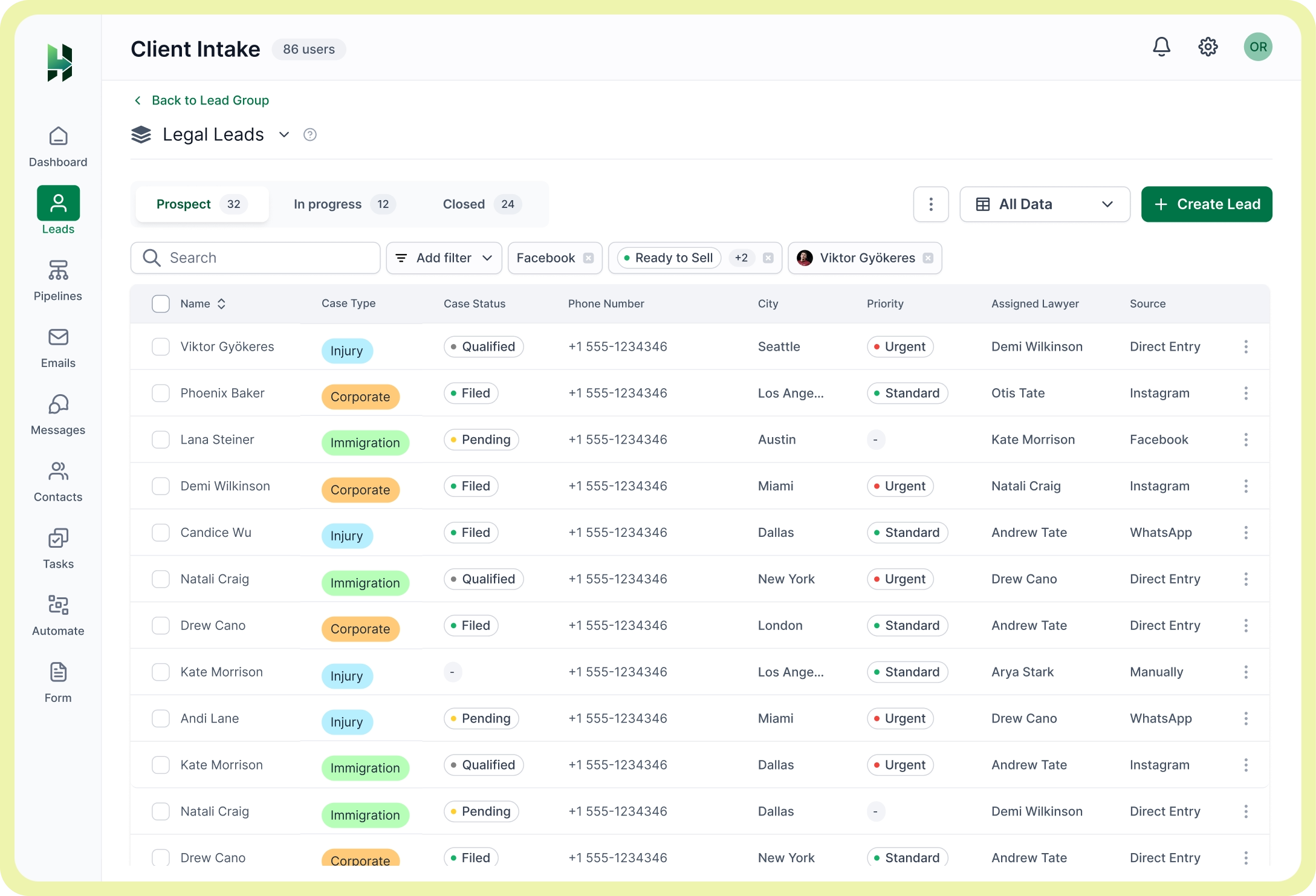
- Organize client details and intake records in one place.
- Use tags to label leads by case type and urgency.
- Move opportunities through a clear legal pipeline.
- Assign tasks and responsibilities across your team.
- Email and social messaging within the law firm CRM.
Trusted and Recommended by
100+ industry leaders


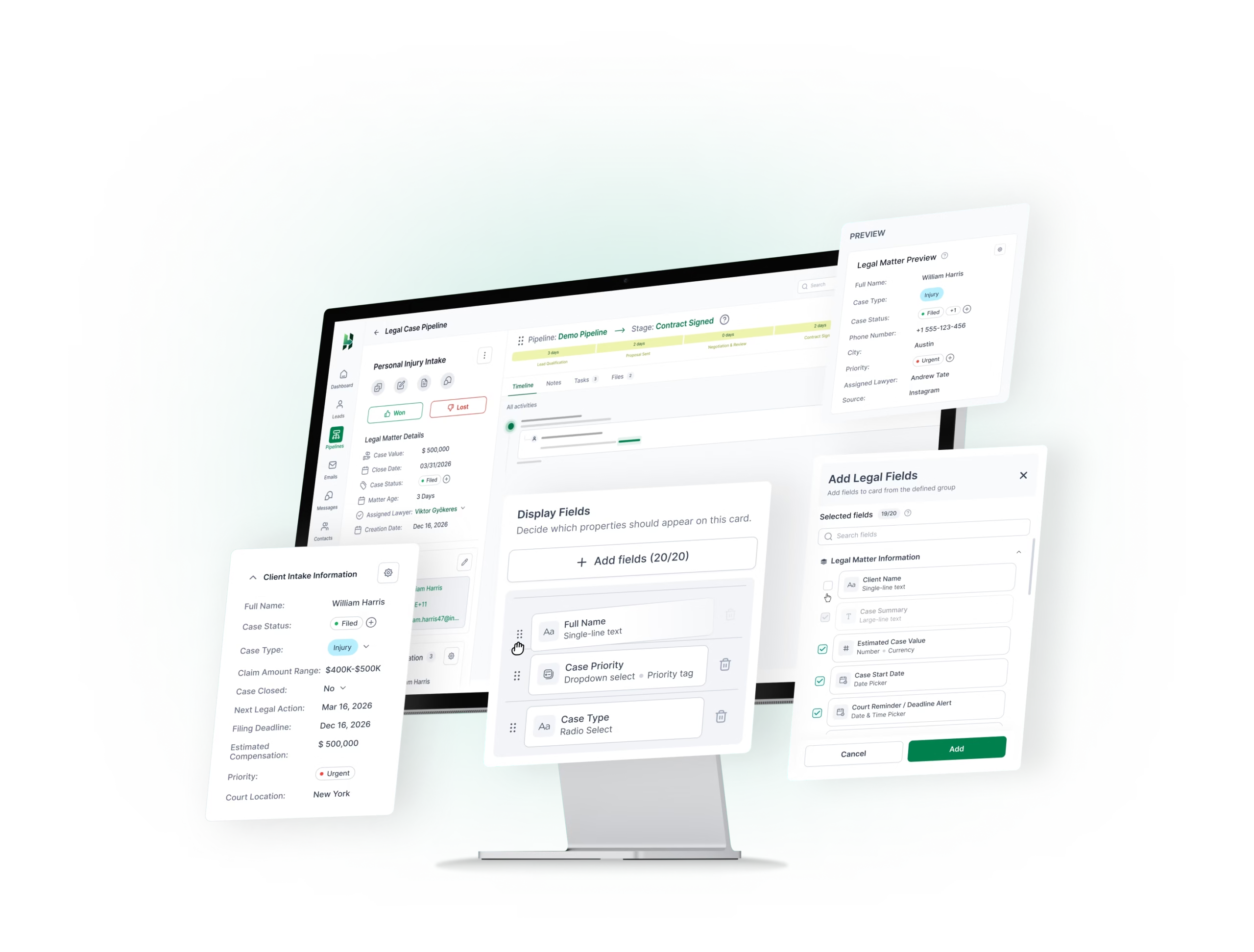
Create your own modules for your legal leads
Structure your legal leads the way your team works, so important details stay clear and easy to manage from the first inquiry onward. Create modules that matter to your firm the most, and organize your leads well with tags and filters.
Capture and organize legal leads with the right CRM tools
Bring every legal inquiry into one organized system and stop losing track of potential clients across calls, forms, websites, and social messages.
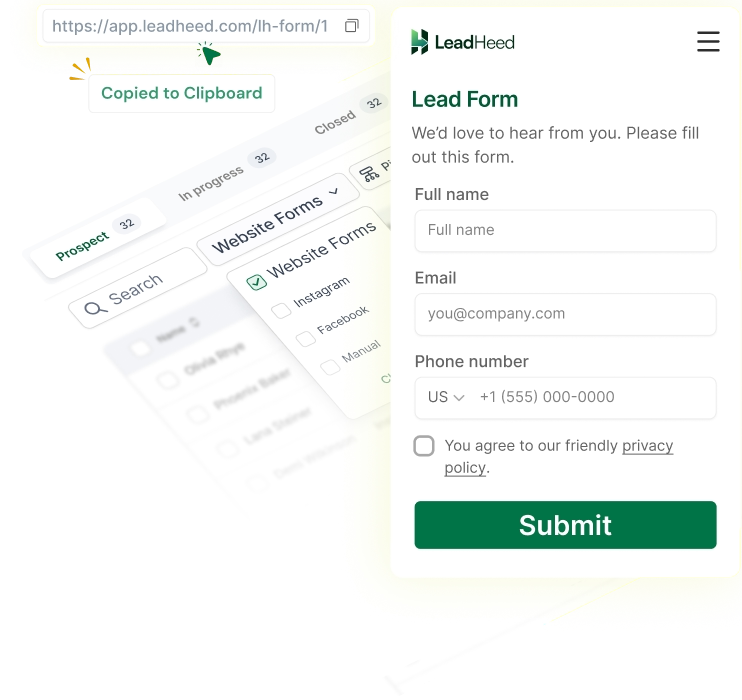
Website Forms
Create intake forms for legal inquiries and collect important details in a structured way from the start.
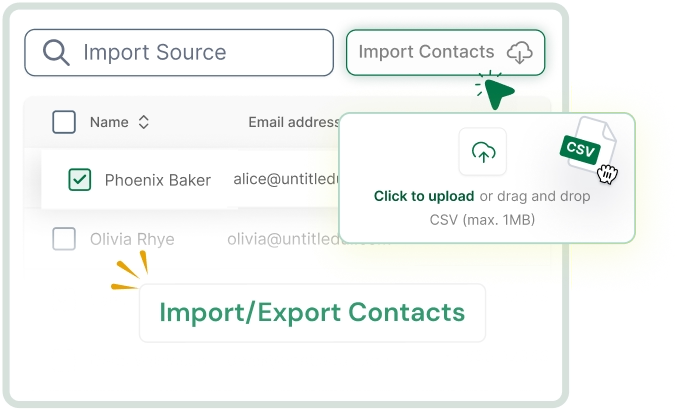
Import Contacts
Upload existing legal leads from spreadsheets and bring them into one clear lead list.
Social Leads
Capture legal inquiries through social channels and move them into your lead list for follow-ups.
Create Leads Manually
Add new legal leads manually when someone calls, walks in, or contacts your firm directly.
Duplicate Prevention
Keep your legal lead database clean by removing repeated records and improving data accuracy.
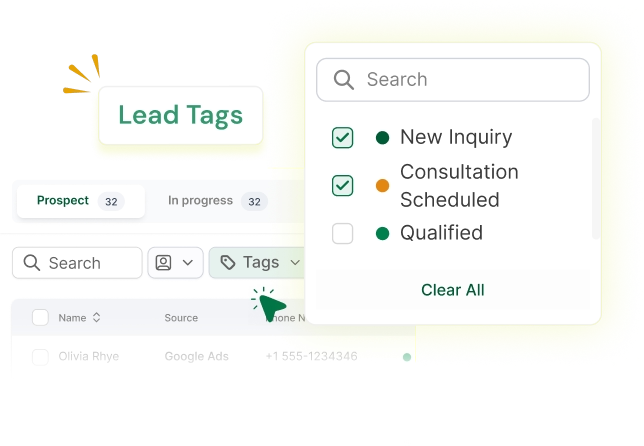
Lead Tags
Use tags to segment leads by case type, urgency, or service area for faster sorting.
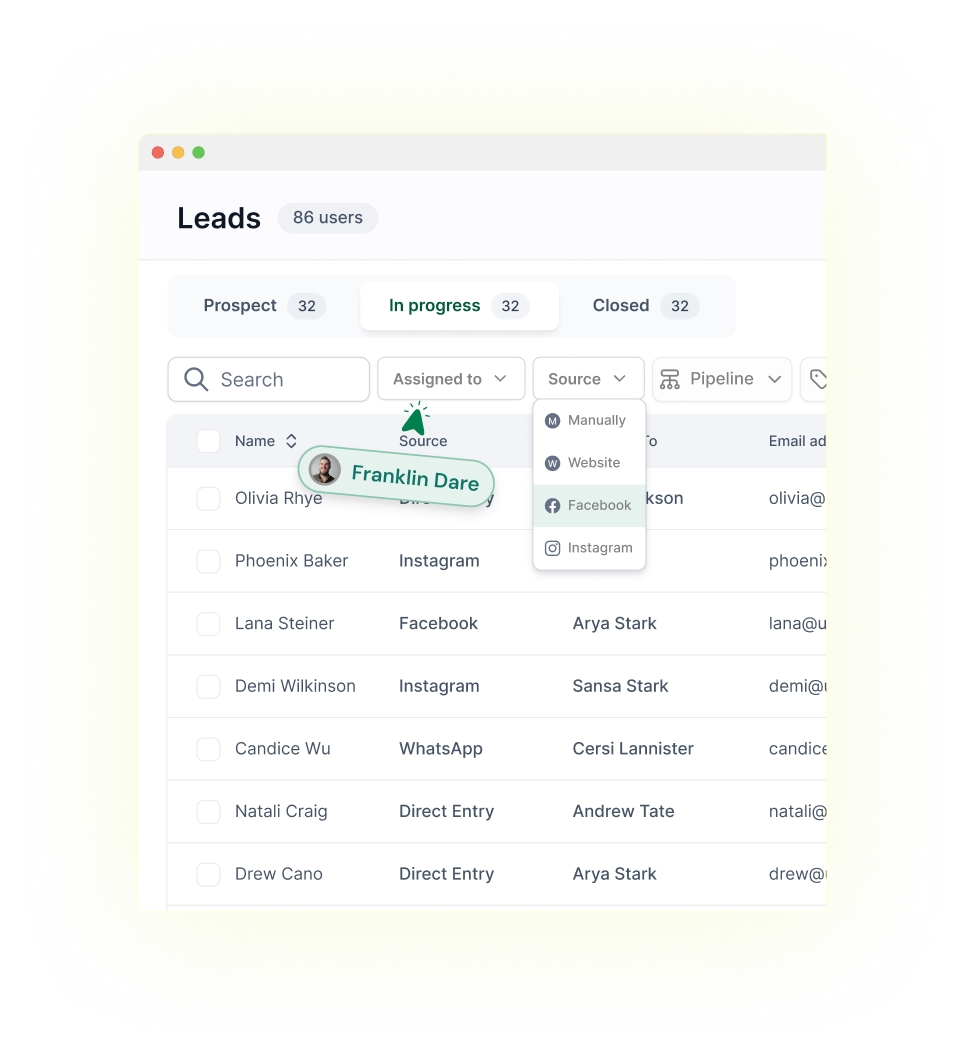
Lead Segmentation
Filter legal leads by custom fields: date, source, tag, case type, owner, etc. It lets you focus on the right client first.
Contact Migration
Migrate contacts from your old system to LeadHeed and keep your intake records organized in one CRM.
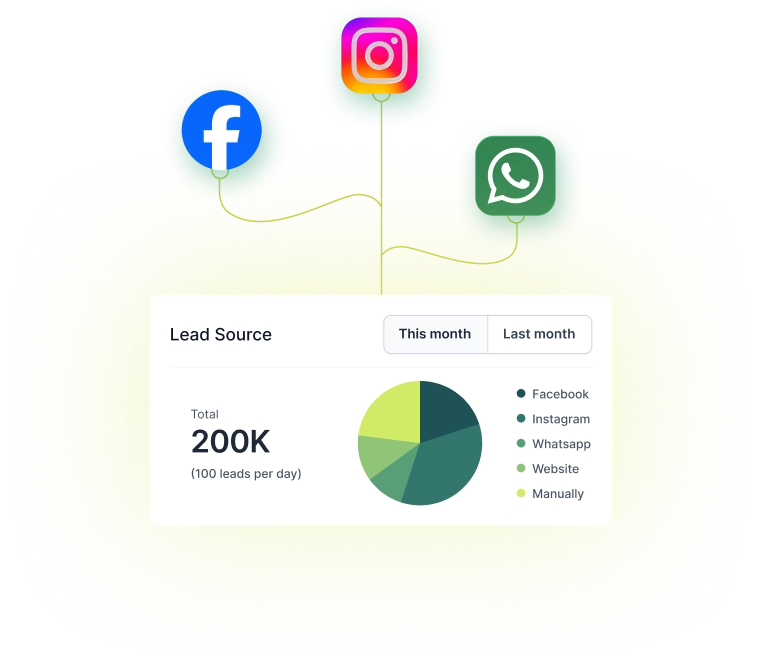
Lead Source Tracking
See exactly where each legal inquiry came from and identify which channels bring the best opportunities.
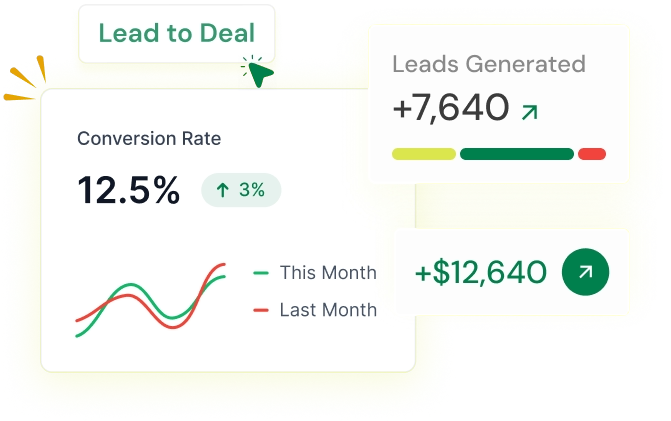
Convert Leads to Deals
Turn qualified legal leads into active opportunities and move them into a clear pipeline for follow-ups.
Discover how the right CRM for lawyers helps manage clients
Use our legal CRM to add custom fields for your client details
Create custom fields for your client details such as case type, assigned attorney, consultation date, opposing party, urgency, case status and more.
Contact Notes
Track discussions, client requirements, case details, and updates in one place. It helps your team understand the context before following up.
Attach Files
Upload contracts, case documents, IDs, and other files directly to the record to keep everything organized and easy to access when needed.
Clear Legal Sales Pipelines to Manage Every Opportunity
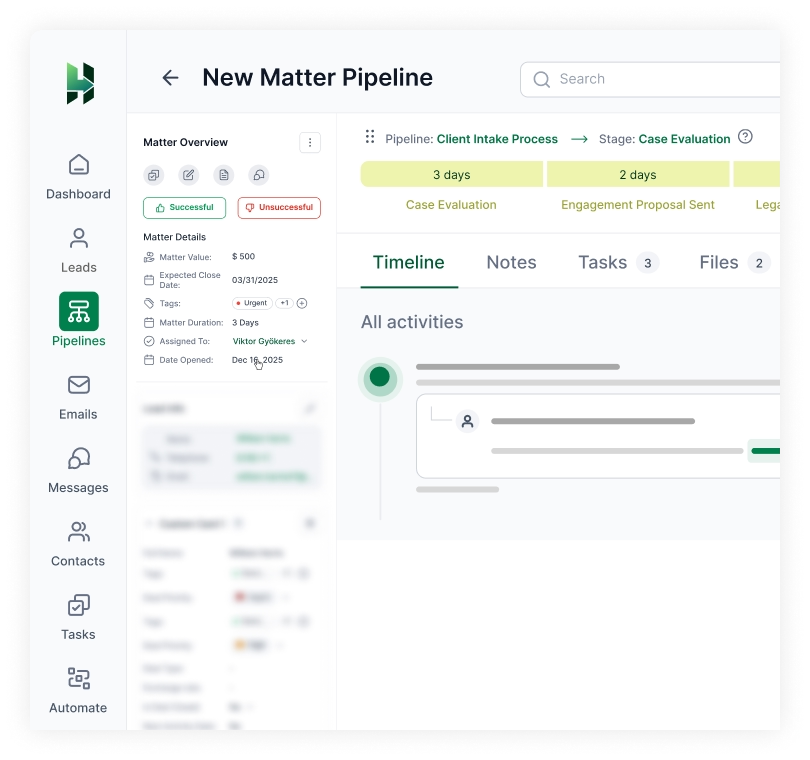
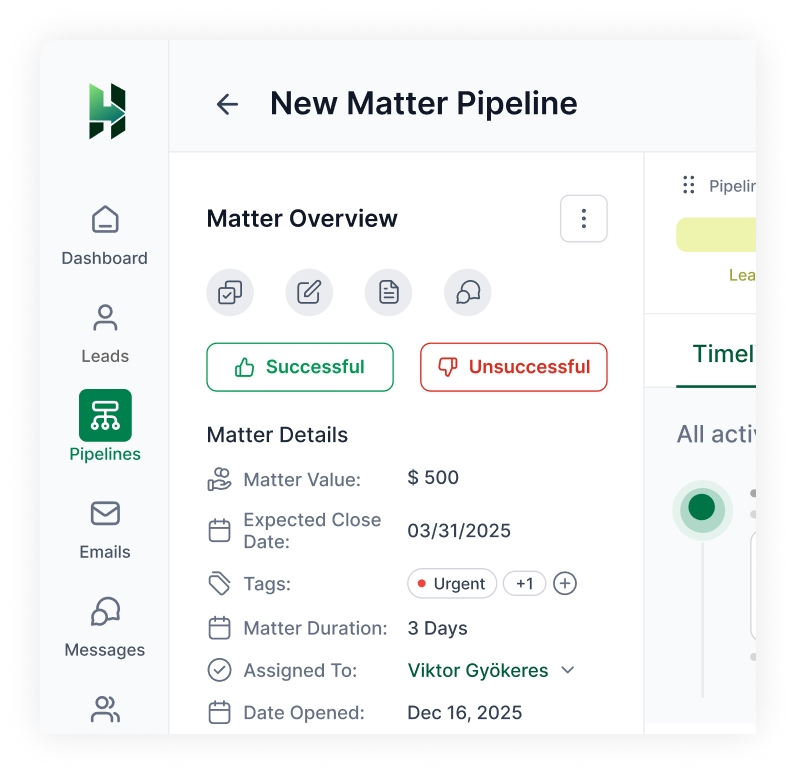
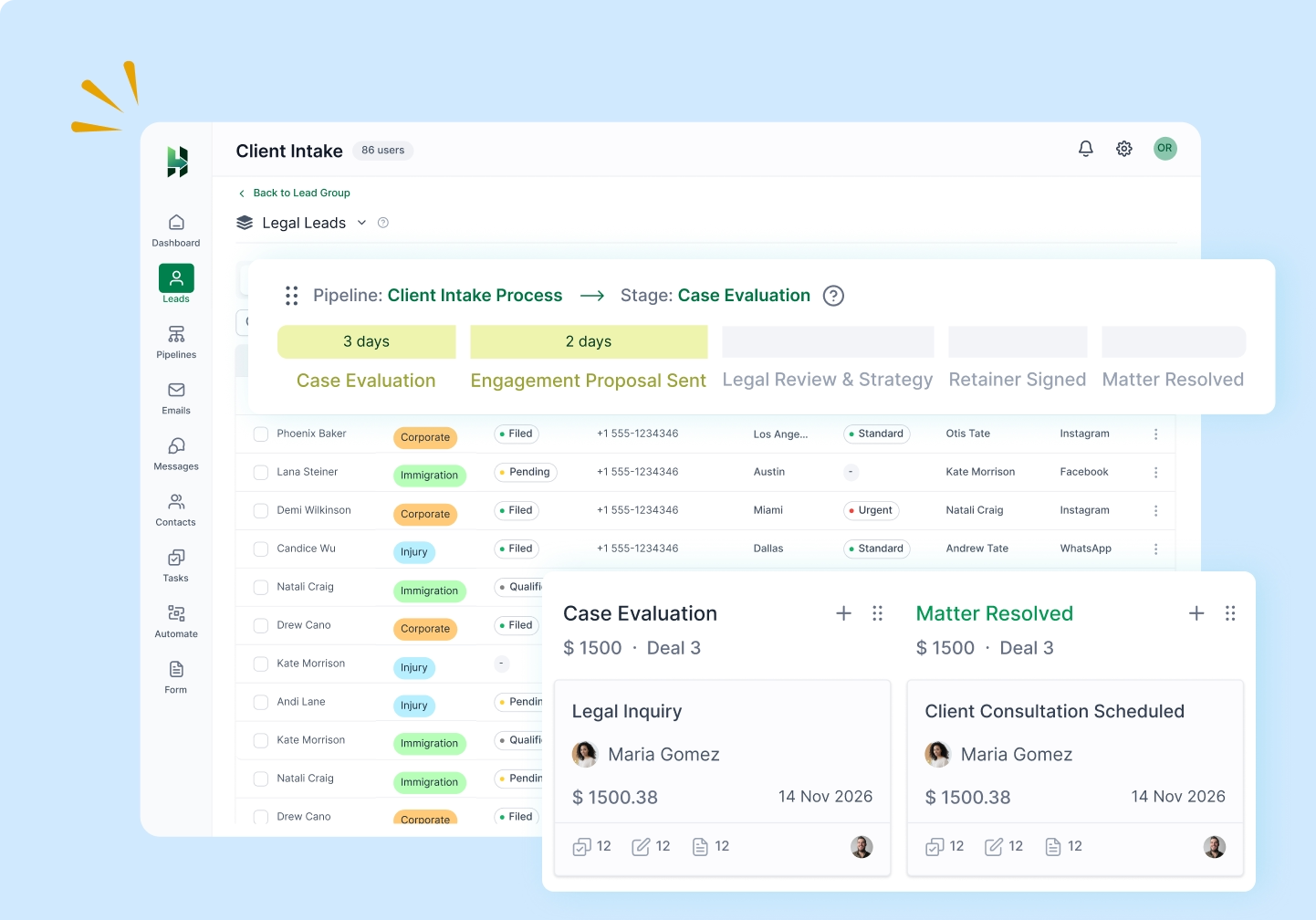
Get a 360° board view of your deals to track consultations, follow-ups, and potential clients. It lets you know what stage each opportunity is in and what to do next.
Deal 360° View
See the full picture of your deals in one place, including contact details, deal information, notes, files, and activities.
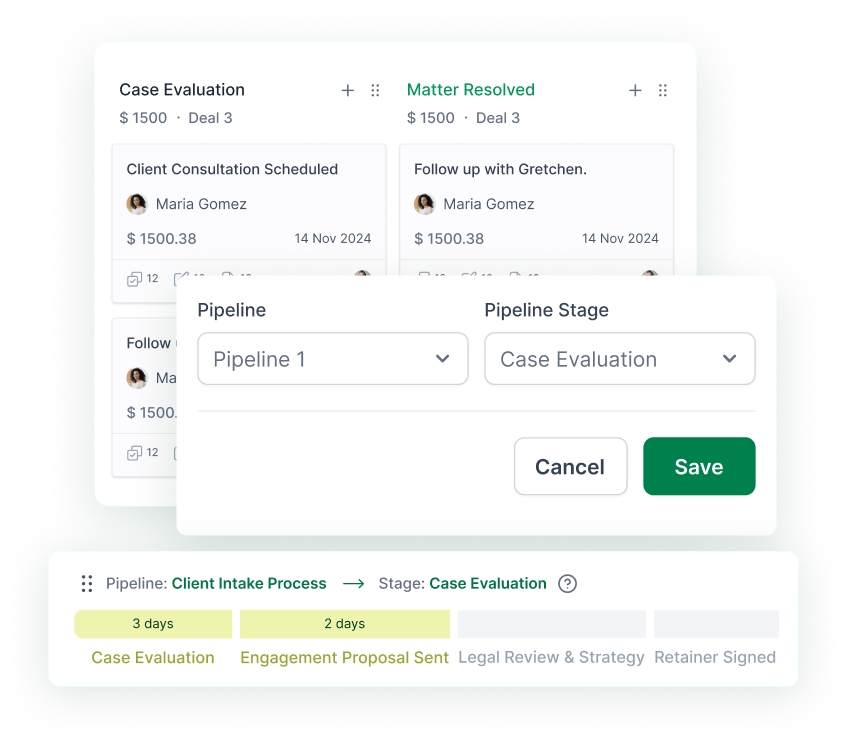
Multiple Pipelines
Create separate pipelines for different practice areas, service types, or intake workflows across your law firm.
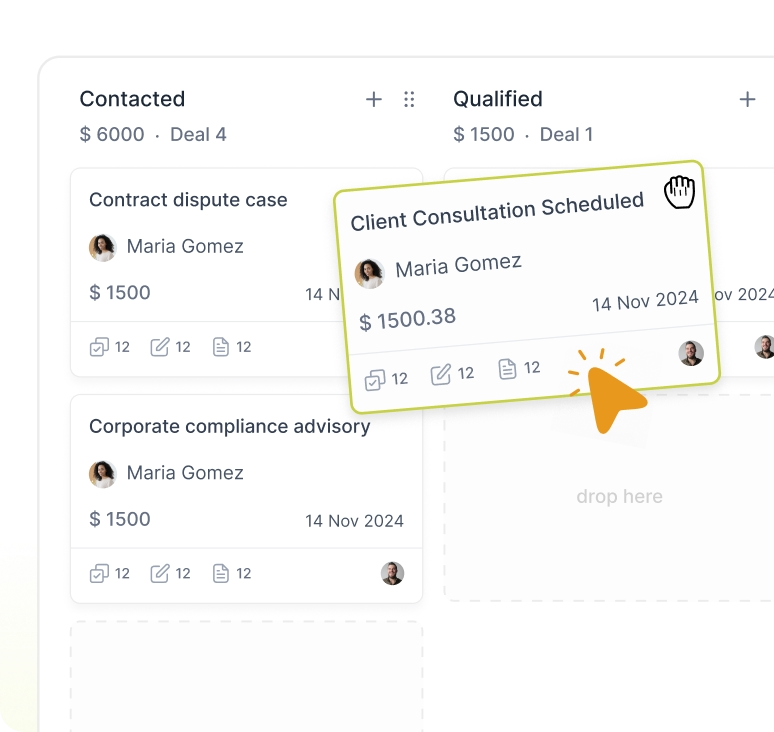
Drag-and-Drop Stages
Create custom stages and move deals through the stages with a simple drag-and-drop board.
Deal Value
Add deal value to understand the worth of each opportunity and prioritize your firm’s efforts more clearly.
Estimated Revenue
Track the total potential revenue across your pipeline and understand how much value sits in each stage.
Deal Rotting
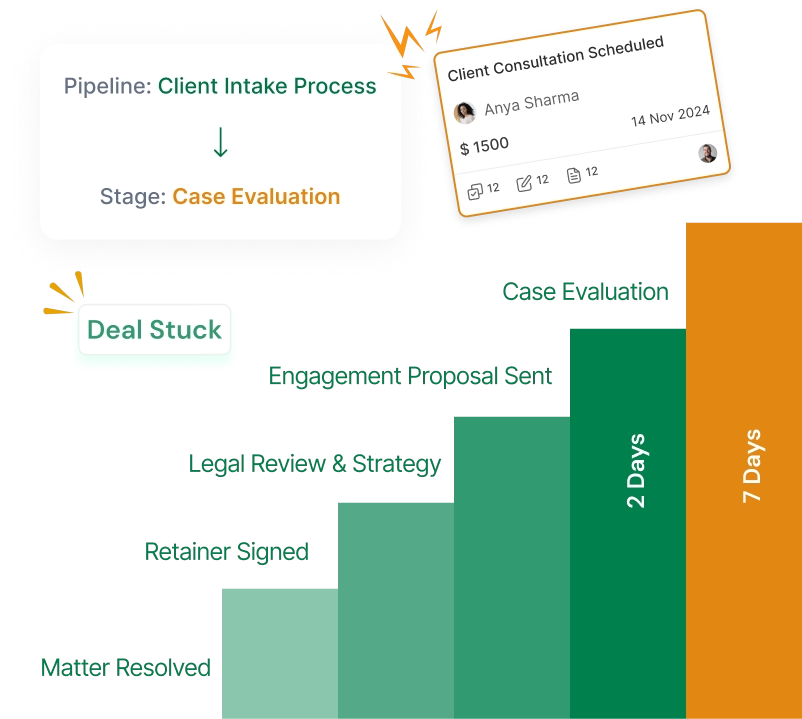
Spot opportunities that have stayed too long in one stage, so your team can take action before they go cold.
Manage all your tasks within the CRM system
Manage consultations, callbacks, document requests, internal tasks, and client follow-ups in the all-in-one CRM.
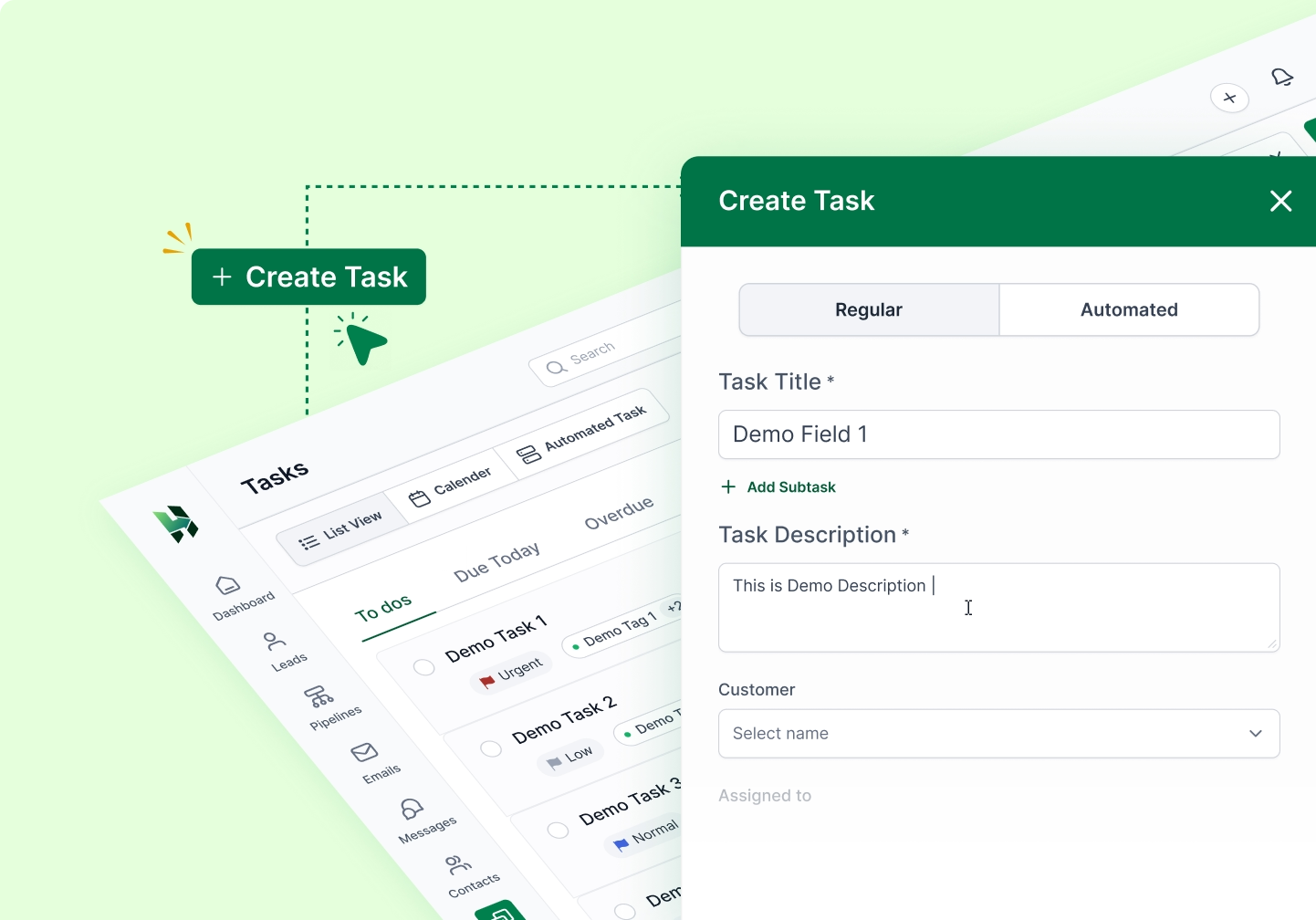
Create and Assign Tasks
Create and assign tasks for consultations, document collection, follow-up calls, and internal reviews.
Task Reminder
Use reminders to stay on top of deadlines, callbacks, and important follow-ups without relying on memory.

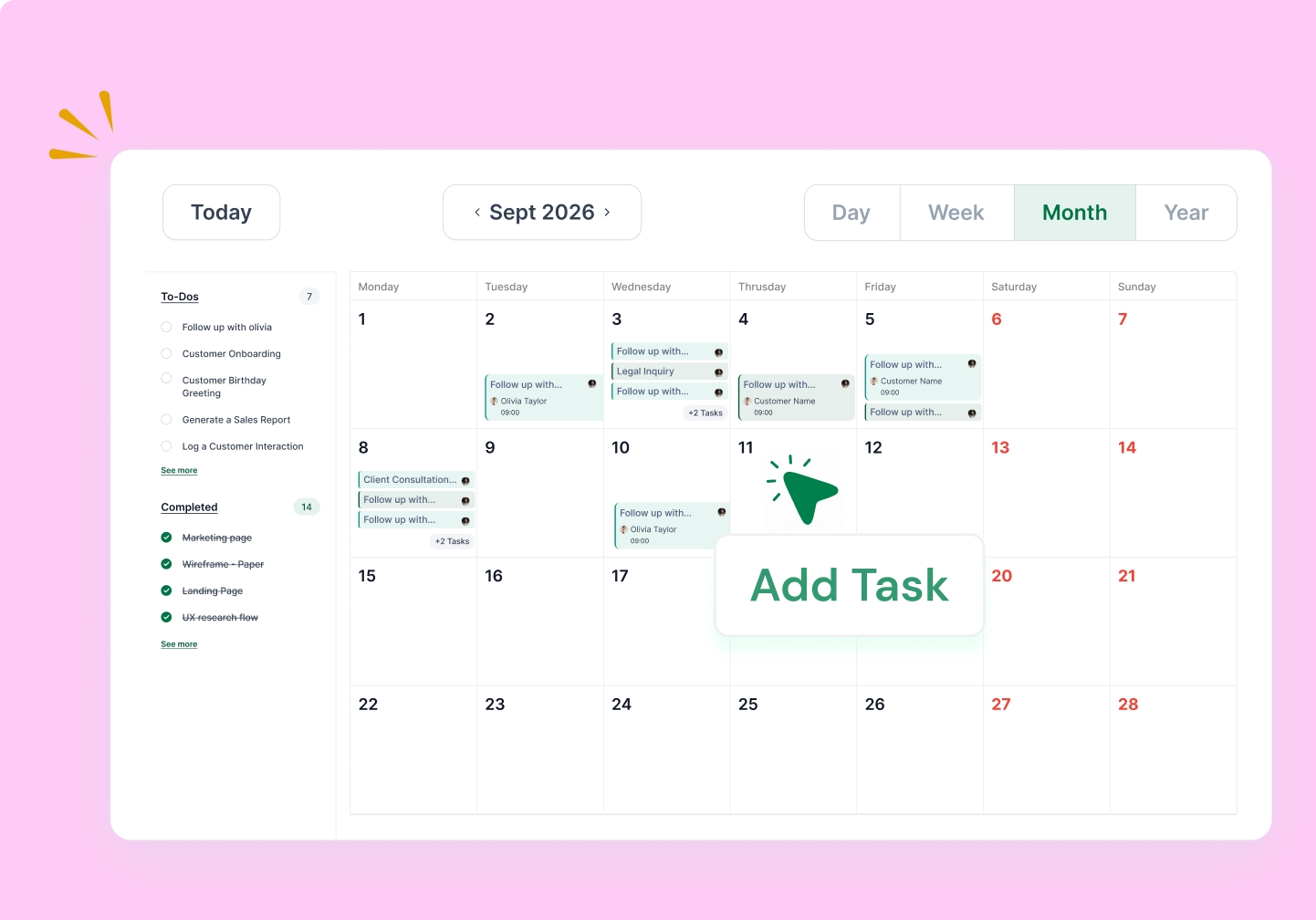
Calendar View
Plan consultations, meetings, deadlines, and upcoming tasks in one clear calendar view.
All Activities
See calls, notes, meetings, emails, and updates in one place to understand the full history of deals.
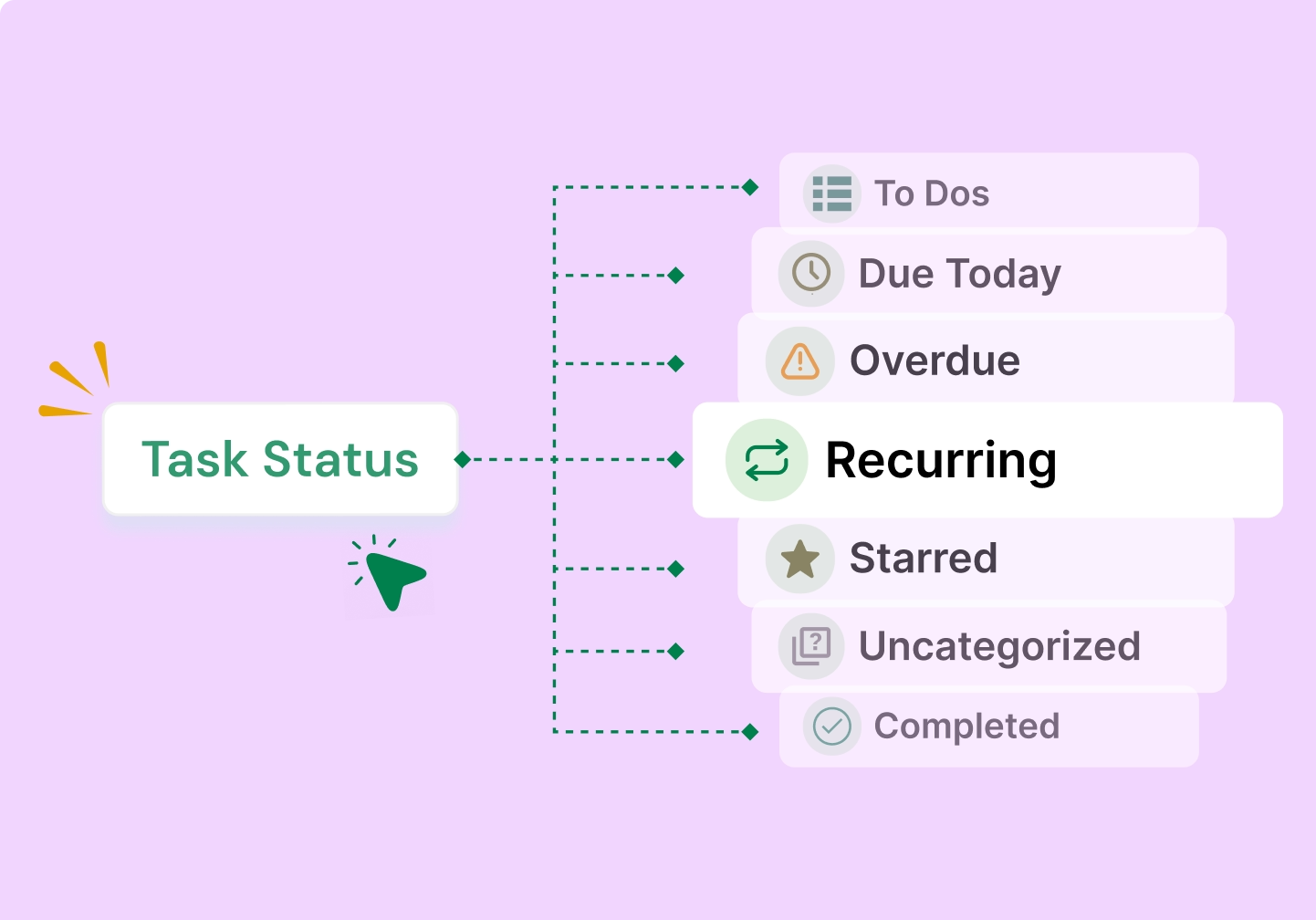
Task Status
Know what is pending, in progress, or completed, so your team can act faster and stay organized.r
Automate repetitive legal follow-ups and keep deals moving
LeadHeed CRM helps your law firm automate routine actions inside the intake and follow-up process, so consultations, reminders, and task assignments happen on time.
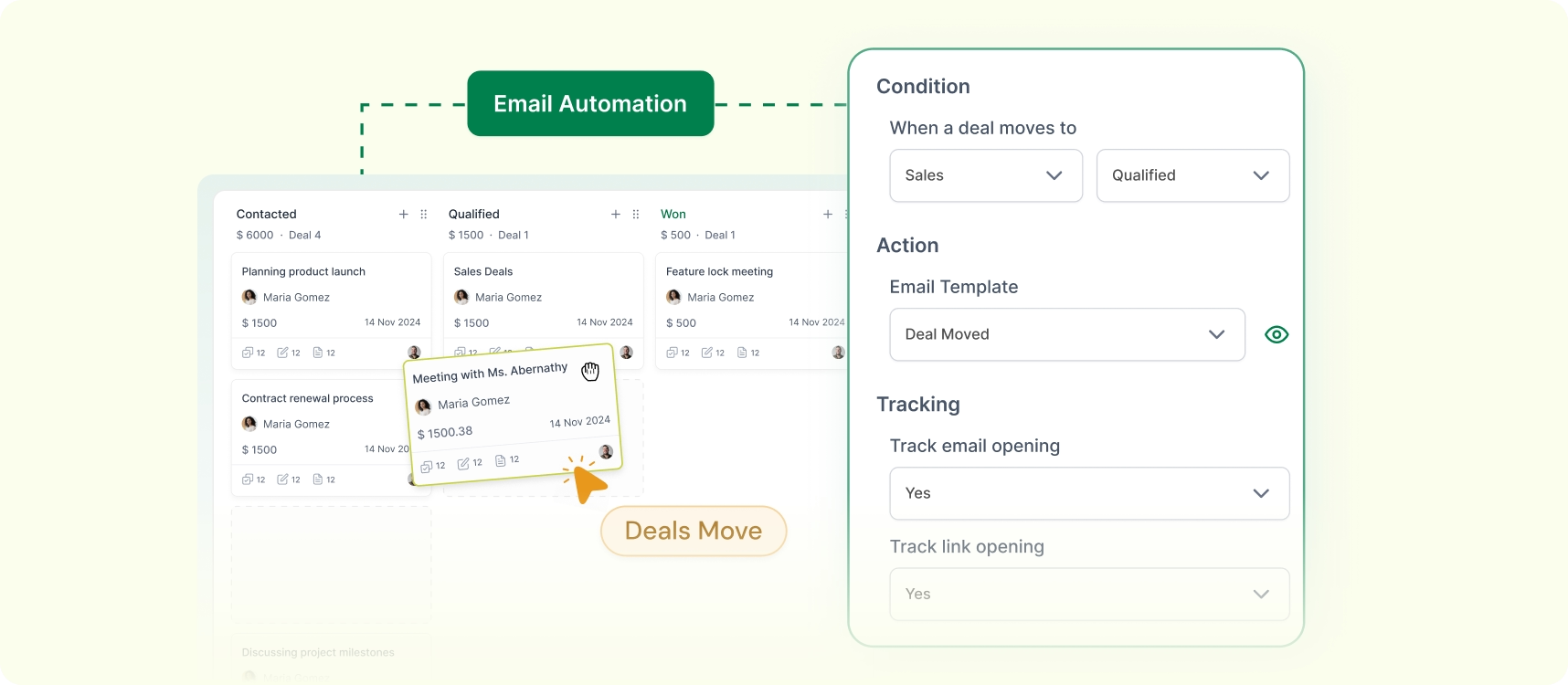
Send an Email When a Deal Changes Stage
Send a pre-set email automatically when an opportunity enters a new stage, such as after an intake review, consultation, or document request.
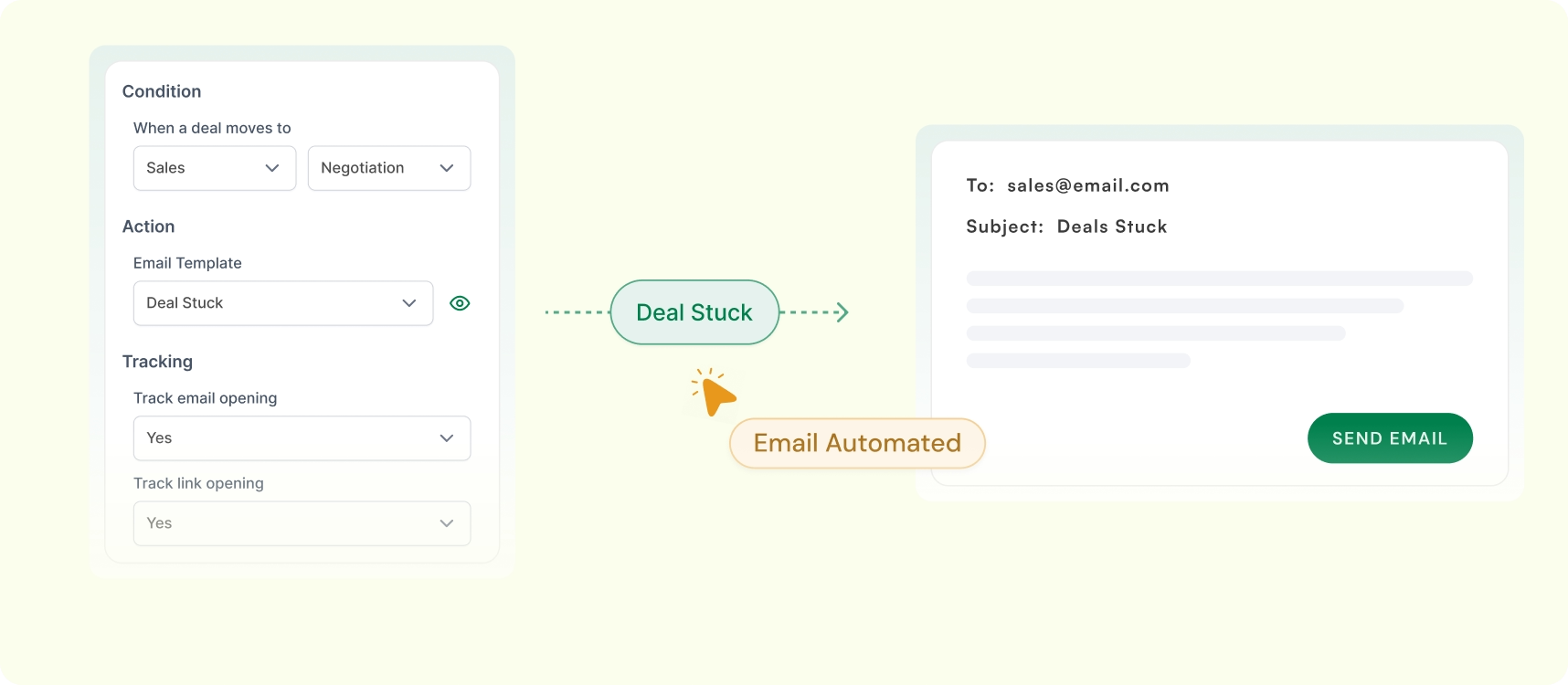
Send Email When a Deal Stays Stuck
Trigger follow-up emails when a deal stays in the same stage too long, so your firm can re-engage potential clients before they go cold.
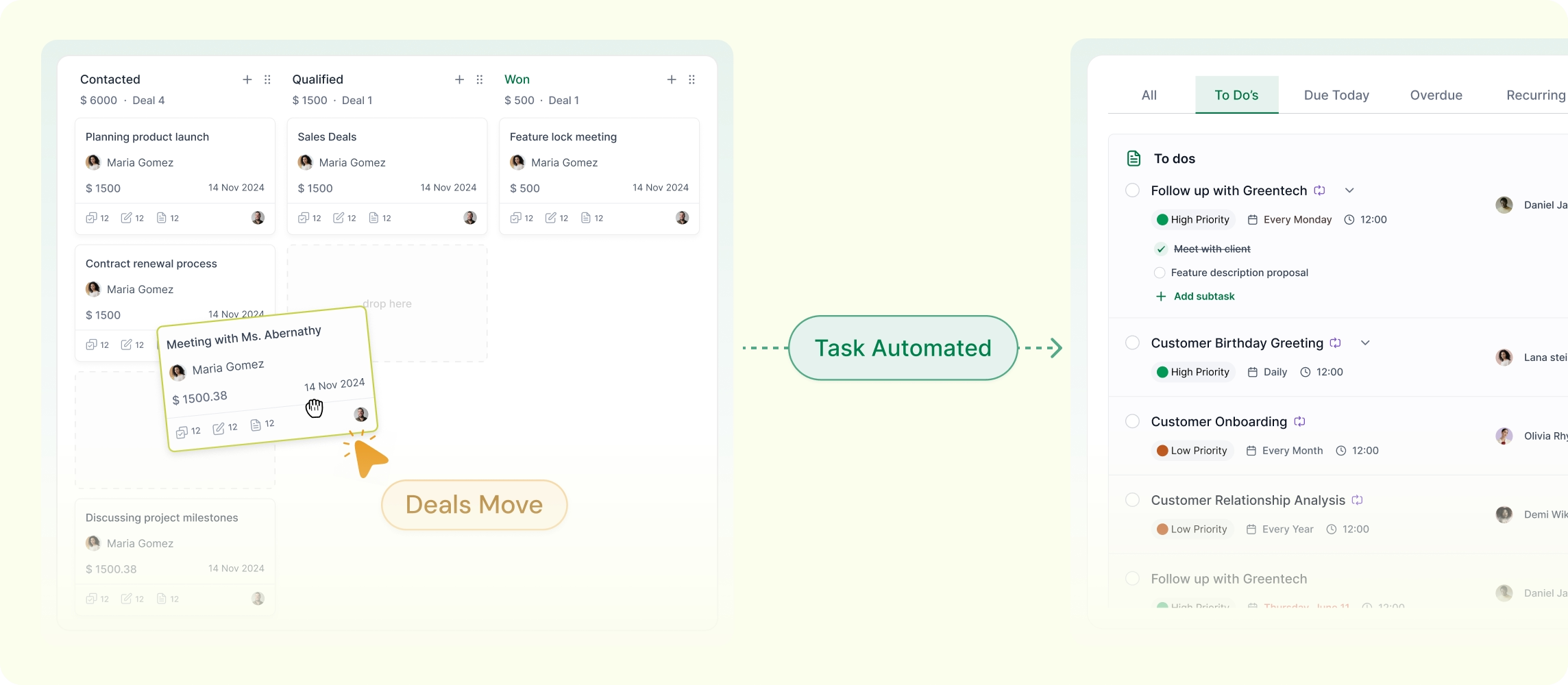
Assign a Task When a Deal Reaches a Stage
LeadHeed CRM automatically assigns a task (callbacks, check-ins, etc) to the right lawyer or team member when a deal reaches a specific stage.
See what is working across your law office with a clear CRM dashboard
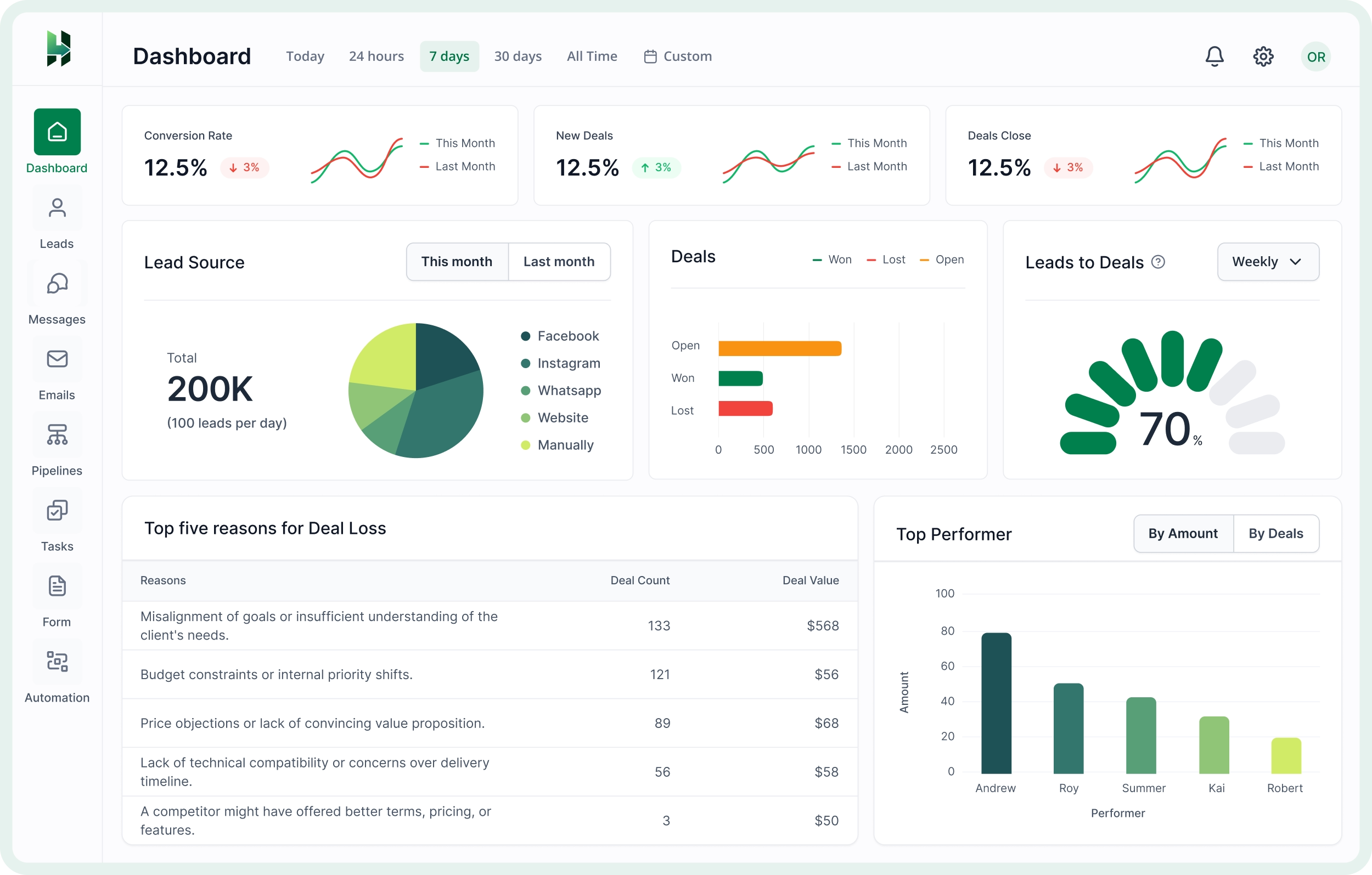
Get a simple CRM dashboard to monitor legal inquiries, track deal movements, and measure performance from one place.
Lead Source Performance
See which channels bring the most valuable legal inquiries, whether they come from your website, calls, referrals, or social media.
Pipeline and Opportunity Tracking
Monitor how opportunities move through your intake and follow-up process, and quickly spot where progress slows down.
Team Performance Visibility
Understand which team members are handling follow-ups well, moving opportunities forward, and contributing the most results.
Frequently Asked Questions (FAQs)
Answers to common questions about the professional service products for individuals and remote teams.
How does LeadHeed help law offices manage legal leads?
LeadHeed helps law firms collect inquiries from different channels, organize them with tags and filters, store important intake details, assign follow-ups, and move qualified opportunities through a clear pipeline.
Is LeadHeed easy to use for small law firms?
LeadHeed is designed to be simple and practical, making it a good fit for small law firms that want a more organized way to manage leads, follow-ups, and opportunities.
What is a legal CRM software?
Legal CRM is a software that helps law firms capture inquiries, organize client and prospect information, track follow-ups, and manage intakes through a clear sales pipeline, along with lead capture, task automation, and reporting tools.
What is the best CRM system for law firms?
Common CRMs that law offices use include Clio Grow (for legal intakes), Lawmatics (for marketing automation), and LeadHeed (all-in-one CRM for lawyers). LeadHeed is considered one of the best CRM for law firms. It helps firms capture inquiries, organize client details, track opportunities, manage follow-ups, automate routine tasks, and keep the full intake process clear in one simple system