











Industry Insurance CRM Software for Agents and Brokers
Best CRM Software for Insurance Agencies
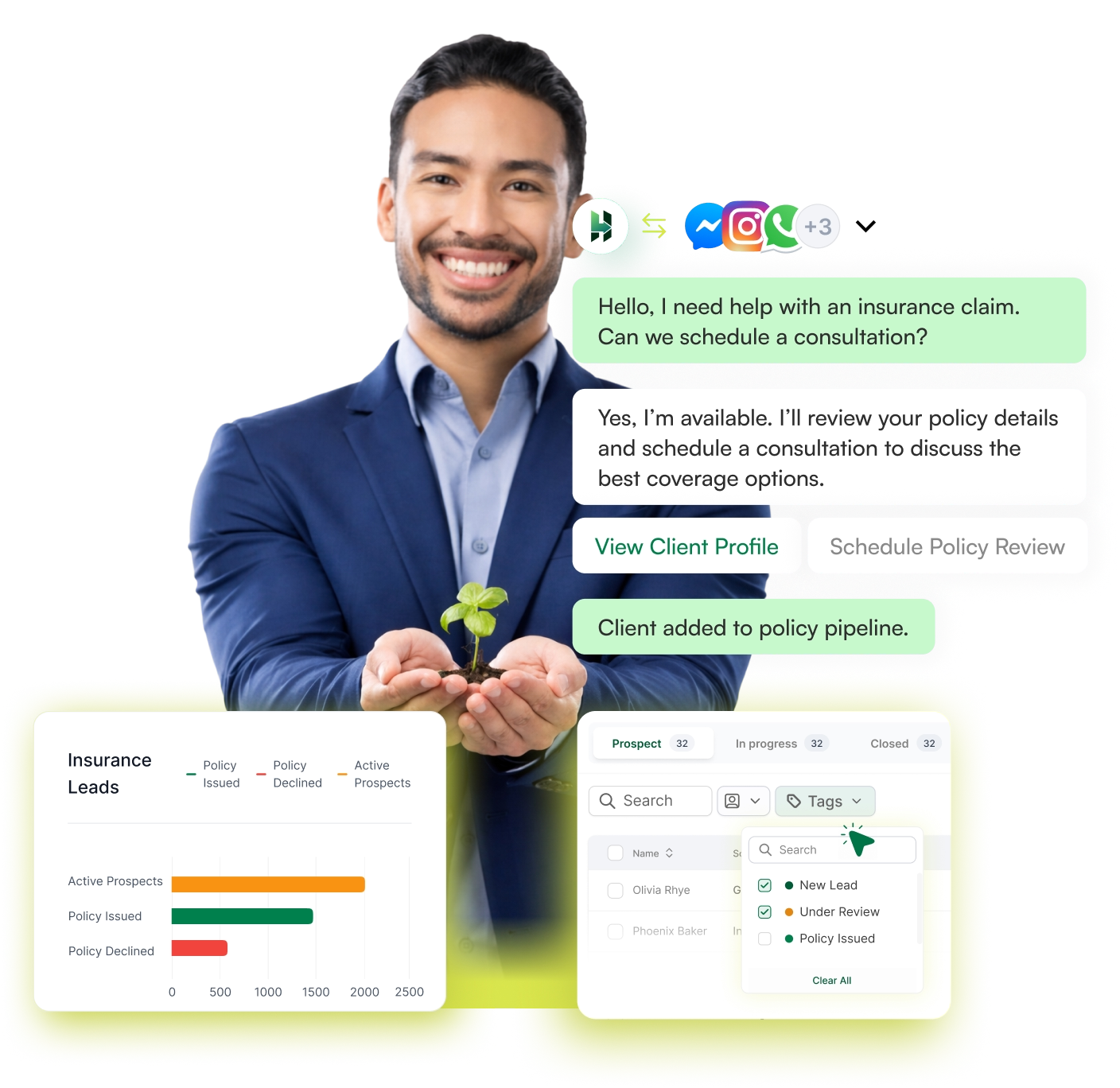
Get an insurance CRM software to capture and organize your leads, manage policy opportunities, and move the policies through a clear sales pipeline until they are sold. LeadHeed CRM lets insurance agents continue managing client relationships even after sales, for renewals and all.
14-day Free Trial. No credit card required
Policy inquiries • Insurance sales workflows • Renewal reminders
- Capture insurance leads from every important channel.
- Use tags to label leads with policy type, urgency, and more.
- Segment your insurance leads by tags, source, and owners.
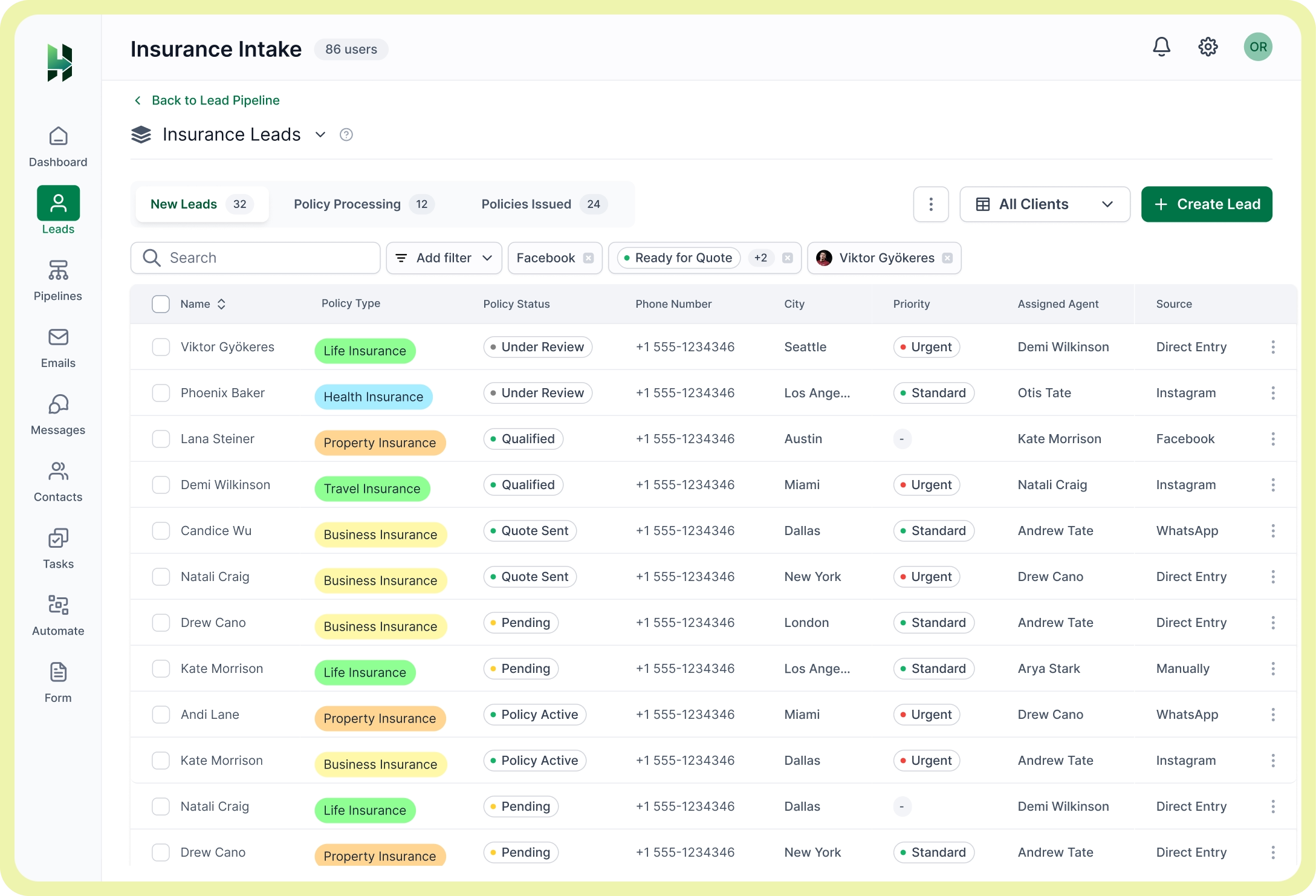
- Structure your insurance workflow with a clear sales pipeline.
- Handle your emails and social messaging within the CRM.
Trusted and Recommended by
100+ industry leaders


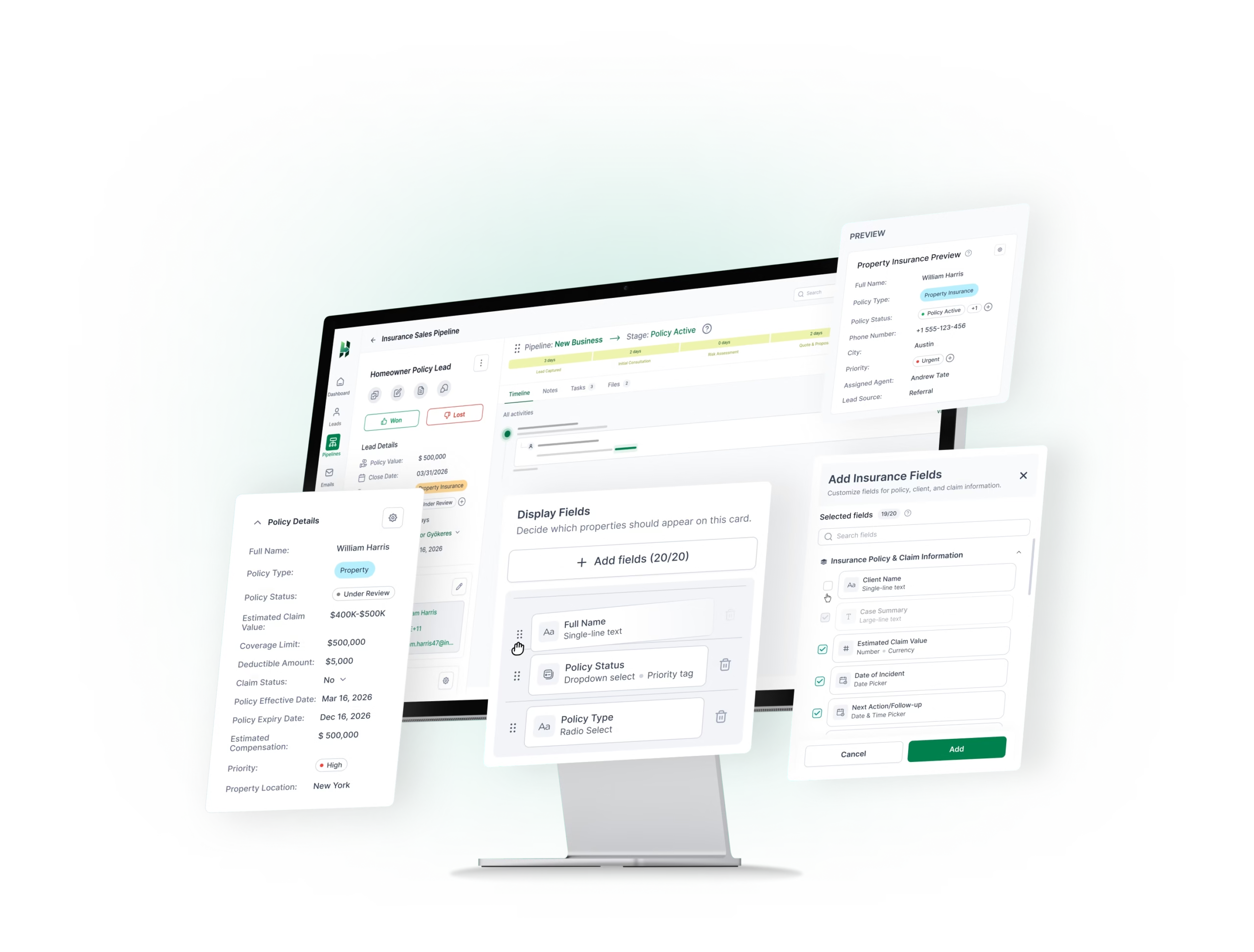
Create custom modules for your insurance leads and clients
Create custom modules for your lead records around the information your team needs to qualify the opportunities clearly. Keep every insurance inquiry organized in an insurance CRM system that fits your workflow.
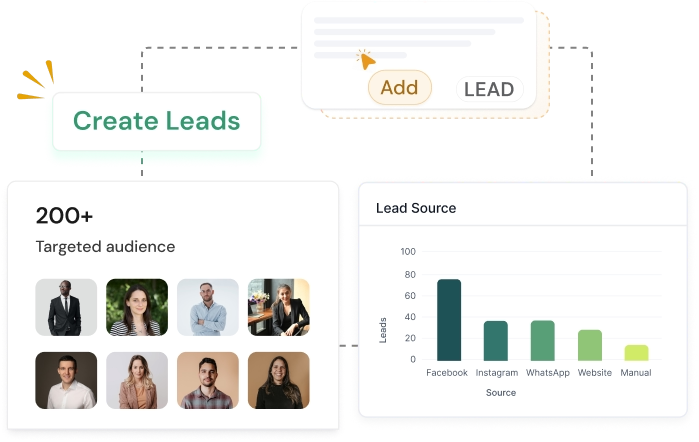
Capture and Organize Insurance Leads with the Right Tools
A centralized CRM for insurance agents to capture insurance leads from multiple channels, keep the records clean, and segment opportunities for better follow-ups.
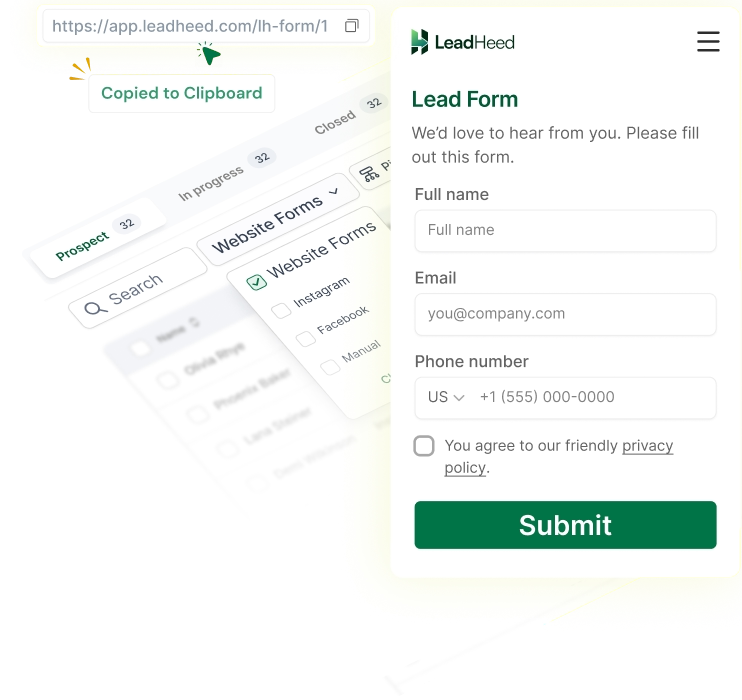
Website Forms
Create forms for policy inquiries and collect lead details in a structured way from the start.
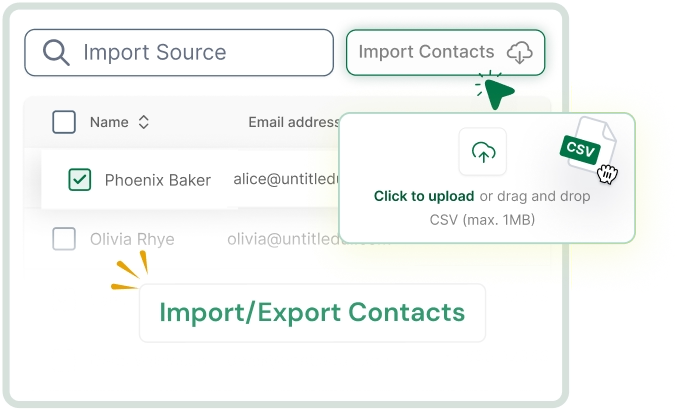
Import Contacts
Upload existing insurance leads from spreadsheets and bring them into one organized lead list.
Social Leads
Capture insurance inquiries coming from social conversations and move them into your lead list for follow-ups.
Create Leads Manually
Add insurance leads manually when someone calls, walks in, or contacts your team directly.
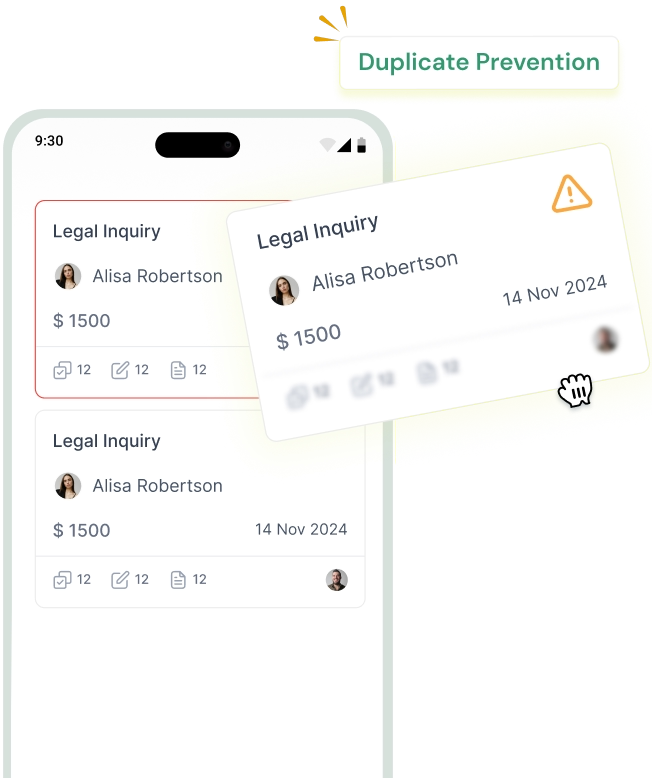
Duplicate Prevention
Keep your lead database clean by removing repeated records and improving data accuracy.
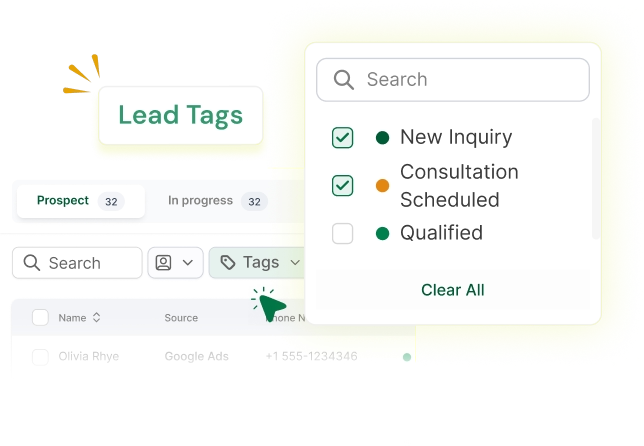
Lead Tags
Use tags to label leads with policy type, urgency, product line, or sales priority for faster sorting.
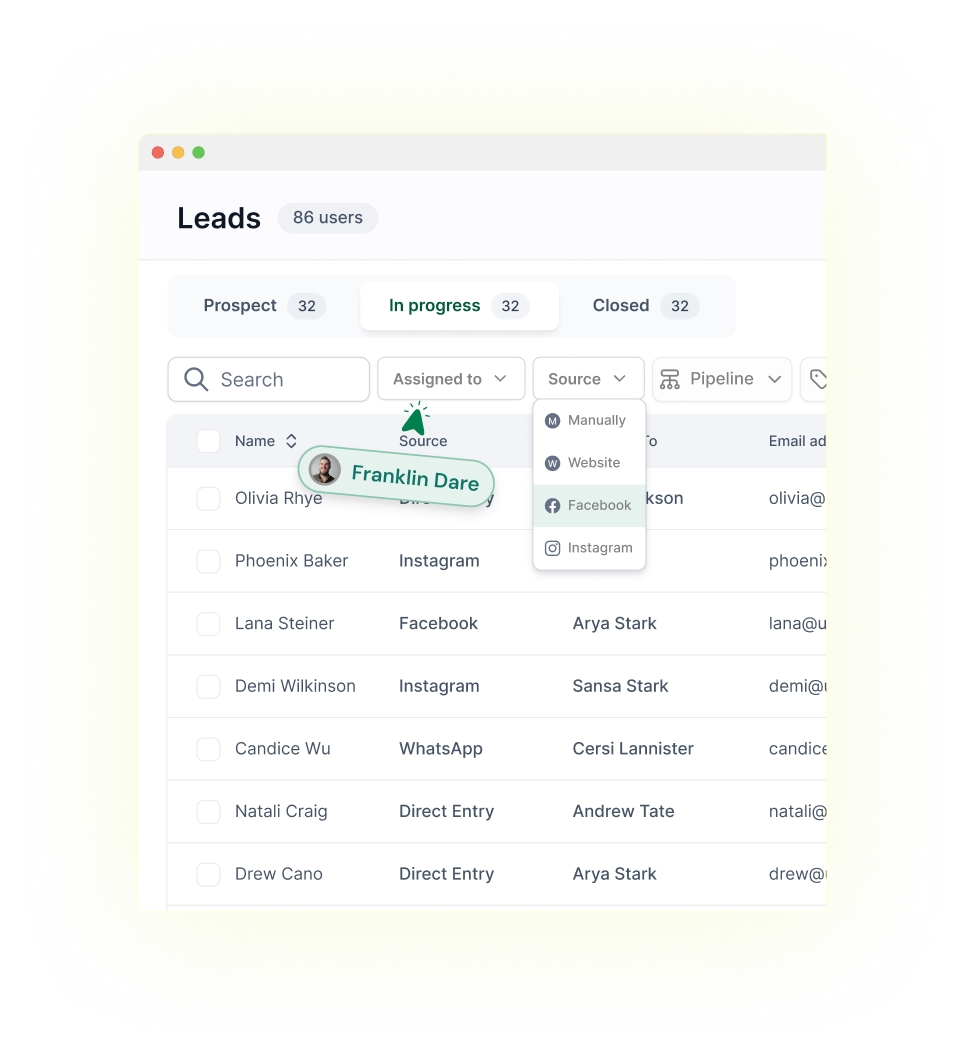
Lead Segmentation
Filter leads by source, tag, owner, date, and other details so your team can focus on the right opportunities.
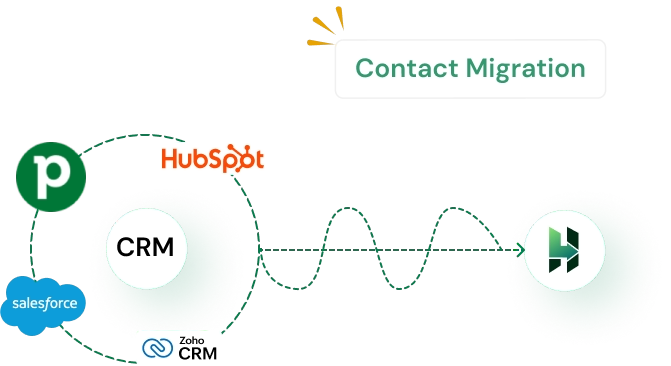
Contact Migration
Move contacts from your old system into LeadHeed and keep your insurance records organized in one CRM.
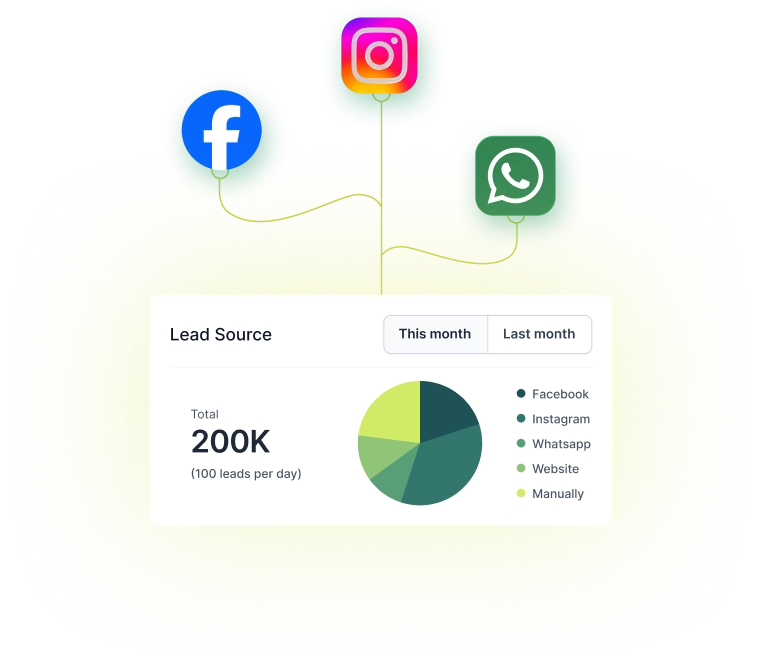
Lead Source
See where each insurance inquiry comes from and understand which channels bring the best opportunities.
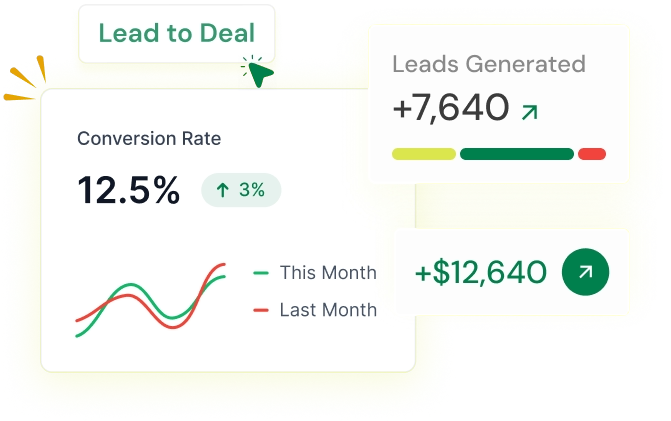
Convert Leads to Deals
Turn qualified insurance leads into active deals and move them into your pipeline for follow-ups.
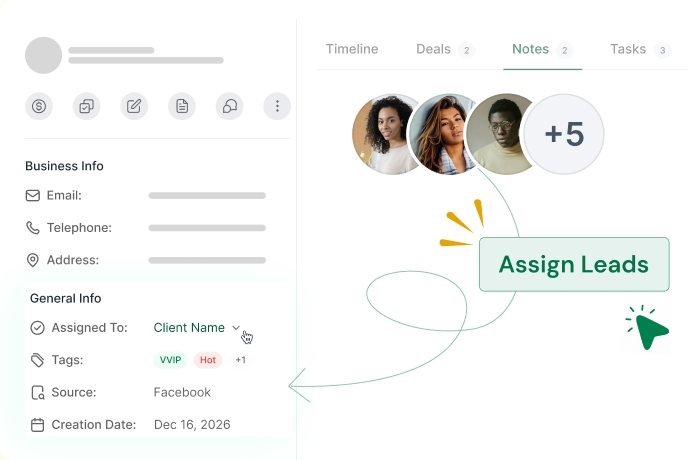
Assign Lead Owners
Divide leads for your agents to manage deals, so the follow-up responsibilities stay visible.
Discover how the right CRM for lawyers helps manage clients
Add Custom Fields for Insurance Lead Details
Create custom fields, such as policy type, coverage amount, renewal date, claim status, and assigned advisor, so you can record insurance leads information in a more structured way.
Contact Notes
Track discussions, coverage needs, premium preferences, renewal details, and other client information in one place for better context.
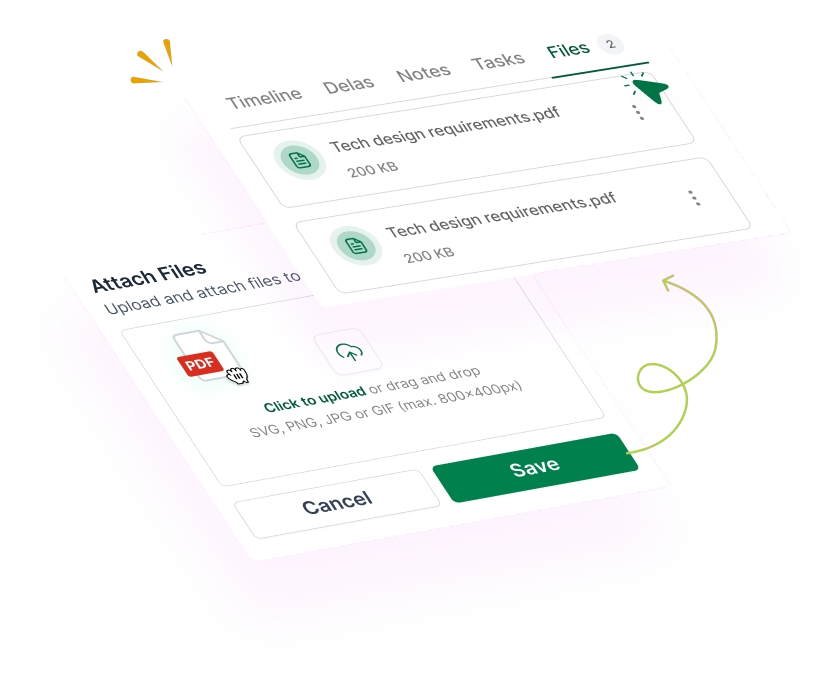
Attach Files
Upload proposals, policy copies, ID proofs, claim documents, quotations, and other supporting files to the record, and access them when needed.
Manage Insurance Opportunities in a Clear Sales Pipeline
Get a 360° board view of every insurance opportunity. Manage quotes, client discussions, and document collection, and move the deal forward through a structured sales pipeline.
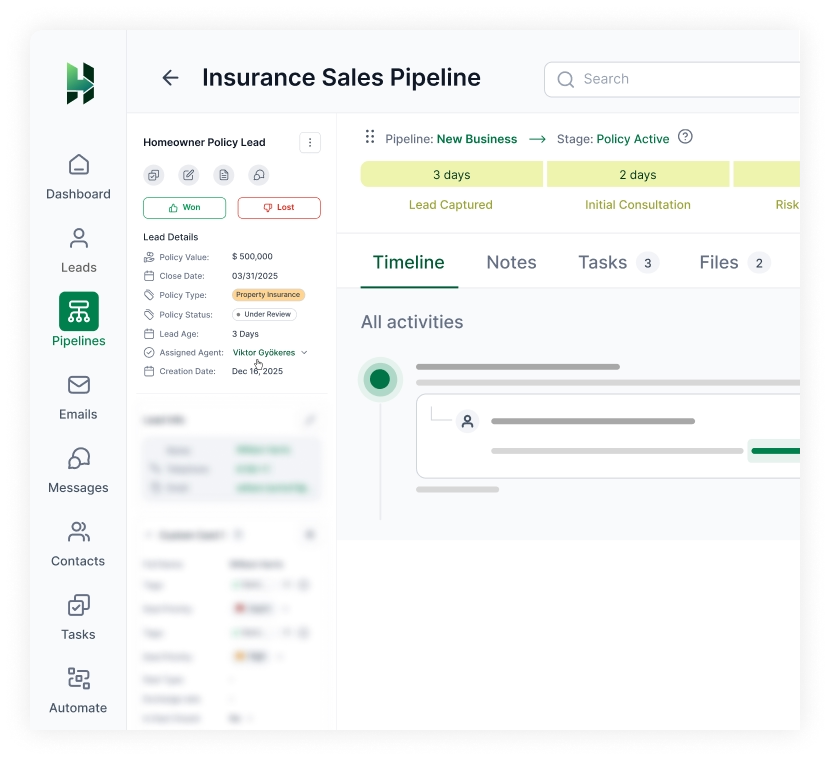
Deal 360° View
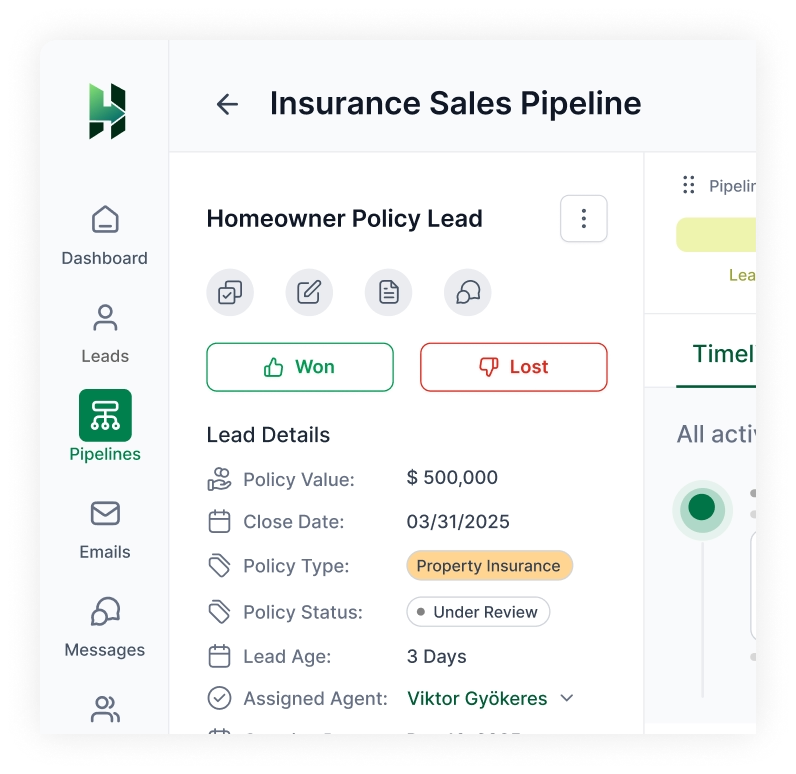
See the full picture of each opportunity in one place, including deal information, notes, files, and activities.
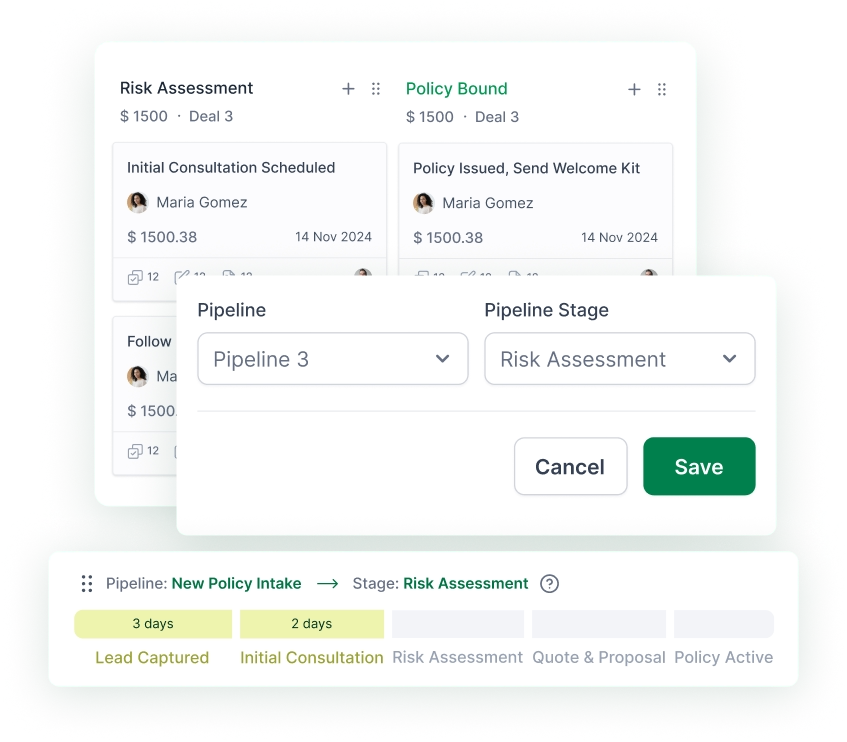
Multiple Pipelines
Create separate pipelines for different insurance products, teams, or sales workflows.
Drag-and-Drop Stages
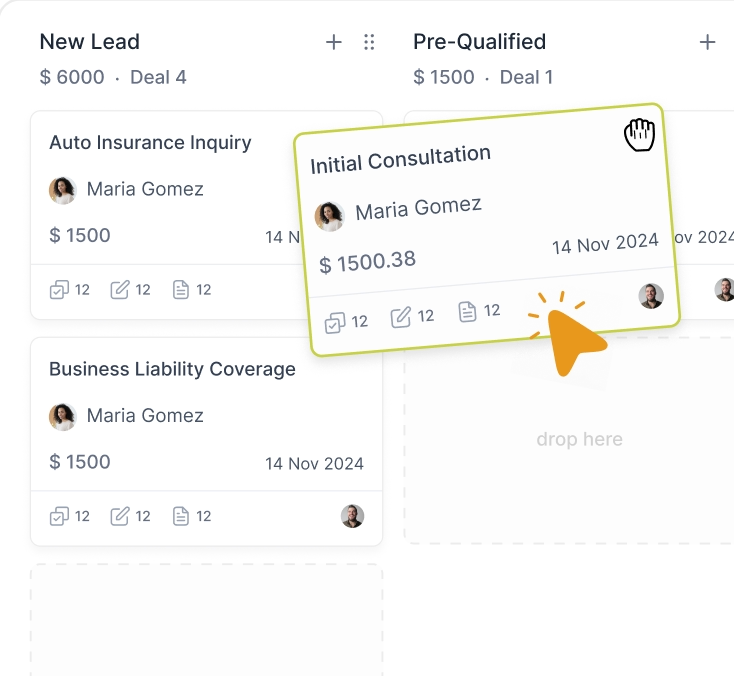
Move deals through the pipeline stages with a simple board view that keeps your process easy to manage.
Deal Value
Add expected value to each opportunity, so your team can prioritize the most important deals.
Estimated Revenue
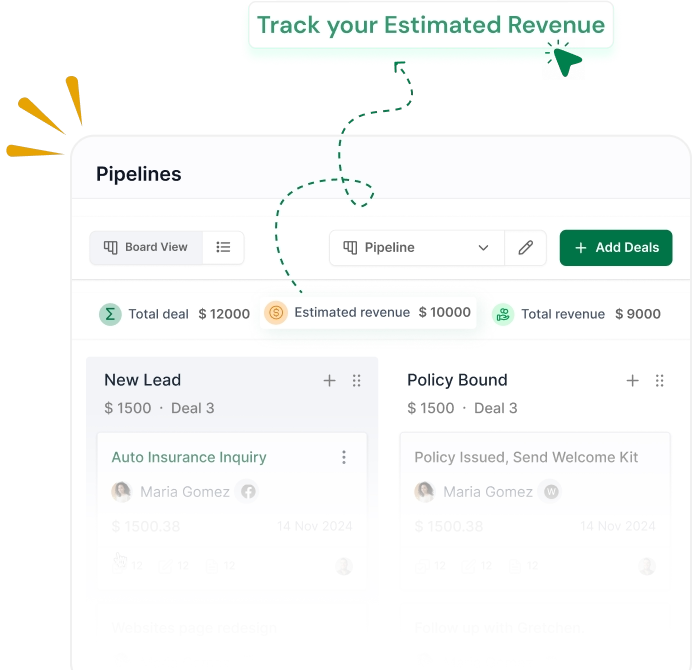
See how much potential revenue sits inside your pipeline and which stage the strongest deals are in.
Deal Rotting
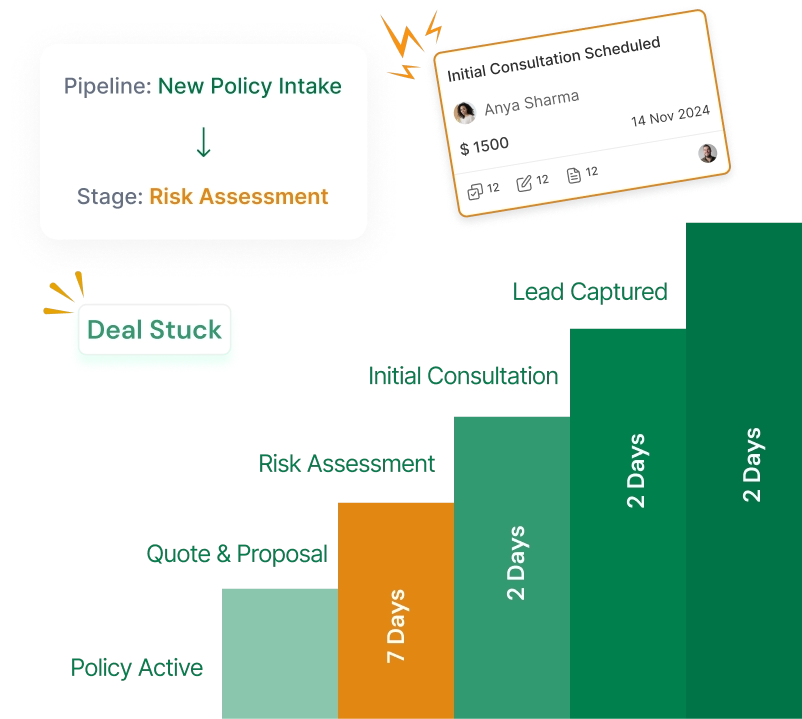
Identify insurance deals that have gone quiet at one stage. It lets your team reconnect with the prospects.
Manage your insurance client tasks within the CRM
LeadHeed helps you with your insurance tasks such as callbacks, quote reminders, document collection and renewal follow-ups.
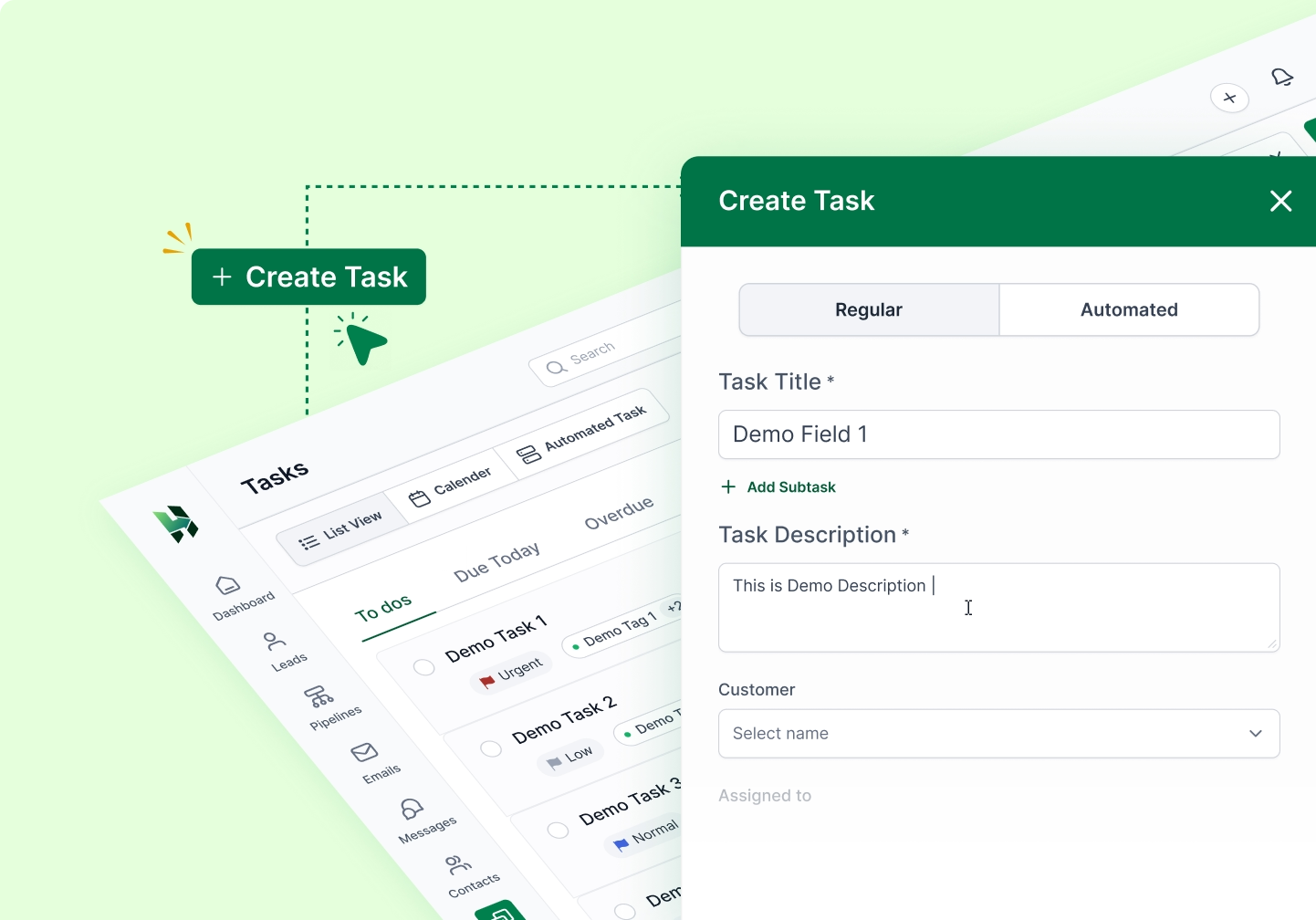
Create Tasks
Create tasks for your team for callbacks, quote follow-ups, document requests, renewals, and more.
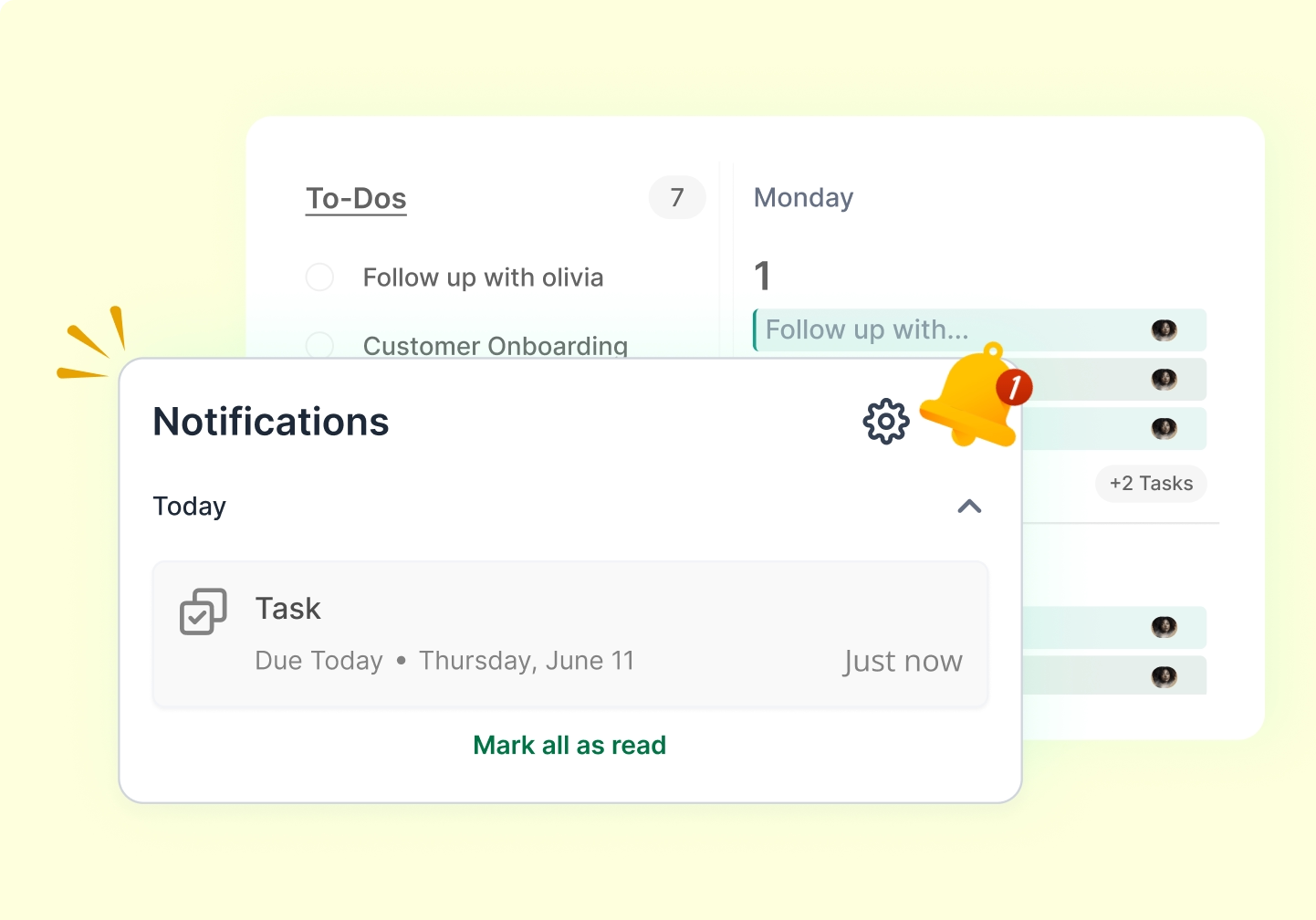
Task Reminder
Use reminders to stay on top of deadlines, callbacks, and important follow-ups without relying on memory.
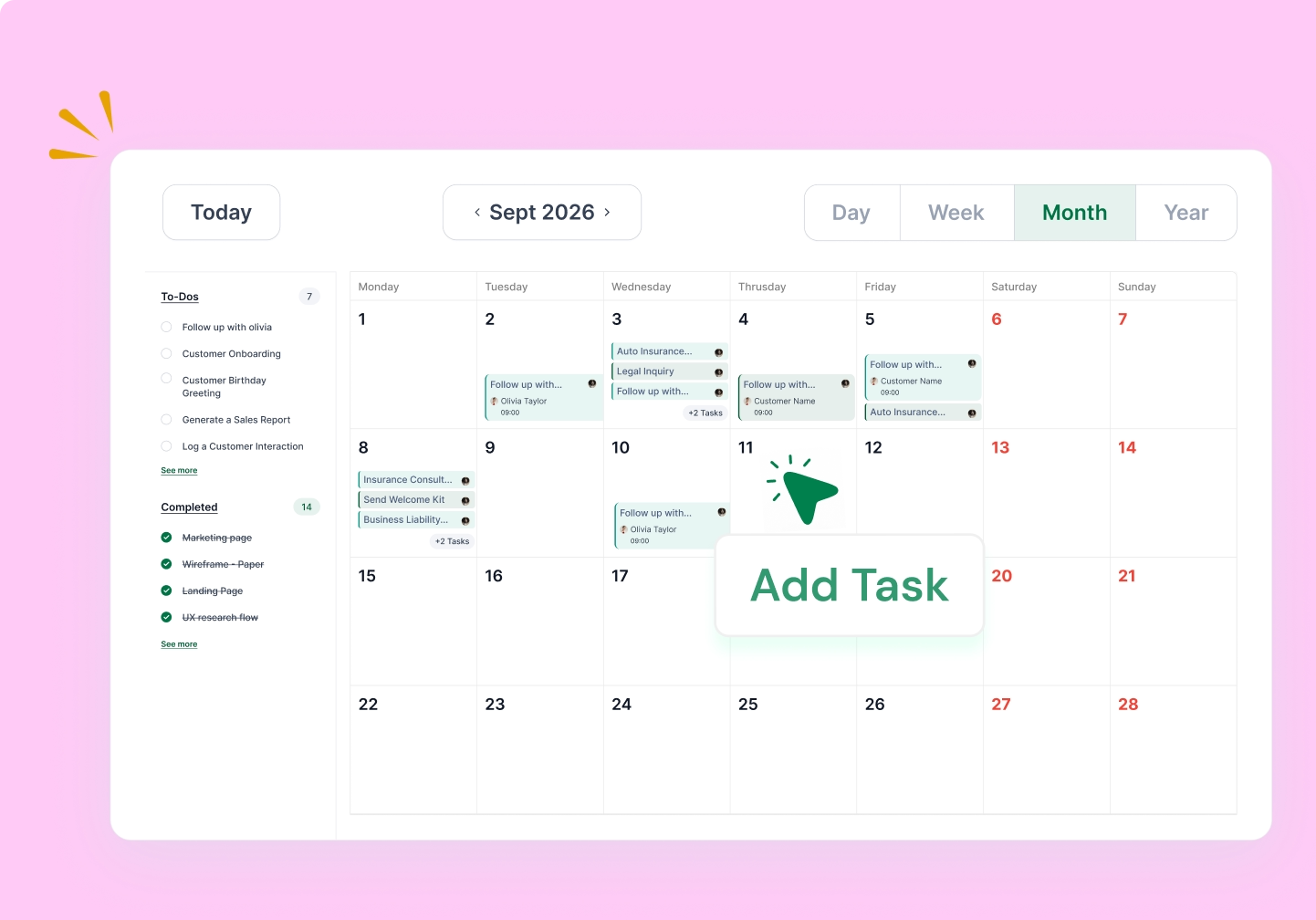
Calendar View
Plan consultations, meetings, deadlines, and upcoming tasks in one clear calendar view.
All Activities
See calls, notes, meetings, emails, and updates in one place to understand the full history of deals.
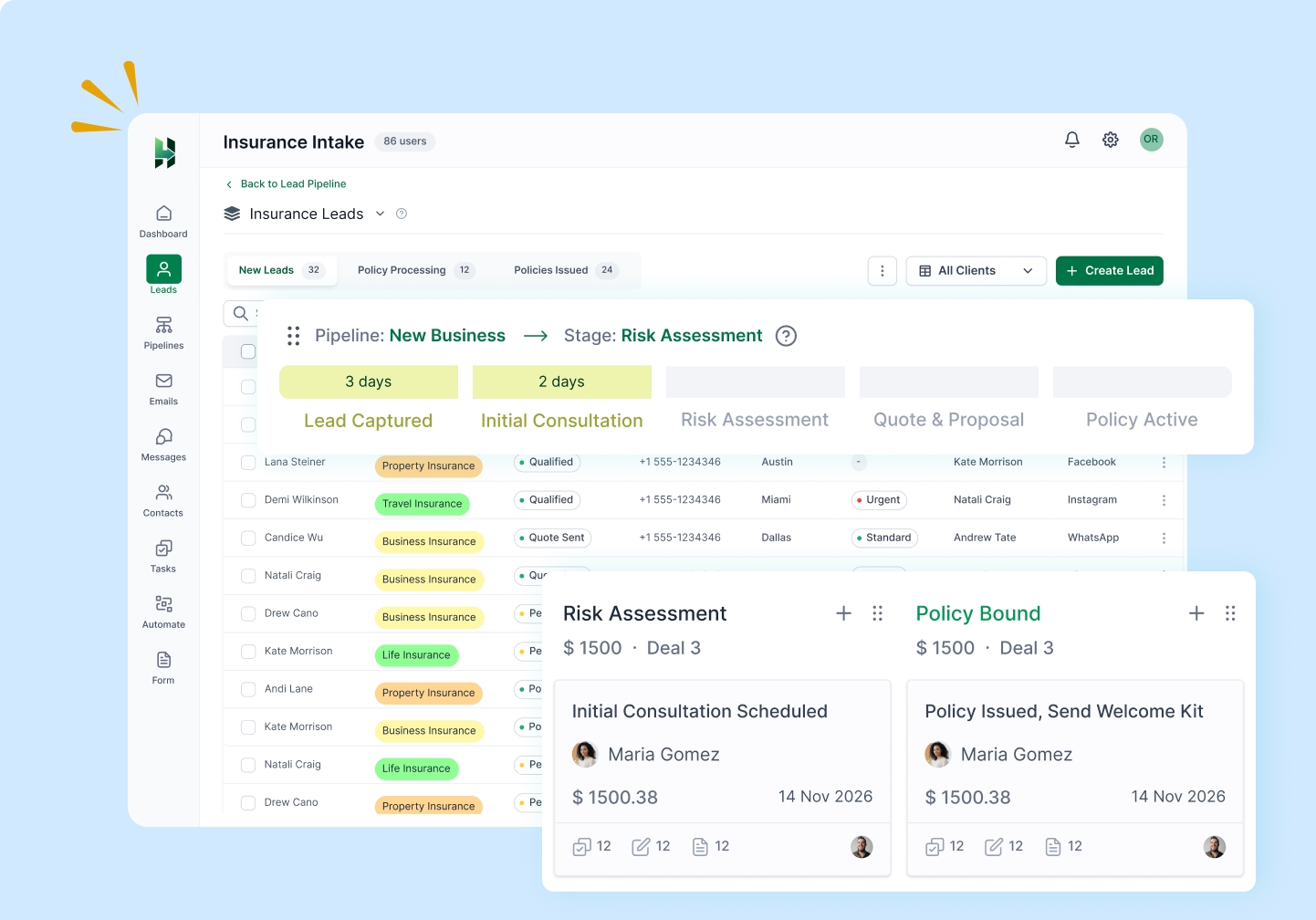
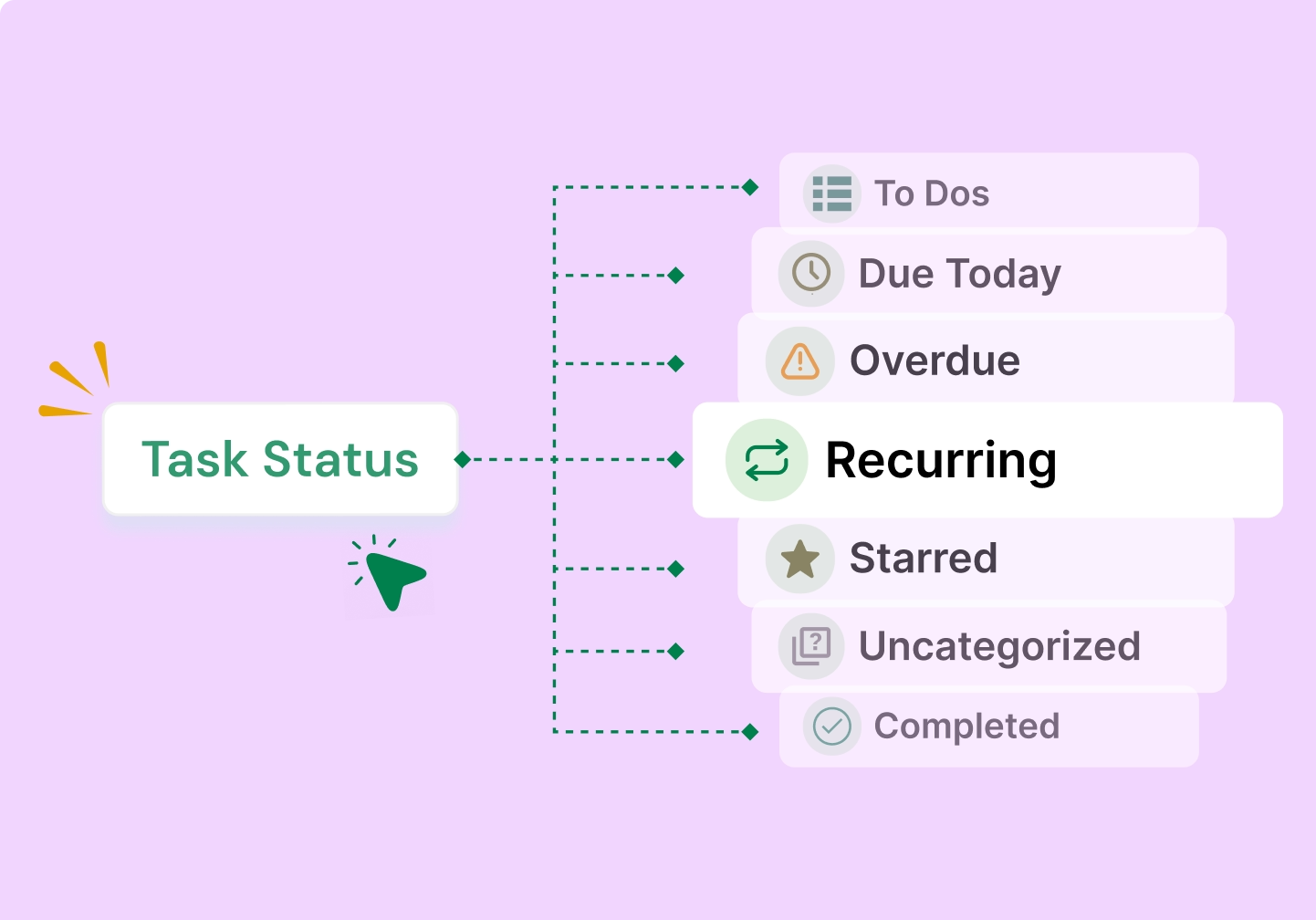
Task Status
Know what is pending, in progress, or completed, so your team can act faster and stay organized.
Automate Insurance Follow-Ups and Keep Opportunities Moving
Automate your routine insurance tasks inside the sales process, so quotes, reminders, and renewals happen on time.
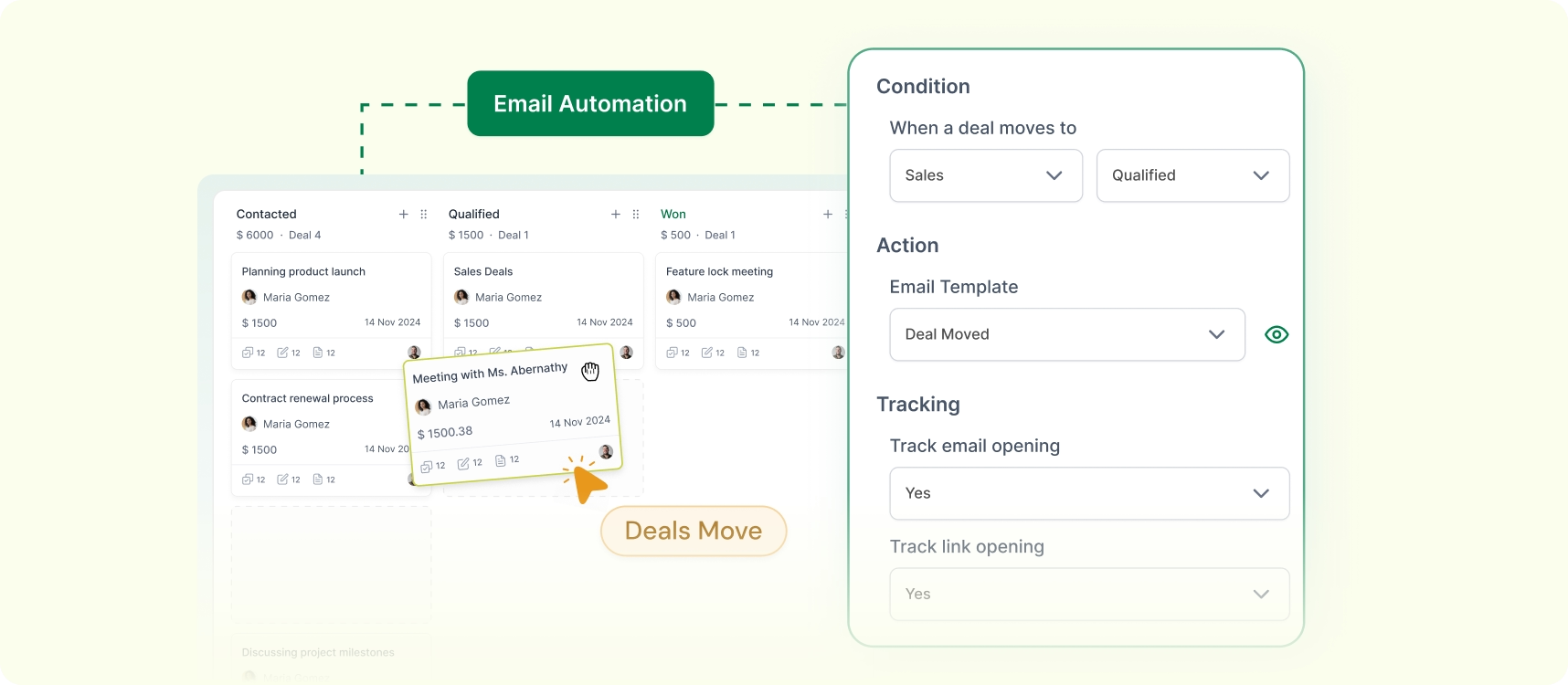
Send an Email When a Deal Changes Stage
Trigger the right email automatically when an opportunity moves forward, such as after quote sharing, document collection, or a policy discussion.
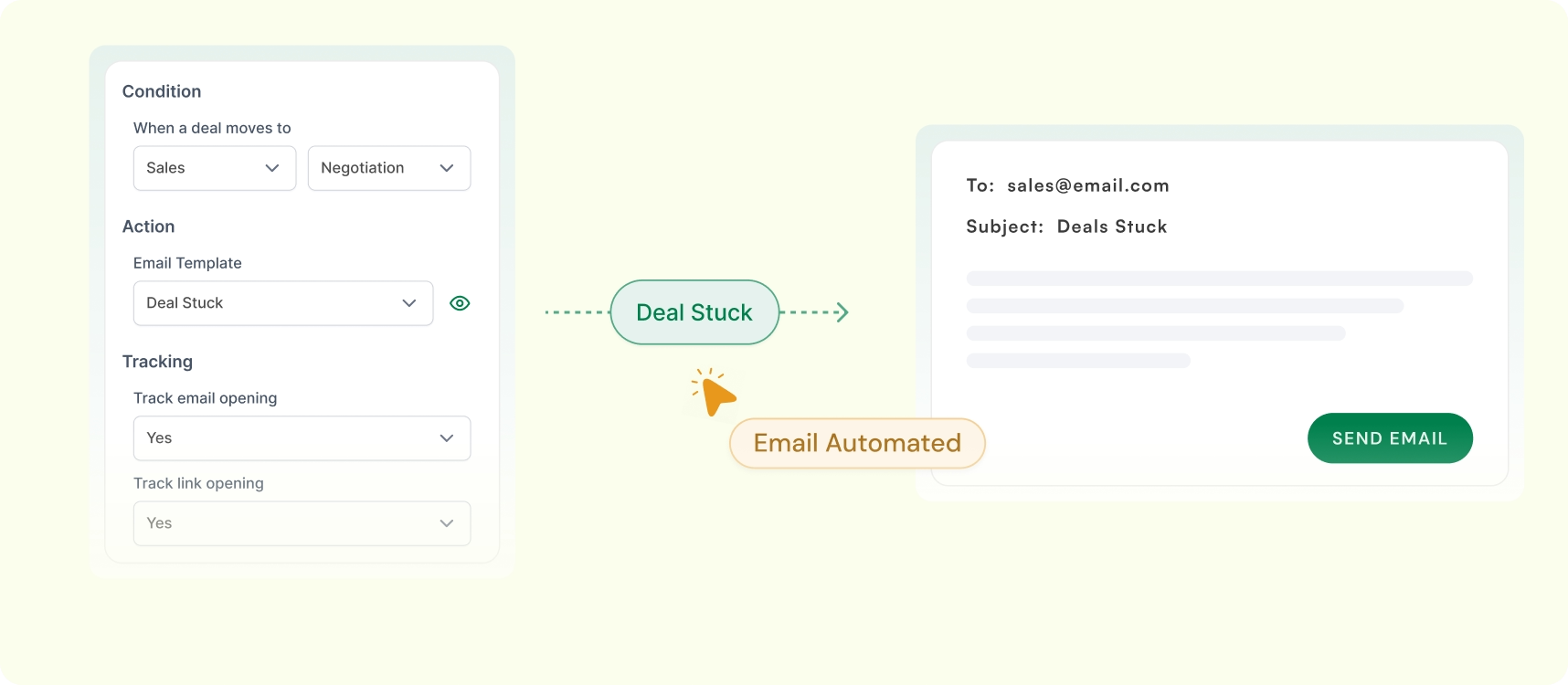
Send Email When a Deal Stays Stuck
Re-engage prospects automatically when a deal stays inactive in the same stage for too long, so your team does not lose momentum.
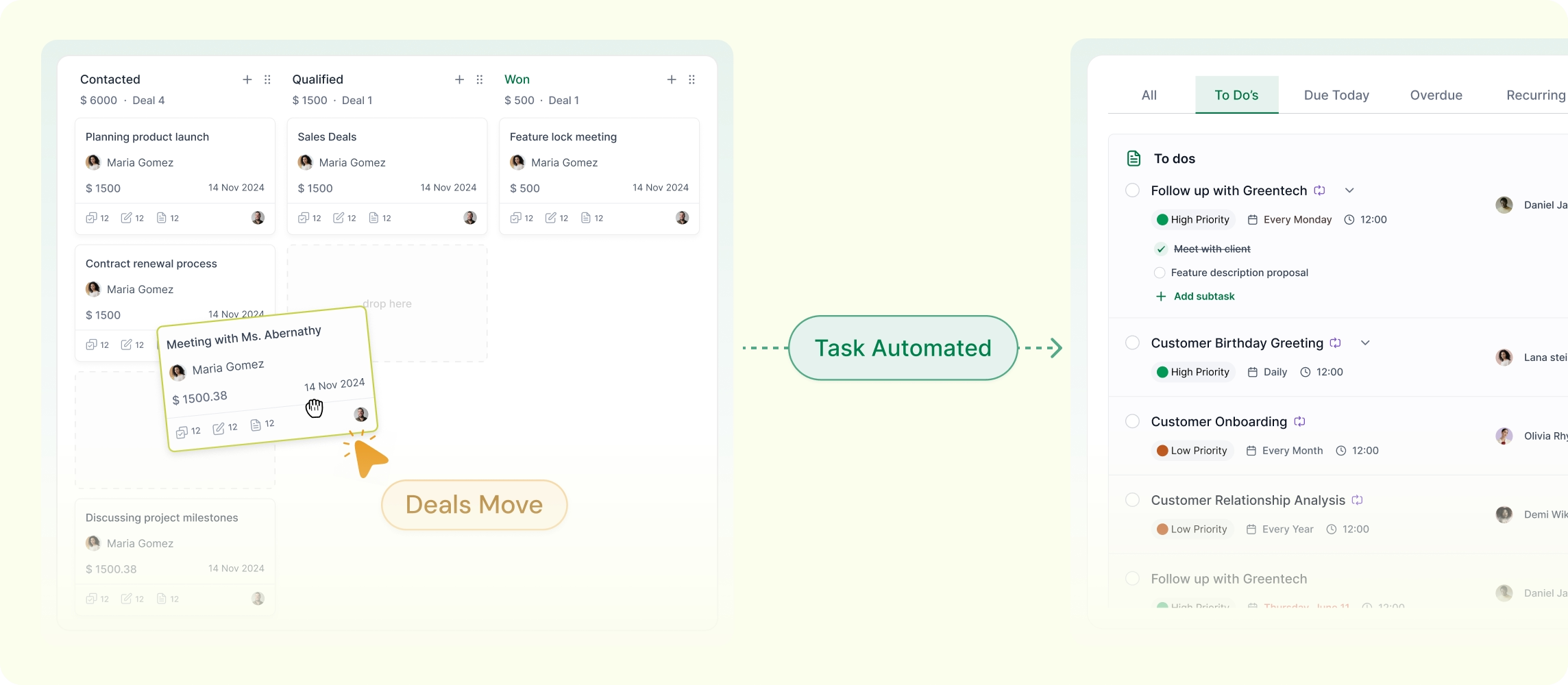
Assign a Task When a Deal Reaches a Stage
LeadHeed can create tasks (calls, reminders, and follow-ups) automatically when an opportunity reaches a defined stage.
Track Insurance Sales Performance with a Clear Dashboard
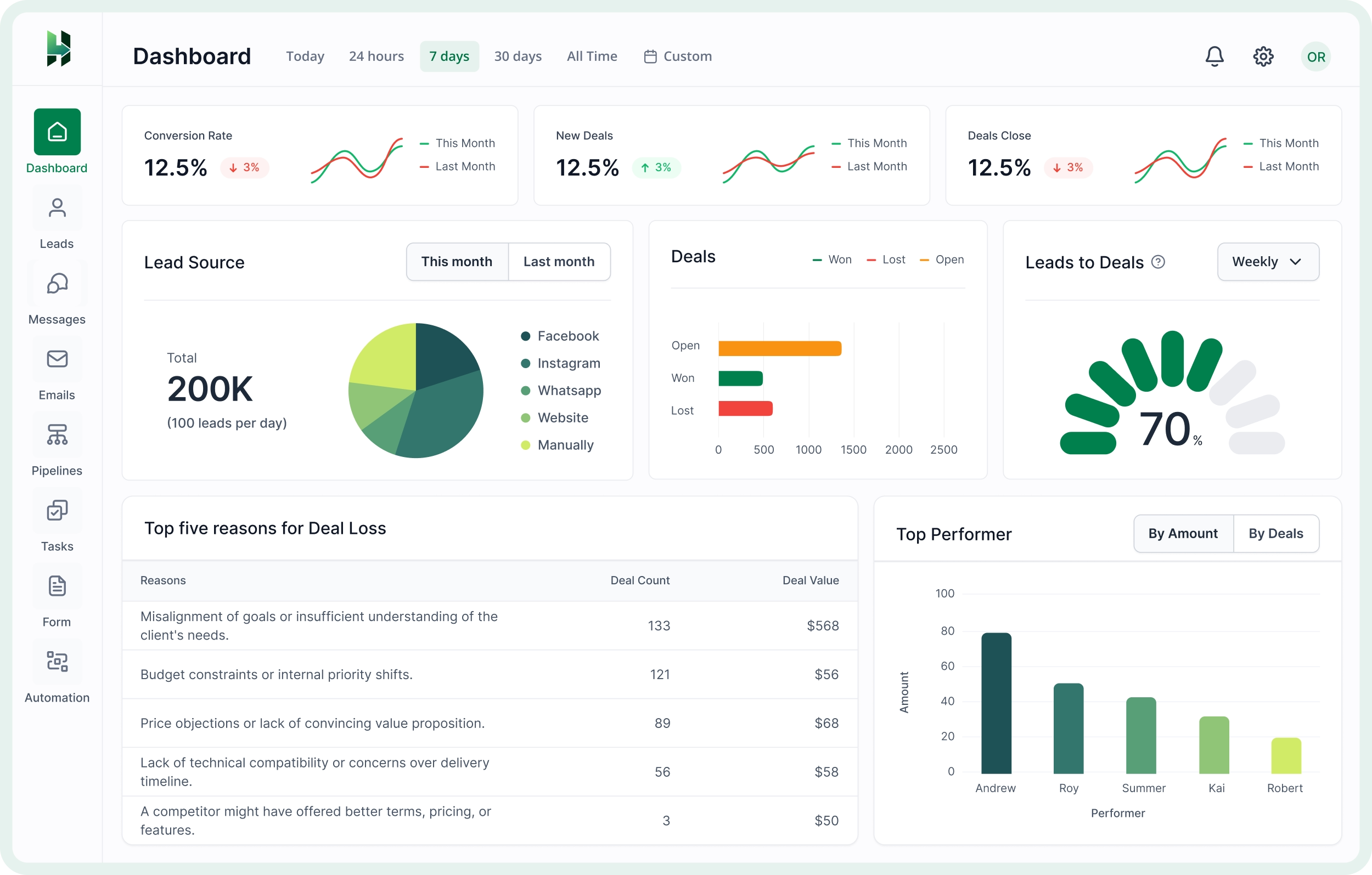
Monitor lead flow, opportunity movement, and team output to see how your insurance sales process is performing.
Lead Source Performance
See which channels are bringing the most valuable insurance inquiries, whether they come from forms, calls, referrals, or social media.
Pipeline and Deal Performance
Track how opportunities are moving through your sales process and identify where deals are progressing well or slowing down.
Team Performance
Understand which agents or team members are driving activity, handling follow-ups well, and contributing the most results.
Frequently Asked Questions (FAQs)
Answers to common questions about the professional service products for individuals and remote teams.
What's the best CRM for life insurance agents?
The best CRM for life insurance agents include AgencyBloc, HubSpot CRM, Zoho CRM, Salesforce Financial Services Cloud, and LeadHeed. LeadHeed is a strong insurance CRM for lead capture, pipeline tracking, follow-ups, and automation in one place.
Can I add custom fields for insurance lead details?
LeadHeed lets you create custom fields to store details like policy type, coverage amount, premium range, renewal date, insurer name, and other information important to your workflow.
What is a CRM in insurance?
A CRM in insurance is software used to manage relationships with prospects and policyholders across the sales lifecycle. It centralizes customer data, tracks leads and pipelines, supports communication, and helps agencies grow new business.
Why do insurance agents need a CRM?
Insurance agents need a CRM to keep leads, client details, quotes, and follow-ups organized. It helps reduce missed opportunities, improves response time, and makes the sales process easier to manage.
What is the difference between AMS and CRM insurance?
An AMS (agency management system) is for policy management, accounting, and commission processing, while an insurance CRM is built for capturing leads and nurturing prospects into customers.