Organizational tools help you plan work, keep information in one place, and ensure tasks move forward on time. They give your team clear ownership, clear deadlines, and a simple way to track what happens next.
Most teams face the same problems: tasks get lost in chats, files sit in different folders, follow-ups get delayed, and meetings end without action items. The right productivity tools help organizations create one clean workflow—capture work, assign it, track progress, and close it.
The 10 organizational tools below cover the core areas teams need to stay organized: communication, planning, documentation, meetings, people management, and customer follow-ups.
|
Organization Tools |
Best For |
| 1. LeadHeed | Lead management & sales pipelines |
| 2. Calilio | Business calling and customer follow-ups |
| 3. Slack | Team communication and collaboration |
| 4. Zoom | Meetings and conference calls |
| 5. Google Workspace | Email, docs, files, and calendar |
| 6. Miro | Visual planning and brainstorming |
| 7. BambooHR | HR management, onboarding, and payroll |
| 8. Notion | Documentation and internal knowledge base |
| 9. Zapier | Workflow automation across apps |
| 10. Insightful.io | Track time and employee productivity |
1. LeadHeed
LeadHeed is an all-in-one CRM software built to organize leads, manage prospects, and convert opportunities into sales through a structured sales pipeline. It gives teams one simple and easy-to-use system to capture lead details, qualify prospects, track conversations, and plan follow-ups.
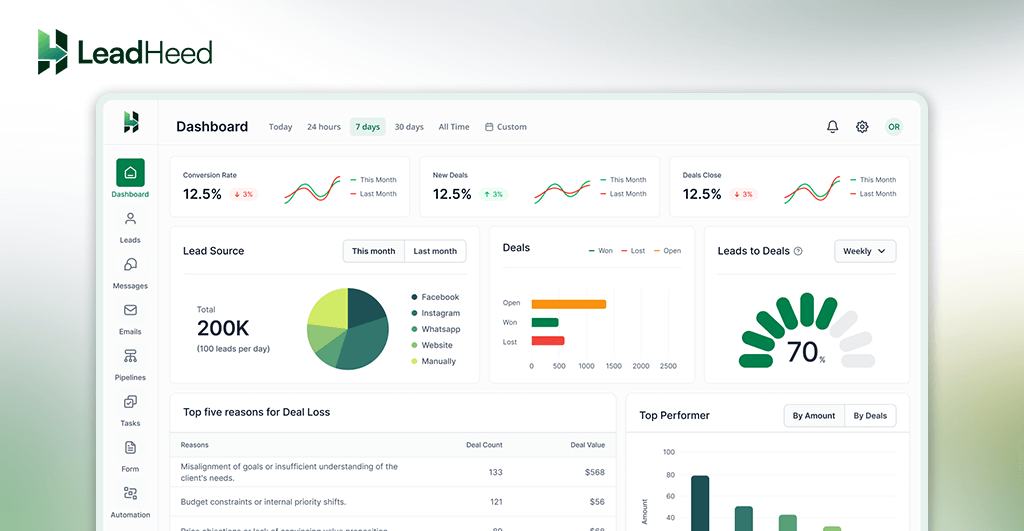
LeadHeed is one of the best organizational tools that keeps your lead details, activities, and follow-ups in one place. It allows your sales teams to work with a consistent process instead of scattered notes and spreadsheets.
- Centralize leads from your key channels into one workspace.
- Qualify leads with clear fields, tags, and filtering.
- Converts qualified prospects into deals and tracks them through pipeline stages.
- Keeps call notes, tasks, and follow-ups connected to each record.
- Provides sales reporting to track pipeline value, conversion, and team activity.
LeadHeed is best for sales teams, agencies, and service businesses that need a simple, structured way to manage leads and deals and track sales.
2. Calilio
Calilio is a cloud-based business phone system that you can use to make phone calls and SMS over the Internet (VoIP technology). It has all the telephony features organizations need for inbound calling (IVR, phone greeting, call forwarding, call queue, and more) and outbound calling (power dialer, call disposition, custom caller ID, and more).
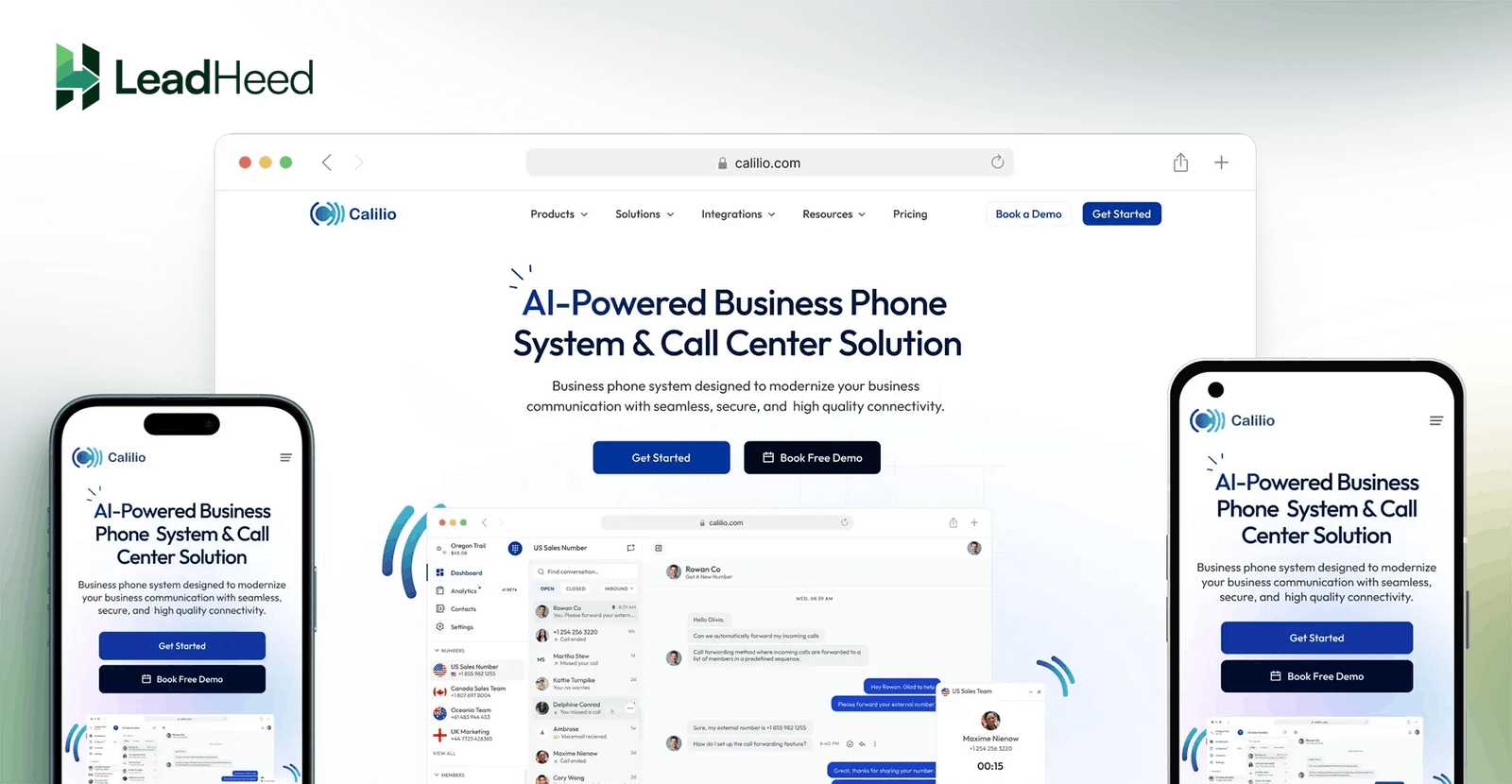
You can also integrate Calilio with CRM and other business tools, and sync your customer interactions with your sales or support workflow.
- Centralizes calls and messages for the whole team.
- Logs conversation history, so context stays available for everyone.
- Tracks missed calls and voicemails, so nothing gets ignored.
- Supports shared numbers, so teams collaborate on customer replies.
- CRM integration to sync your customer contacts with your existing tools.
Calilio is best for sales and support teams that rely on calls and SMS to respond faster, manage client conversations, and maintain consistent follow-ups.
3. Slack
Slack is a team communication tool that helps you organize work conversations in one place. Slack lets teams use channels for projects, departments, and topics. It keeps discussions searchable and makes it easier to share files, decisions, and quick updates without confusion.
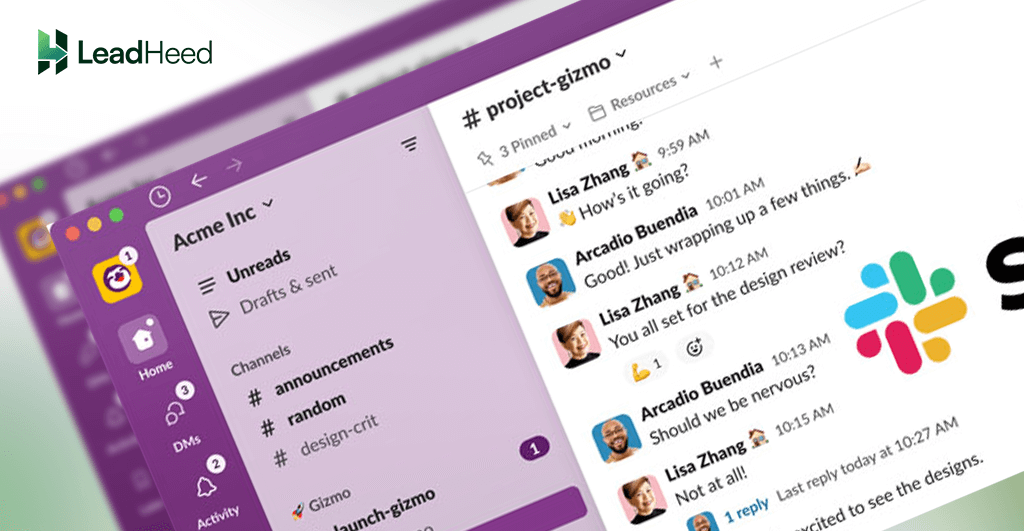
You can integrate Slack with many work apps, so teams can receive alerts, assign tasks, and share updates from other tools in the same workspace.
- Centralizes team communication in channels by project or topic.
- Keeps discussions searchable, so important decisions are easy to find.
- Supports file sharing, so documents stay connected to conversations.
- Reduces email back-and-forth with faster internal coordination.
- Integrates with work tools to keep updates in one place.
Slack is best for teams that need organized communication, quick collaboration, and clear coordination across projects.
4. Zoom
Zoom is a meeting and conference calling tool that helps organizations run online meetings with clients and internal teams. It supports video calls, audio conference calls, screen sharing, and meeting recordings.
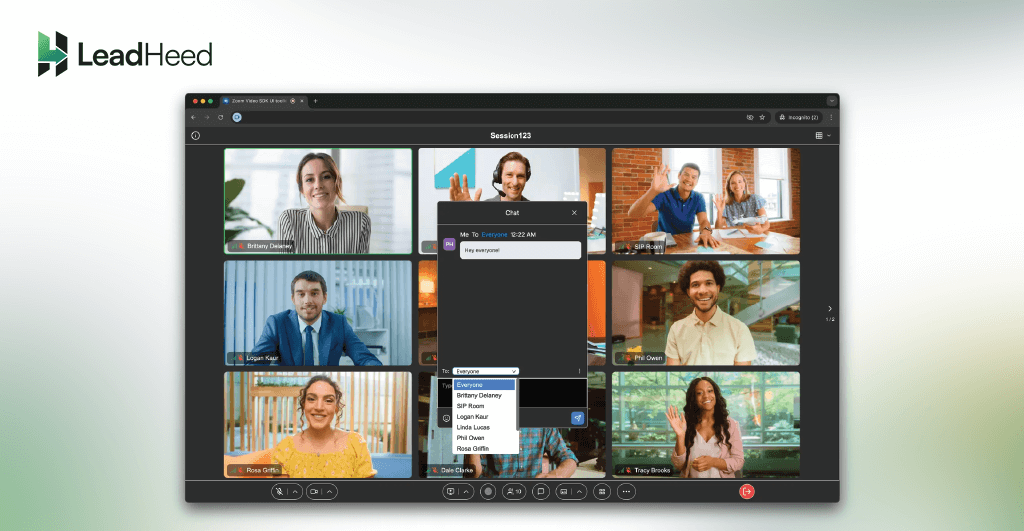
You can create recurring meeting links, control who joins with waiting rooms and passcodes, and keep sessions focused with host controls (mute, remove participants, screen sharing, and more).
- Runs video meetings and conference calls for teams and clients.
- Supports screen sharing, so teams can explain work clearly in real time.
- Records meetings, so teams review decisions and action points.
- Offers scheduling options, so meetings start on time consistently.
- Works well for webinars and large group sessions when needed.
Zoom is best for teams that run frequent meetings, client calls, and conference discussions, and need reliable communication.
5. Google Workspace
Google Workspace has a set of productivity tools that help teams manage email, documents, files, and schedules in one system. It includes Gmail, Google Drive, Docs, Sheets, Slides, and Google Calendar, so teams can create, store, and share work without switching between disconnected tools.
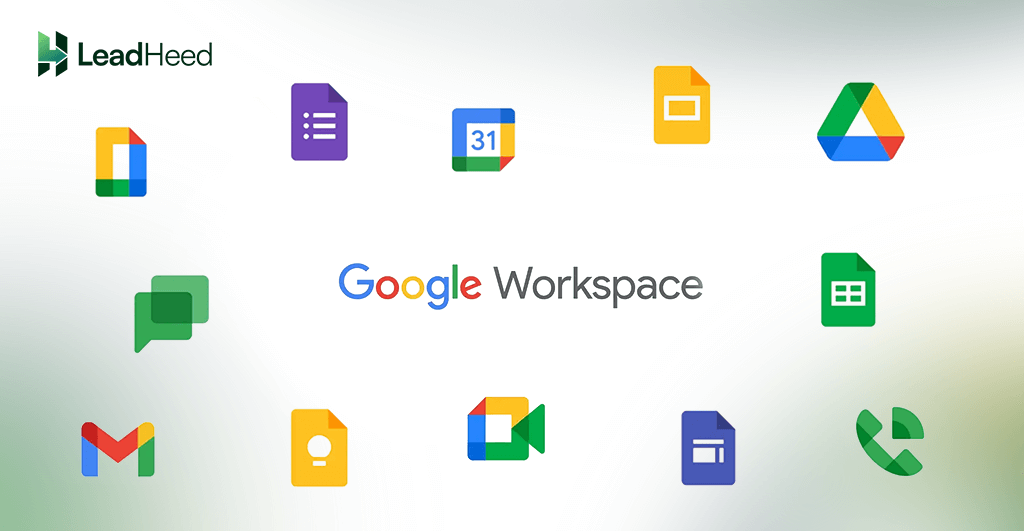
Google Workspace helps teams keep documents organized. Multiple people can work on the same document at the same time, leave comments, track changes, and access files from any device. It helps teams keep documents organized.
- Centralizes email, documents, files, and calendars in one suite.
- Supports real-time editing, so teams collaborate without file confusion.
- Stores files in Drive, so documents stay organized and accessible.
- Uses shared calendars, so scheduling stays clear across teams.
- Enables permission control, so access stays secure and managed.
Google Workspace is best for teams that want one reliable system for email, file storage, documentation, and scheduling.
6. Miro
Miro is an online whiteboard tool that organizations use to plan ideas visually. Teams use it to brainstorm, map workflows, design processes, and organize project thinking in one shared space. It works well when a team needs clarity before execution.
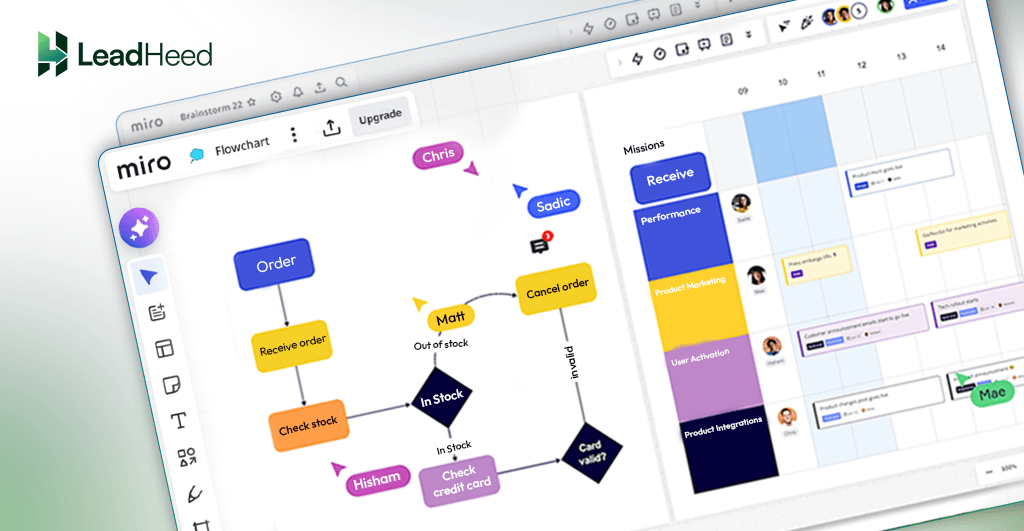
Miro also helps teams turn messy discussions into structured plans. You can collect ideas, group them, prioritize them, and convert them into clear steps. It keeps planning organized and helps teams align faster before starting the work.
- Organizes brainstorming, workflows, and planning in one visual board.
- Helps teams map processes clearly using templates and frameworks.
- Supports real-time collaboration while keeping planning notes visible.
Miro is best for teams that run workshops, plan workflows, and need visual collaboration for better clarity.
7. BambooHR
BambooHR is an organizational tool for HR management that helps companies organize employee information and people processes in one system. It supports hiring, onboarding, time off, and employee records, so HR work stays structured as the team grows.
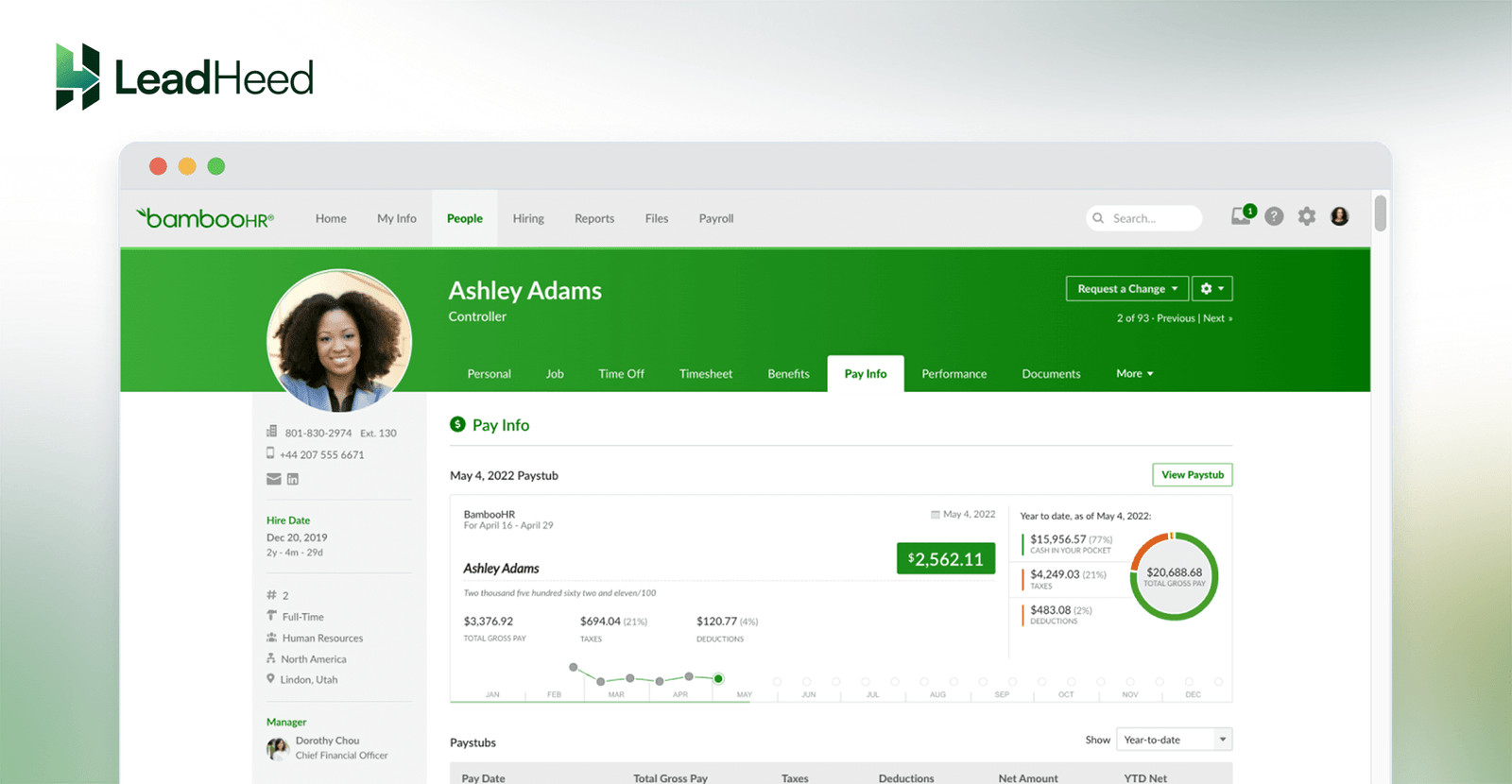
BambooHR also offers payroll as an add-on (for US employees only), so HR and payroll data stay connected and teams reduce manual updates between systems.
- Centralizes employee records, so HR data stays accurate.
- Tracks time-off requests and approvals with a shared calendar.
- Runs payroll for US employees with pay stubs and filings.
- Organizes onboarding tasks so new hires start smoothly.
- Generates HR reports, so teams can review people data quickly.
BambooHR is best for growing companies that need HR, onboarding, time off, and payroll support for US teams.
8. Notion
Notion is one of the best organization tools for documentation and knowledge management to keep internal information organized. Teams use it to store SOPs, meeting notes, project documentation, and company wikis in one place.
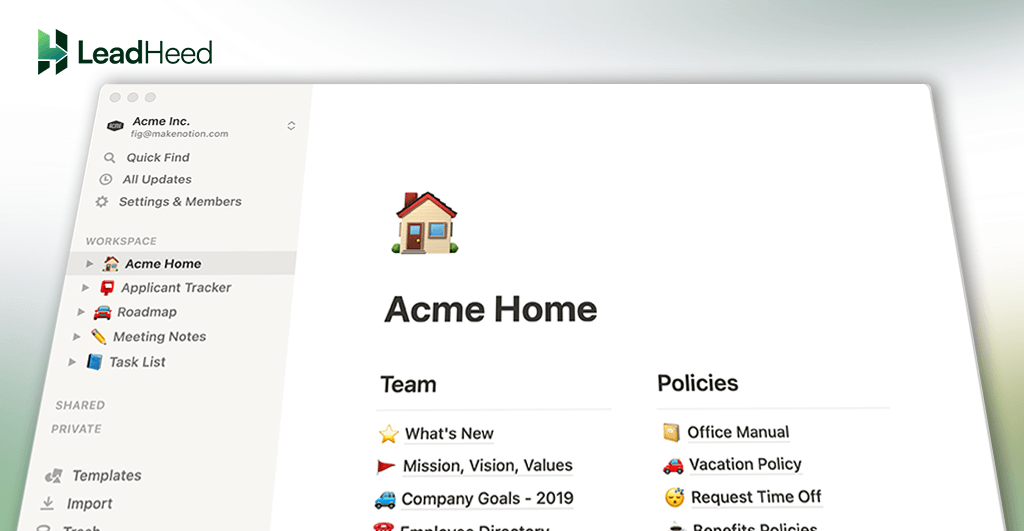
When you document workflows clearly, new team members learn faster, and everyone follows the same steps. It improves execution and reduces repeated questions while keeping processes consistent.
- Organizes SOPs, meeting notes, and team documents in one place.
- Creates a company wiki and reduces repeated questions.
- Supports structured pages and helps teams standardize processes.
Notion is best for teams that need a central place for documentation, knowledge sharing, and internal processes.
9. Zapier
Zapier is an organization tool for automations for teams to connect their apps and reduce manual work. It moves information between tools based on triggers, such as form submissions, new leads, calendar events, or status changes. It helps teams keep workflows organized without constant copying and pasting.
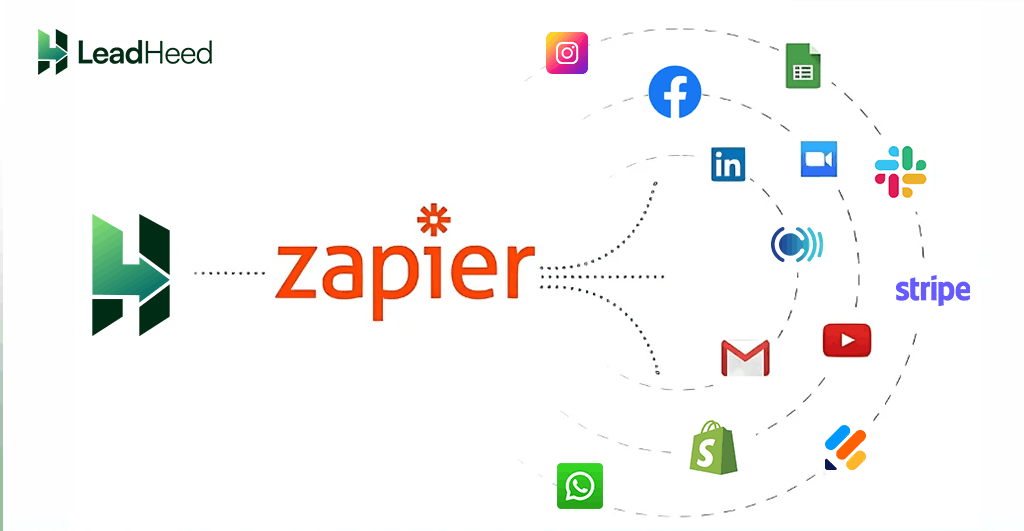
Zapier also helps teams keep records updated across systems. When one tool changes, Zapier can update another tool automatically. It improves consistency and reduces delays caused by manual updates.
- Connects apps with simple triggers to automate repetitive tasks.
- Syncs data between tools, so records stay updated everywhere.
- Creates tasks automatically and reduces manual copying.
Zapier is best for teams that use multiple tools and want automation to reduce manual tasks and keep workflows consistent.
10. Insightful.io
Insightful.io is a workforce productivity and time tracking tool that helps teams understand how work time is spent. It tracks activity and time, then turns that data into clear reports for planning, workload management, and performance reviews. 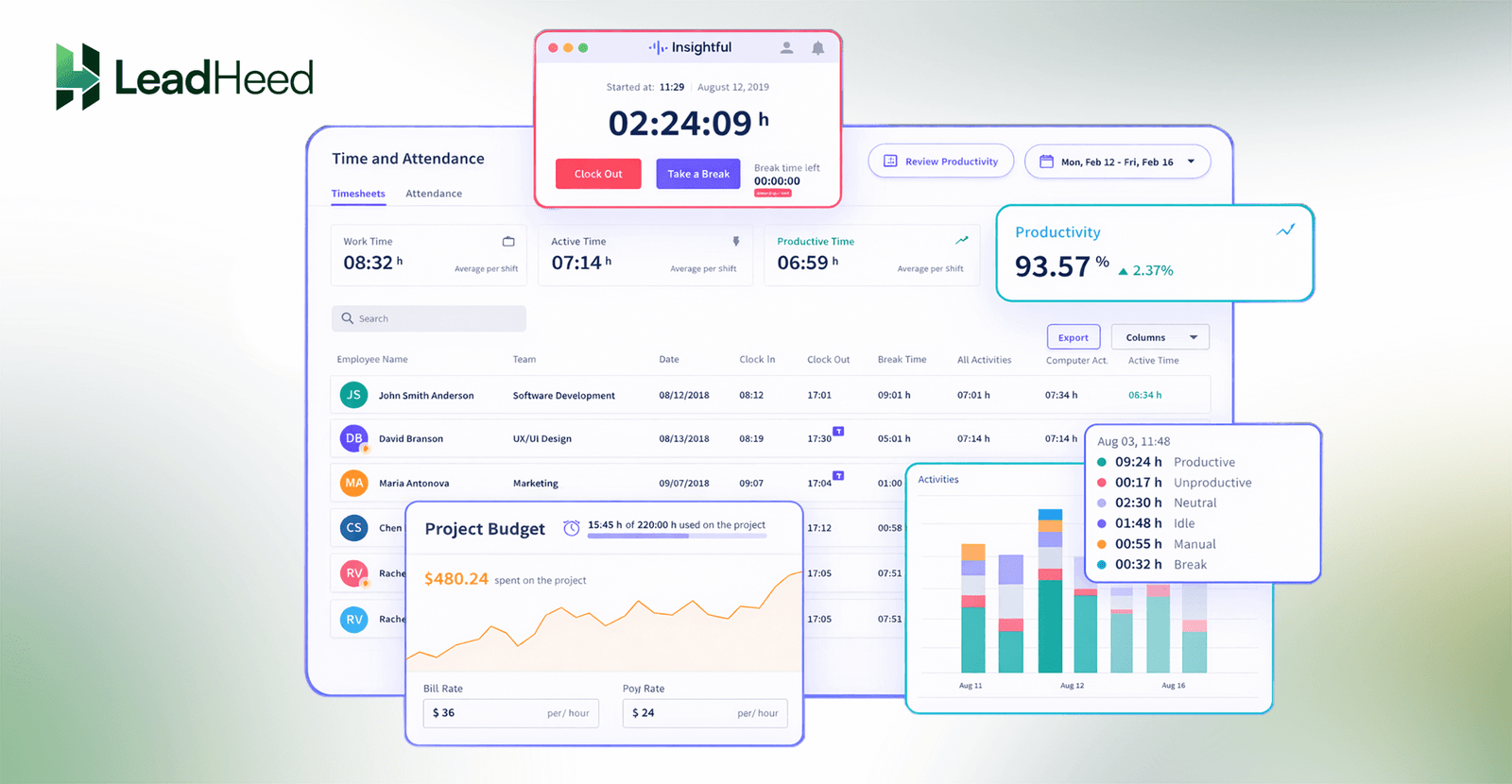
Insightful.io helps teams manage work more consistently across office, remote, and hybrid setups. It helps managers balance work, reduce inefficiency, and plan staffing based on real usage patterns.
- Tracks time automatically and shows productivity trends.
- Breaks down app and website usage by role and team.
- Provides reports for projects and clients, useful for billing control.
Insightful.io is best for teams that need time tracking and productivity visibility to manage workloads and improve daily execution.
Conclusion
Strong organization comes from clear systems, not more effort. The best organizational tools give teams one place to communicate, plan, document, meet, and track work. When each tool has a clear purpose, teams reduce confusion, keep ownership clear, and complete work on time.
Use the listed 10 organization tools to build a simple stack based on your needs. Start with the tools that solve your biggest daily problems—lost tasks, delayed follow-ups, scattered files, or unclear project status. Then add only what supports your workflow.
FAQs
What is an organizational tool?
An organizational tool is software that helps you plan work, store information, assign tasks, and track progress. It supports clear ownership, deadlines, and structured workflows.
What are the four organizational tools?
We can group organizational tools in 4 categories:
- Communication tools (team chat and updates)
- Planning and project tools (tasks, deadlines, workflow tracking)
- Documentation tools (files, notes, SOPs, knowledge base)
- Coordination tools (meetings, people management, and follow-ups)
Which organizational tools are best for small teams?
Small teams usually need a simple stack: one tool for communication, one for meetings, one for documents, and one for task tracking. Slack, Zoom, Google Workspace, and LeadHeed are some of the best organizational tools for small teams.
What software do most offices use?
Most offices use a productivity suite for email, documents, file storage, and scheduling. Many teams use Google Workspace as the base system, then add tools for chat, meetings, project tracking, and HR.