

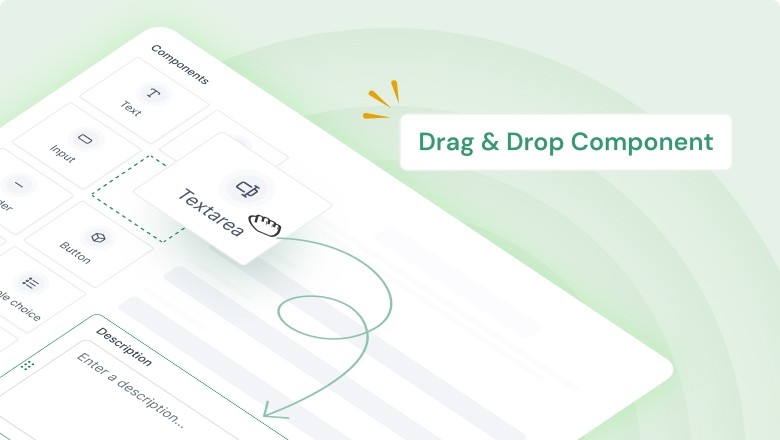
Form Builder
Create custom forms to collect lead details. Share the form link or QR code.
Form Templates
Use ready-made form layouts to launch faster and stay consistent.
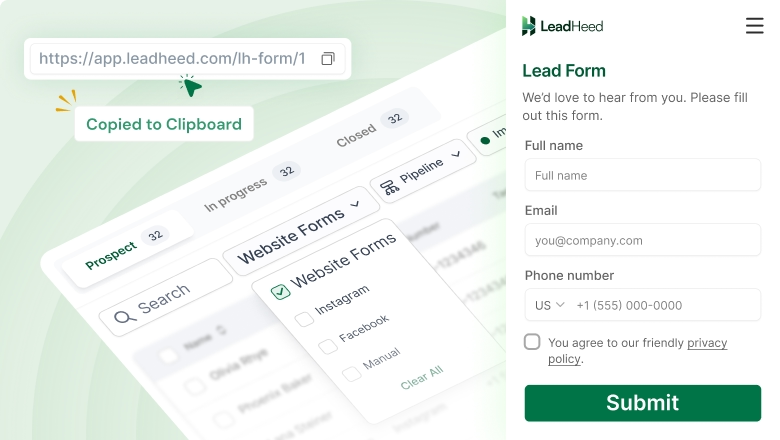
Website Form Embed
Embed your forms on any page to capture leads directly from your site.
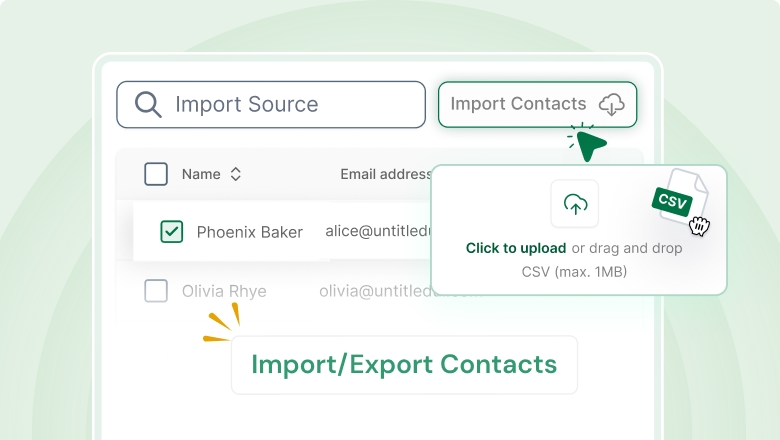
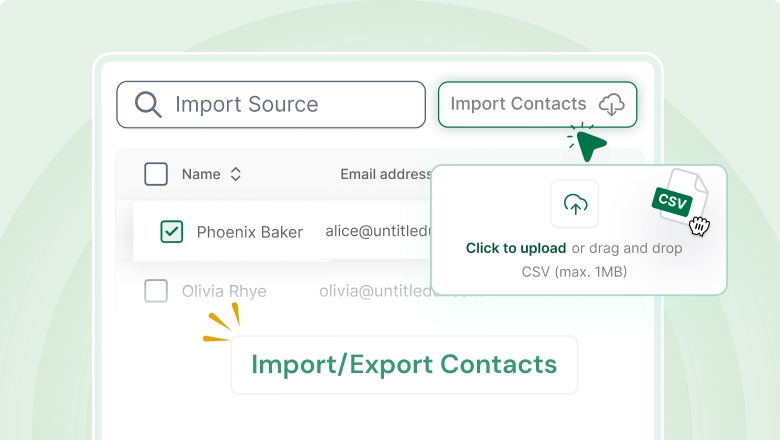
Import/Export Contacts
Import lists in bulk and export data anytime for backups or sharing.
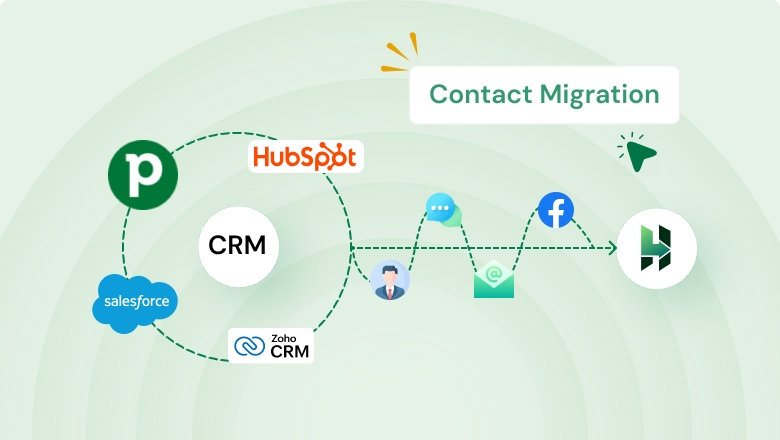
Contact Migration Coming Soon
Move contacts from your old system with a clean, organized setup.
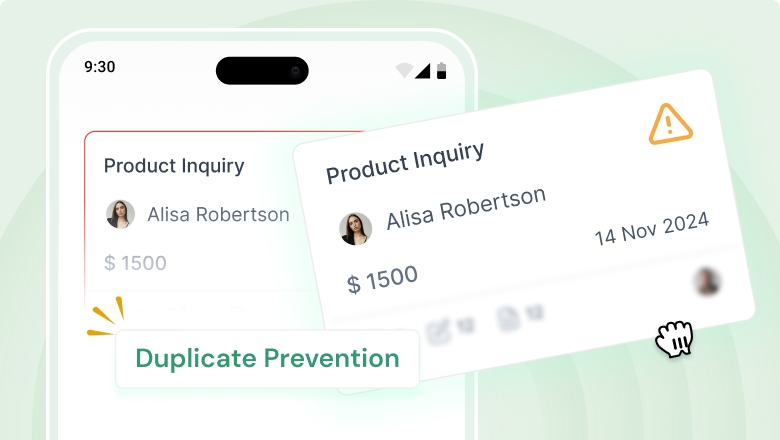
Duplicate Prevention + Validation
Deletes duplicate entries and keeps records accurate and reliable.

Social Leads Coming Soon
Manage social messaging in your CRM and move users to your lead list.
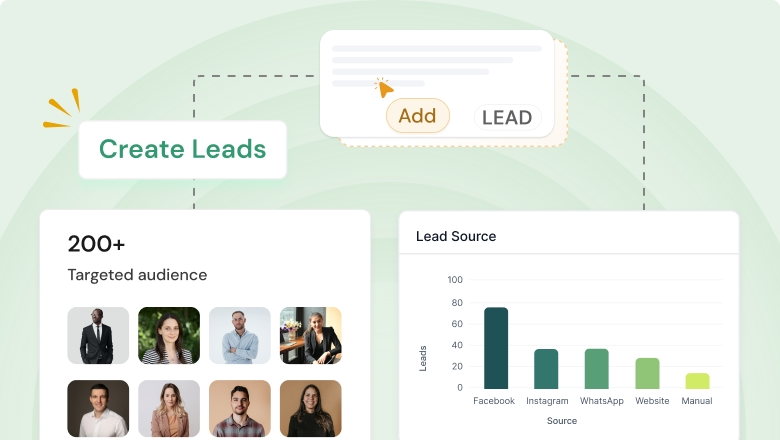
Create Leads Manually
Add leads manually in seconds when you receive inquiries offline.
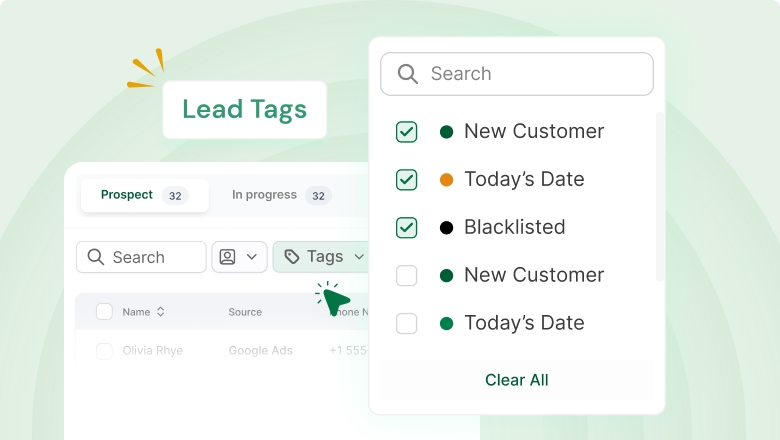
Lead Tags
Tag leads to group, filter, and prioritize them easily (Hot, Cold, Urgent).
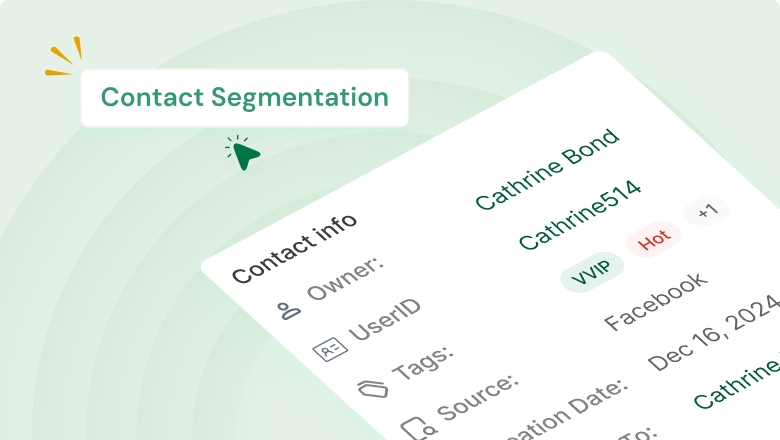
Contact Segmentation
Segment contacts based on date, source, tag, and owners.
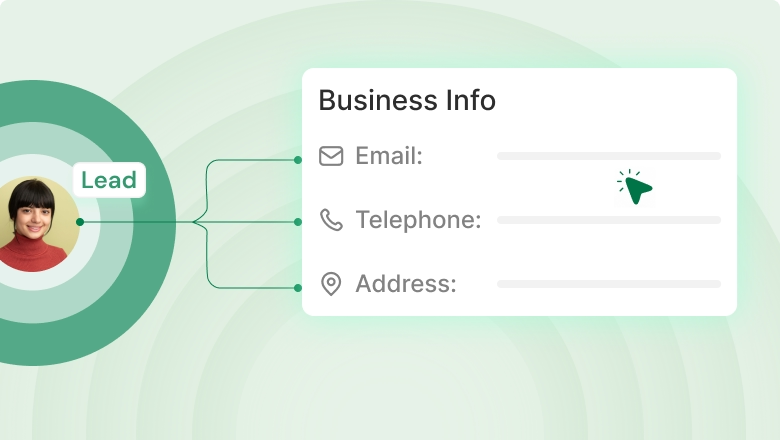
Business Info
Add more business details alongside contact information for better context.
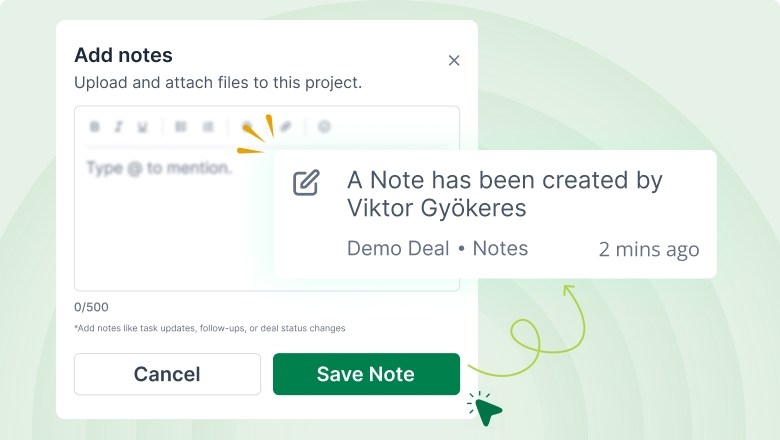
Contact Notes
Add notes to track requirements, discussions, and next steps in one place.
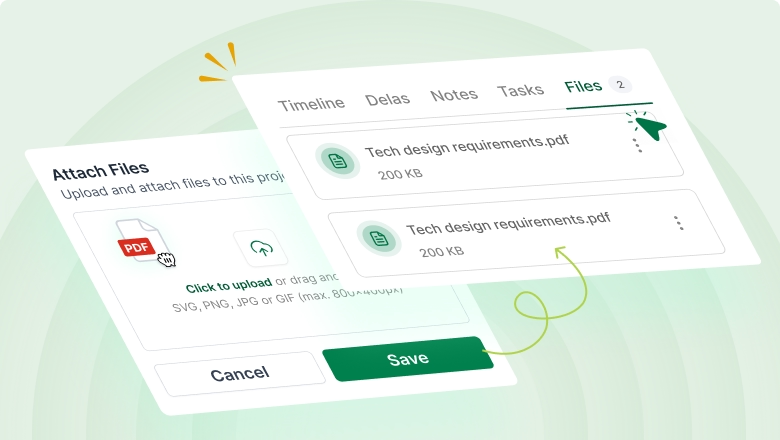
Attach Files
Upload documents and attachments to keep everything connected to the record.
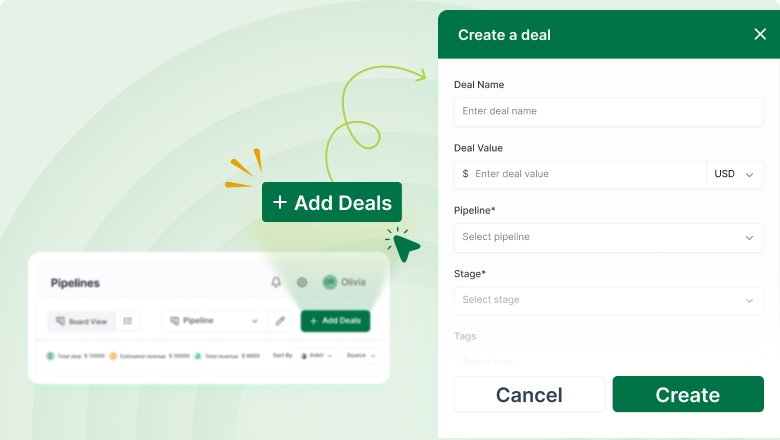
Create Deals
Convert qualified leads into deals and start tracking progress immediately.
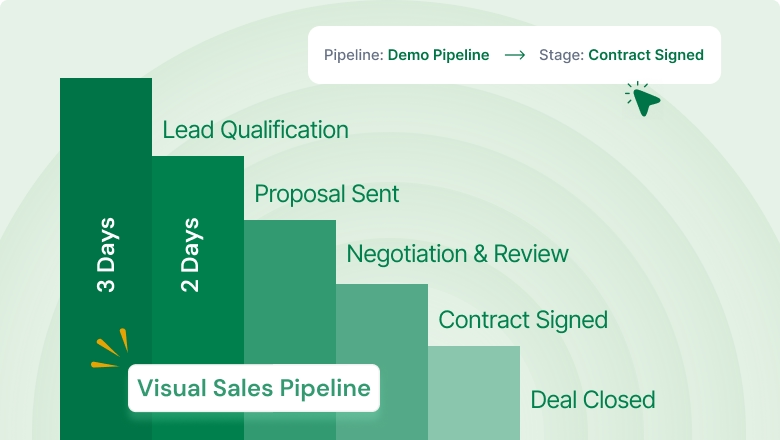
Visual Sales Pipeline
Get a 360° view of your deals and understand progress at a glance.
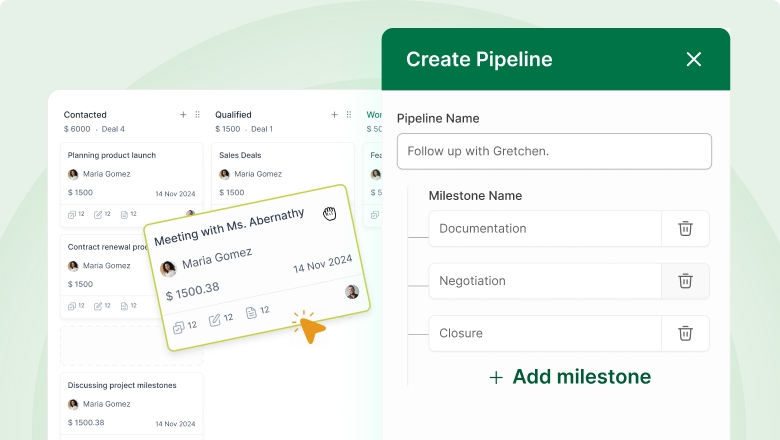
Create Multiple Pipelines
Build separate pipelines for products, teams, or different sales processes.
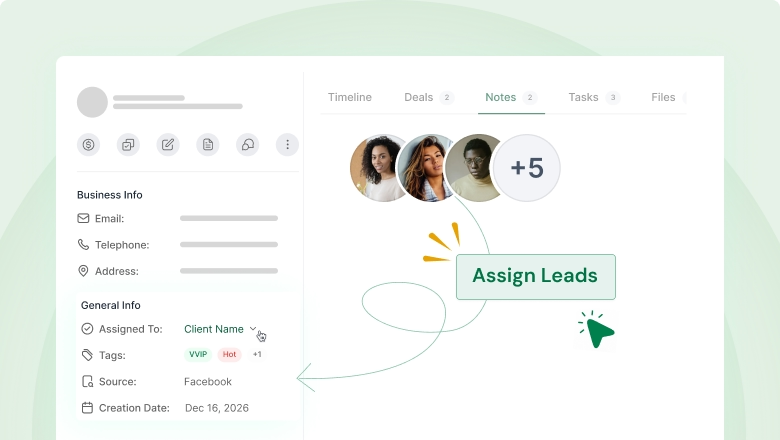
Assign Deal Owners
Assign ownership so every deal has a clear person responsible.
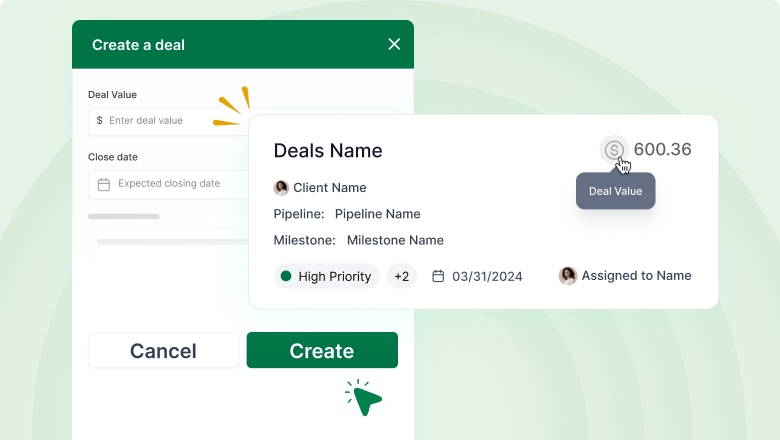
Deal Value + estimated close time
Add deal value and expected close timing to plan your next steps.
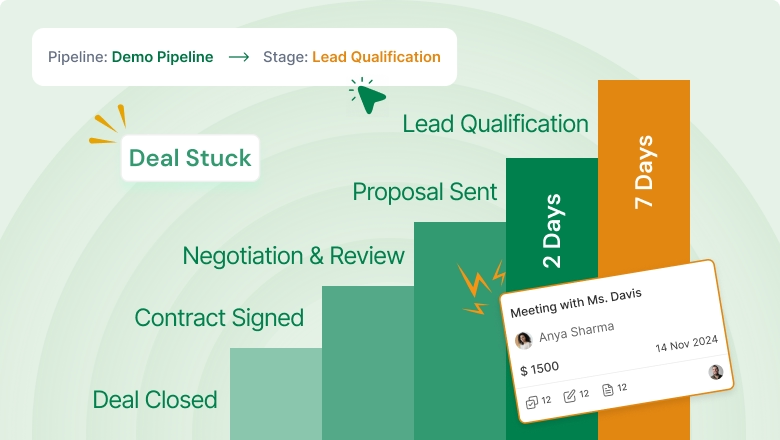
Deal Rotting Coming Soon
Identify deals that are stuck and take action before they drop off.
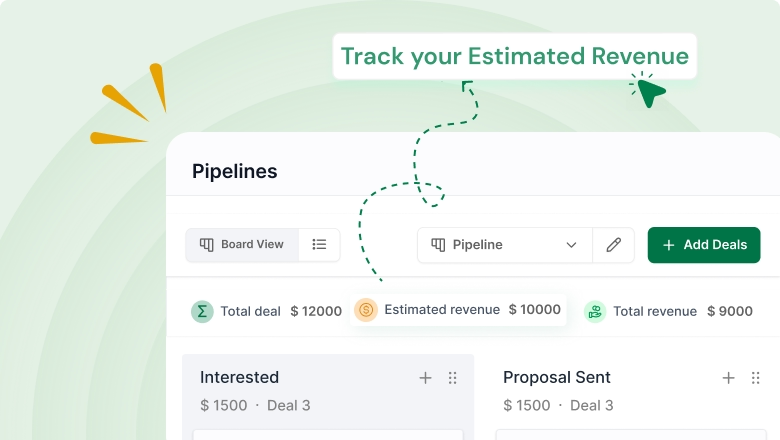
Estimated Revenue
Estimate potential revenue based on what’s in your pipeline.

Deal Filter
Filter and sort deals (based on source, owner, and more) to focus on priority items.
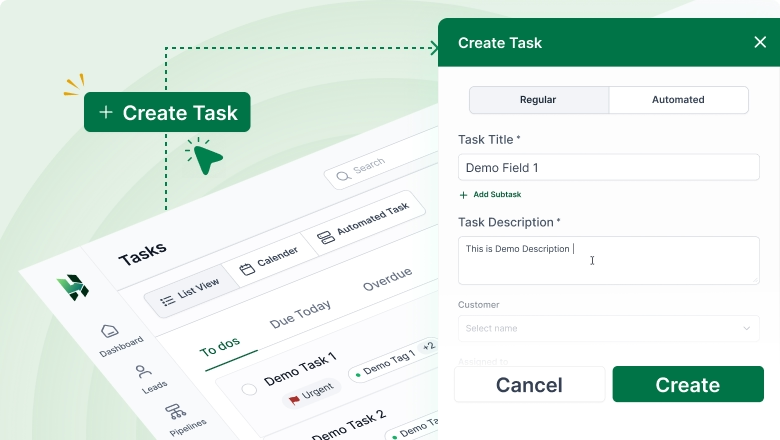
Create Task
Add tasks with due dates so follow-ups stay structured and timely.
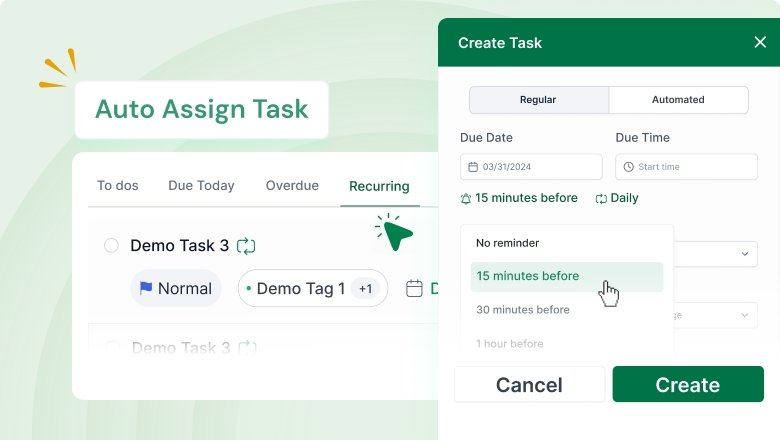
Auto Assign Task
Automatically assign tasks based on your workflow rules.
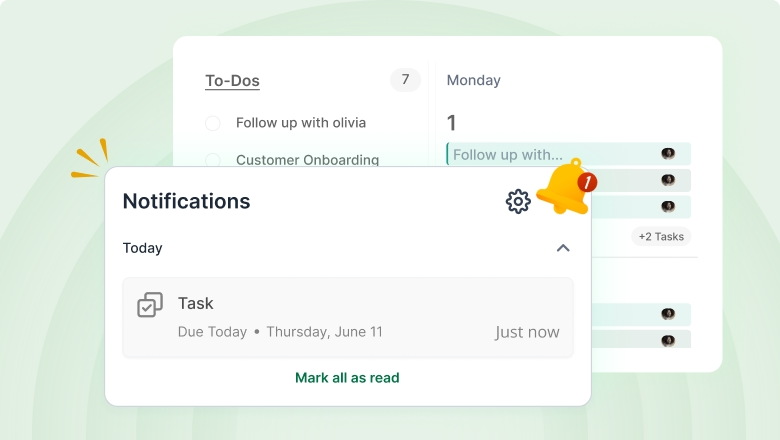
Task Reminder
Set reminders so nothing gets missed during busy days.
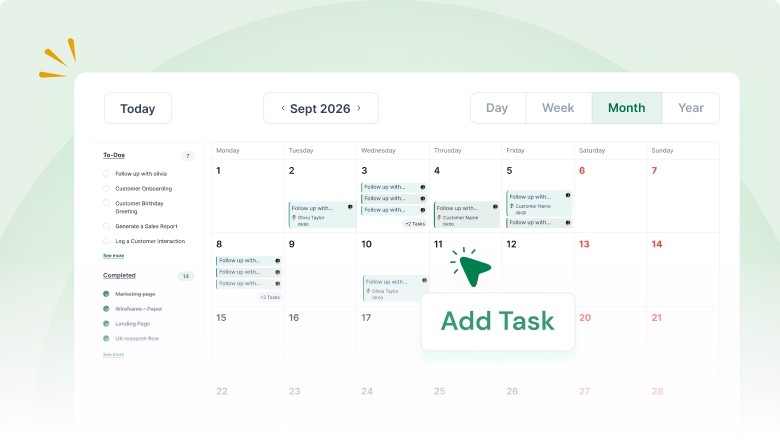
Calendar View
View tasks in a calendar format to plan workloads clearly.
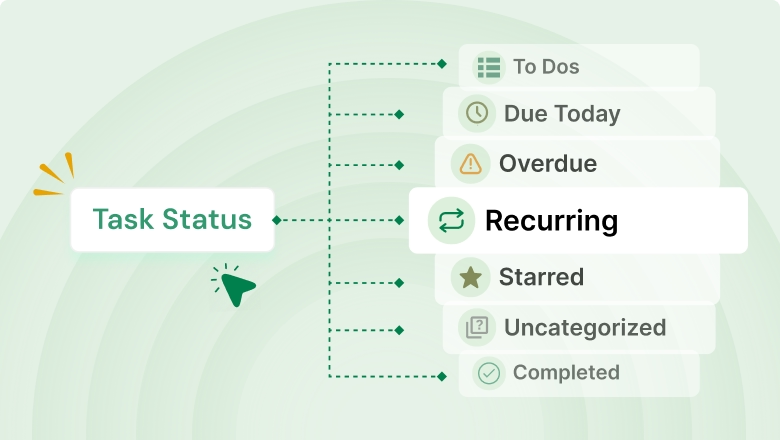
Task Status
Track progress with statuses so everyone knows what’s done and pending.
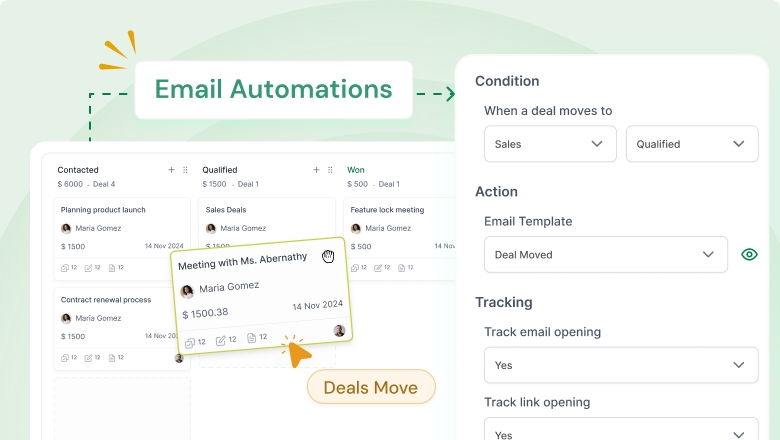
Email Automations
Trigger emails automatically based on actions or status changes.
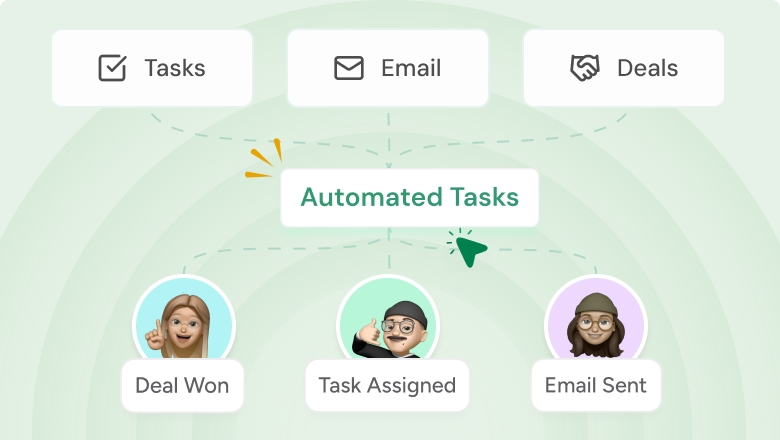
Automated Tasks
Create tasks automatically so follow-ups happen on time without manual effort.
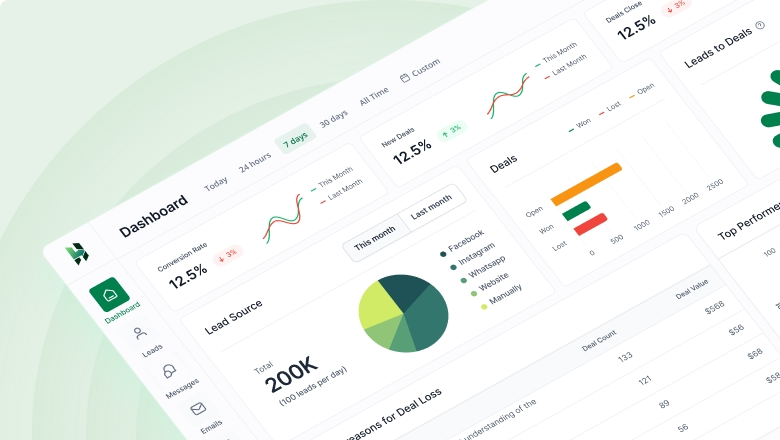
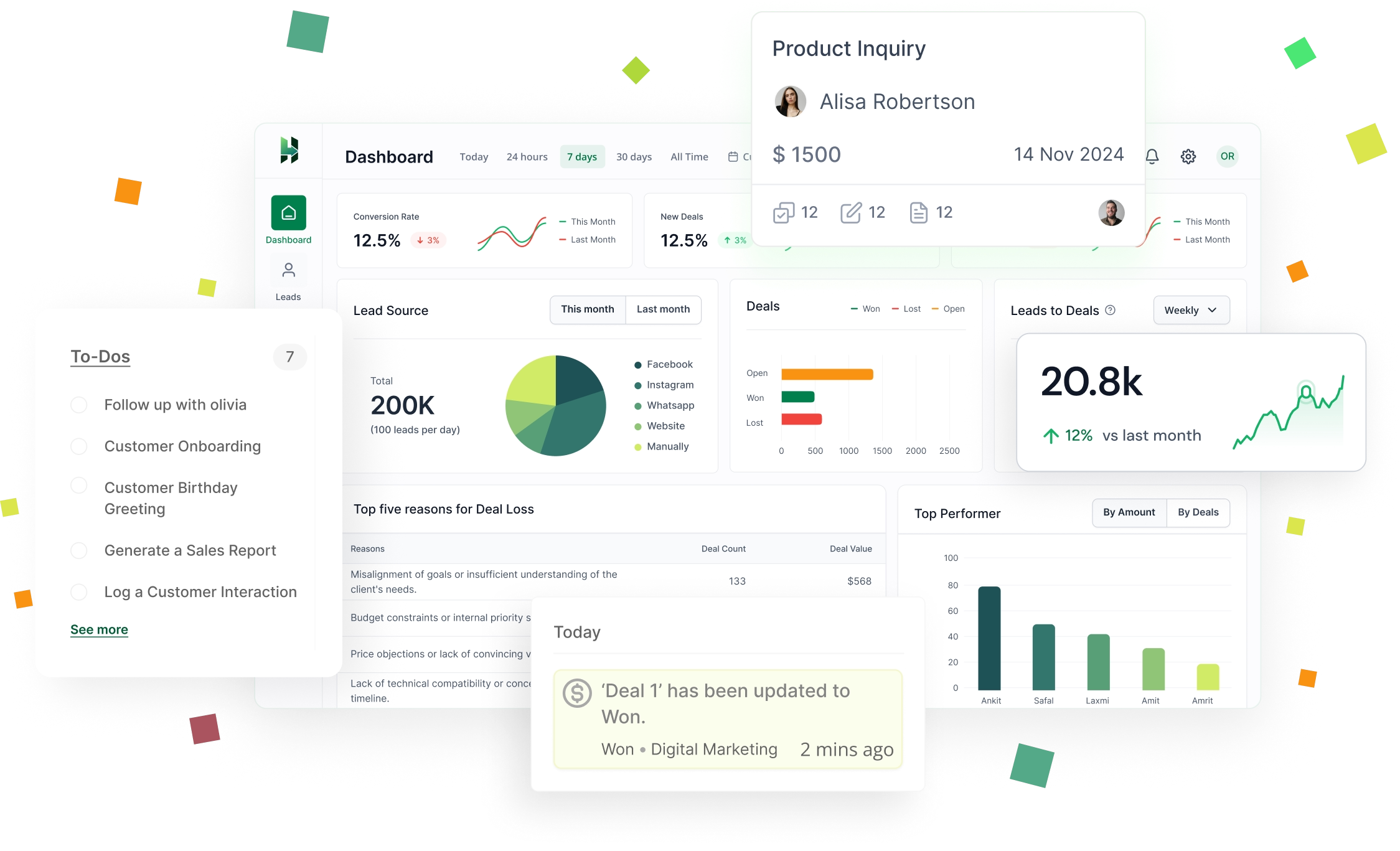
Analytics Dashboard
Get a high-level view of activity, progress, and outcomes.
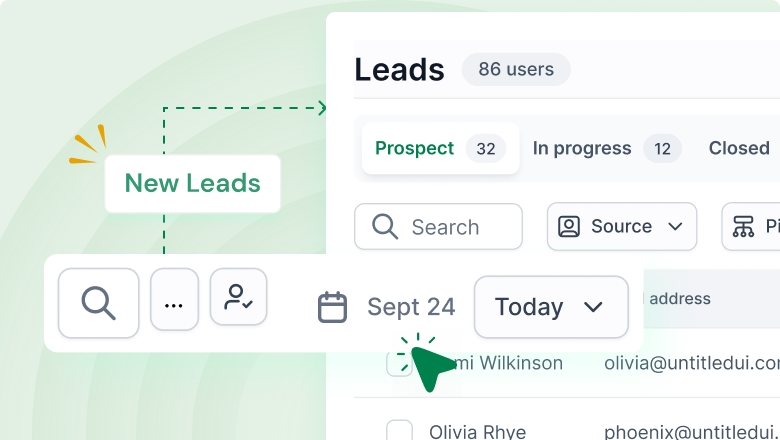
New Leads
Track how many new leads are coming in over time.
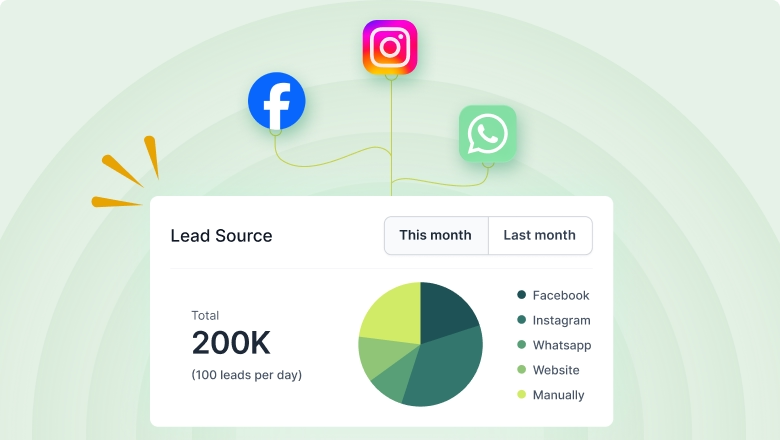
Lead Source Tracking
Understand where leads come from and which sources perform best.
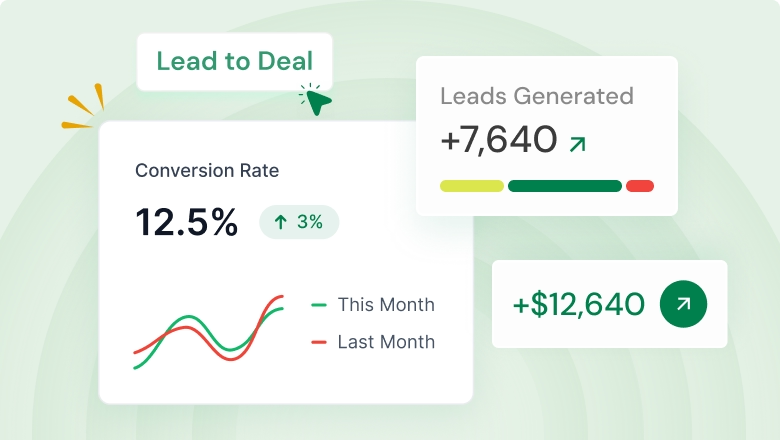
Lead to Deal Conversion
See how many leads become deals and where drop-offs happen.
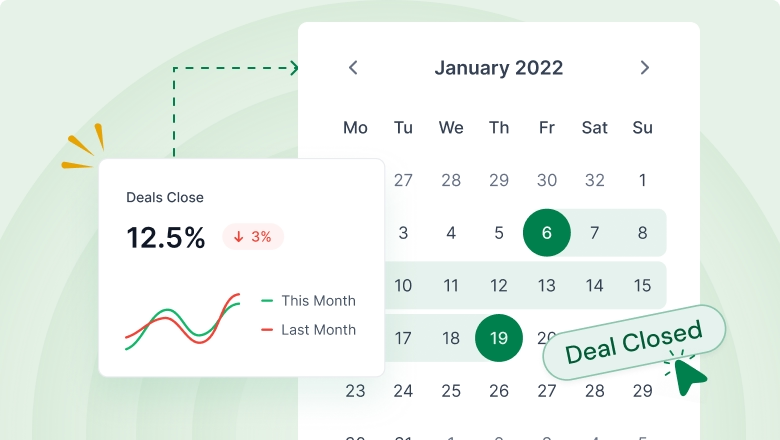
Closed Deals
Track closed deals to review outcomes and patterns.
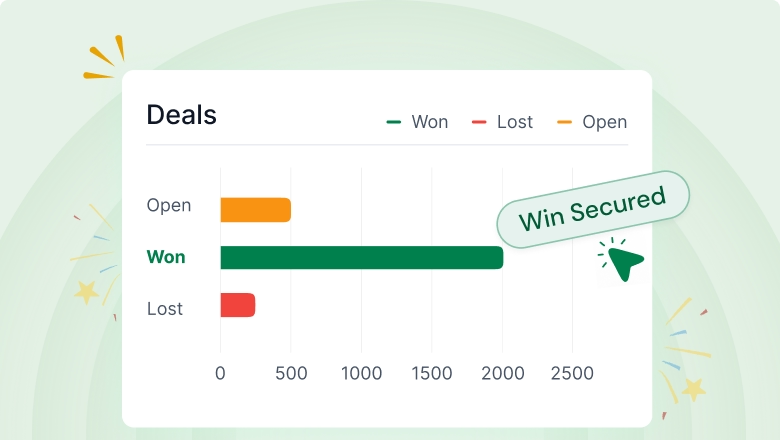
Won Deals
Understand where leads come from and which sources perform best.
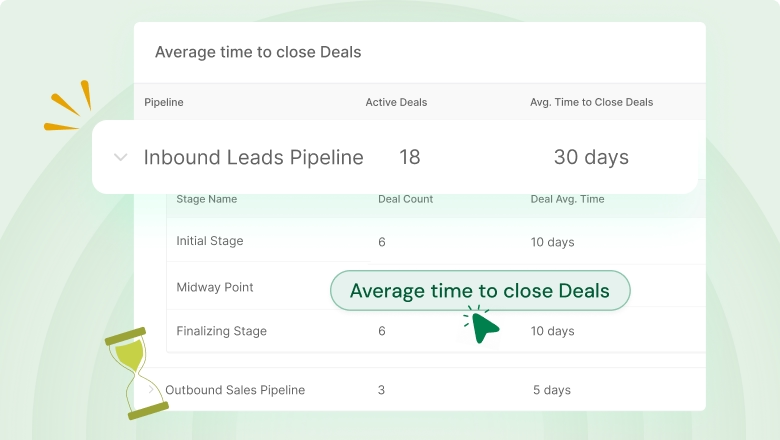
Average Deal Close Time
See how long deals take to close and improve efficiency.
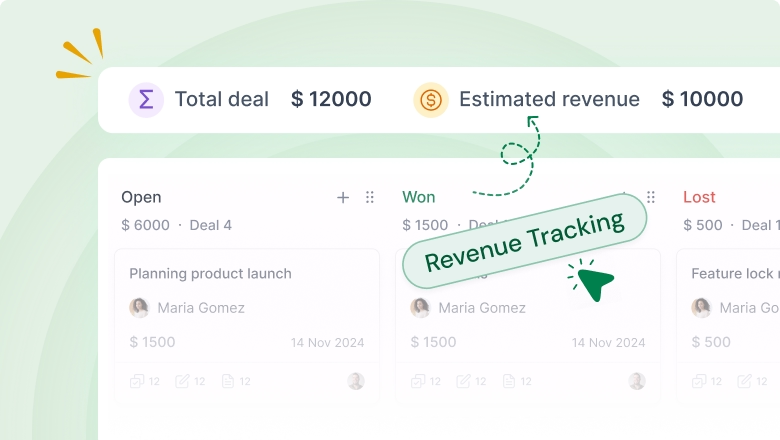
Revenue Tracking
Track revenue outcomes and trends with performance insights.
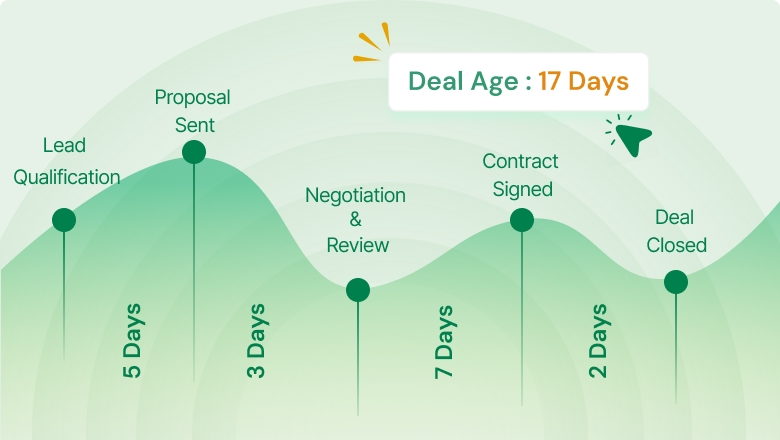
Deal Aging
Spot deals that sit too long in one stage and need action.
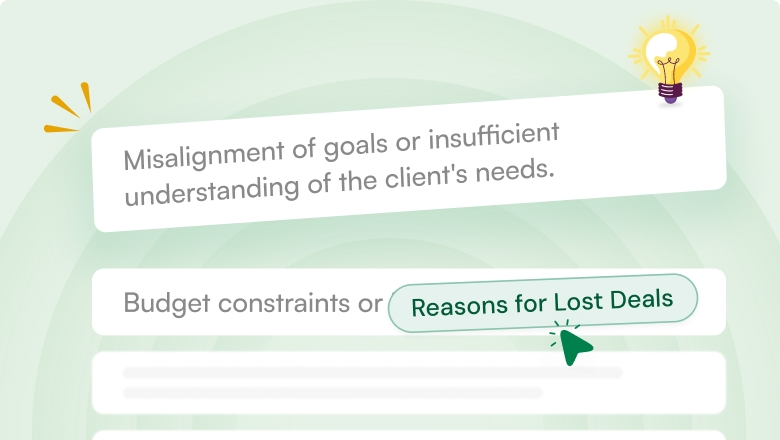
Deal Lost Reason
Record why deals are lost and use that insight to improve your process.
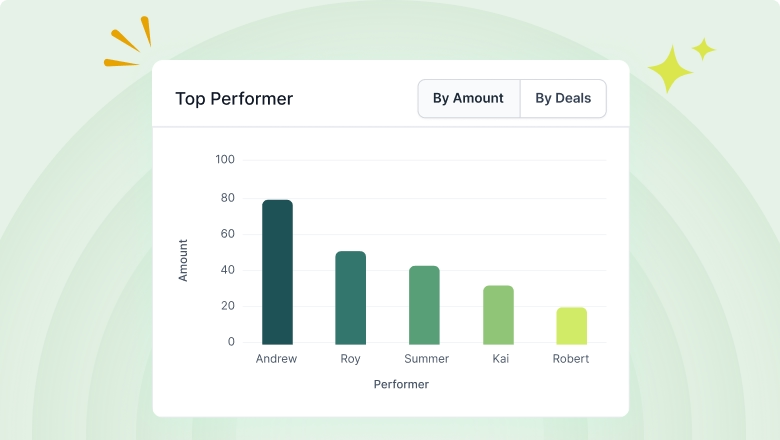
Top Performers
Identify top contributors and compare performance by user.
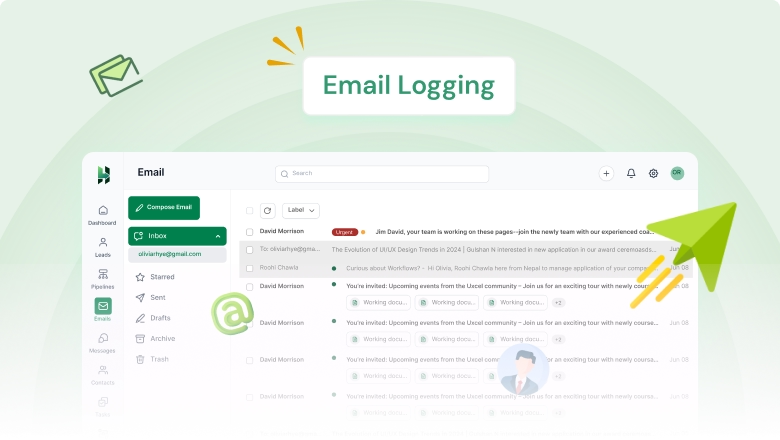
Email Logging
Automatically store email history so conversations stay traceable.
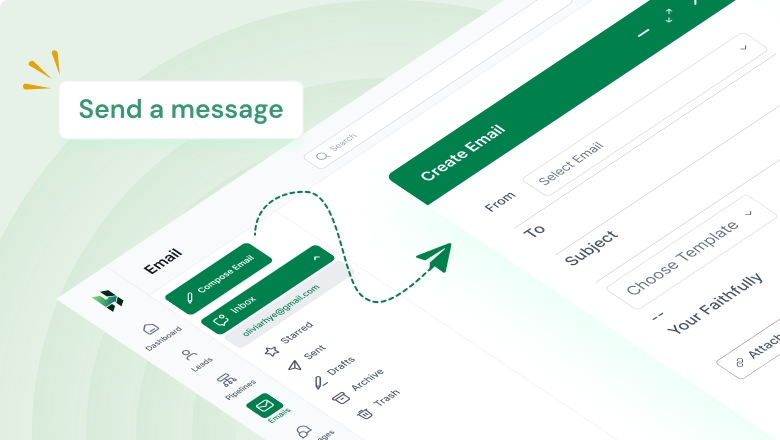
Compose Emails
Write and send emails directly while keeping context intact.
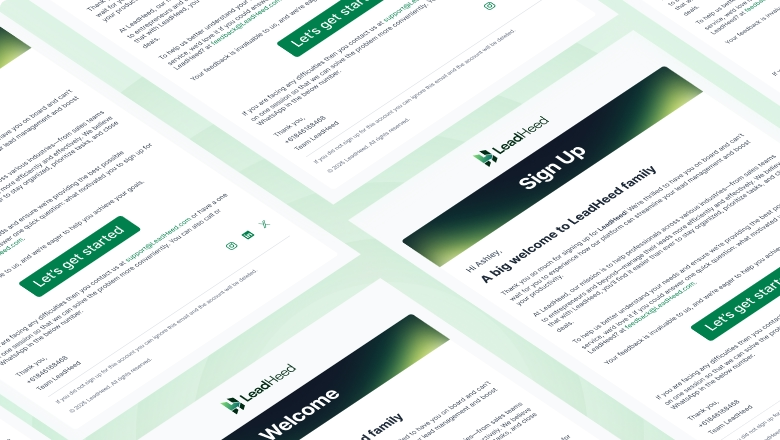
Email Templates Coming Soon
Save templates for faster outreach and consistent messaging.

Facebook Coming Soon
Manage Facebook messages, and move the right user to your lead list.

Instagram Coming Soon
Answer your Instagram inquiries directly from LeadHeed CRM, and create leads.

WhatsApp Coming Soon
Keep WhatsApp chats organized, and move the interested users to your sales pipeline.
Form Builder
Create custom forms to collect lead details. Share the form link or QR code.
Form Templates
Use ready-made form layouts to launch faster and stay consistent.
Website Form Embed
Embed your forms on any page to capture leads directly from your site.
Import/Export Contacts
Import lists in bulk and export data anytime for backups or sharing.
Contact Migration
Move contacts from your old system with a clean, organized setup.
Duplicate Prevention + Validation
Deletes duplicate entries and keeps records accurate and reliable.
Social Leads
Manage social messaging in your CRM and move users to your lead list.
Create Leads Manually
Add leads manually in seconds when you receive inquiries offline.
Lead Tags
Tag leads to group, filter, and prioritize them easily (Hot, Cold, Urgent).
Contact Segmentation
Segment contacts based on date, source, tag, and owners.
Business Info
Add more business details alongside contact information for better context.
Contact Notes
Add notes to track requirements, discussions, and next steps in one place.
Attach Files
Upload documents and attachments to keep everything connected to the record.
Create Deals
Convert qualified leads into deals and start tracking progress immediately.
Visual Sales Pipeline
Get a 360° view of your deals and understand progress at a glance.
Create Multiple Pipelines
Build separate pipelines for products, teams, or different sales processes.
Assign Deal Owners
Assign ownership so every deal has a clear person responsible.
Deal Value + estimated close time
Add deal value and expected close timing to plan your next steps.
Deal Rotting
Identify deals that are stuck and take action before they drop off.
Estimated Revenue
Estimate potential revenue based on what’s in your pipeline.
Deal Filter
Filter and sort deals (based on source, owner, and more) to focus on priority items.
Create Task
Add tasks with due dates so follow-ups stay structured and timely.
Auto Assign Task
Automatically assign tasks based on your workflow rules.
Task Reminder
Set reminders so nothing gets missed during busy days.
Calendar View
View tasks in a calendar format to plan workloads clearly.
Task Status
Track progress with statuses so everyone knows what’s done and pending.
Email Automations
Trigger emails automatically based on actions or status changes.
Automated Tasks
Create tasks automatically so follow-ups happen on time without manual effort.
Analytics Dashboard
Get a high-level view of activity, progress, and outcomes.
New Leads
Track how many new leads are coming in over time.
Lead Source Tracking
Understand where leads come from and which sources perform best.
Lead to Deal Conversion
See how many leads become deals and where drop-offs happen.
Closed Deals
Track closed deals to review outcomes and patterns.
Won Deals
Understand where leads come from and which sources perform best.
Average Deal Close Time
See how long deals take to close and improve efficiency.
Revenue Tracking
Track revenue outcomes and trends with performance insights.
Deal Aging
Spot deals that sit too long in one stage and need action.
Deal Lost Reason
Record why deals are lost and use that insight to improve your process.
Top Performers
Identify top contributors and compare performance by user.
Email Logging
Automatically store email history so conversations stay traceable.
Compose Emails
Write and send emails directly while keeping context intact.
Email Templates
Save templates for faster outreach and consistent messaging.
Manage Facebook messages, and move the right user to your lead list.
Answer your Instagram inquiries directly from LeadHeed CRM, and create leads.
Keep WhatsApp chats organized, and move the interested users to your sales pipeline.
